What it does
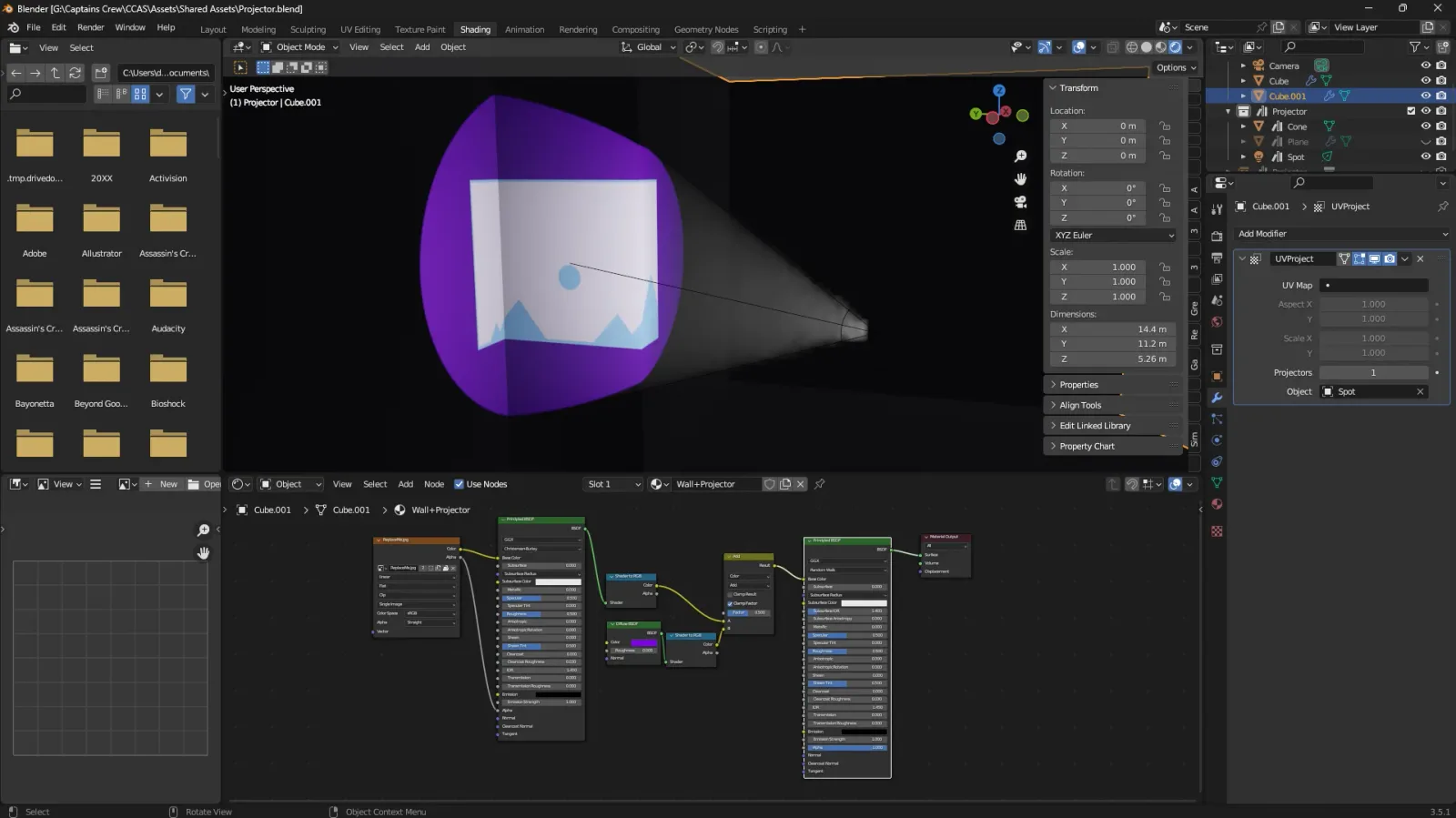
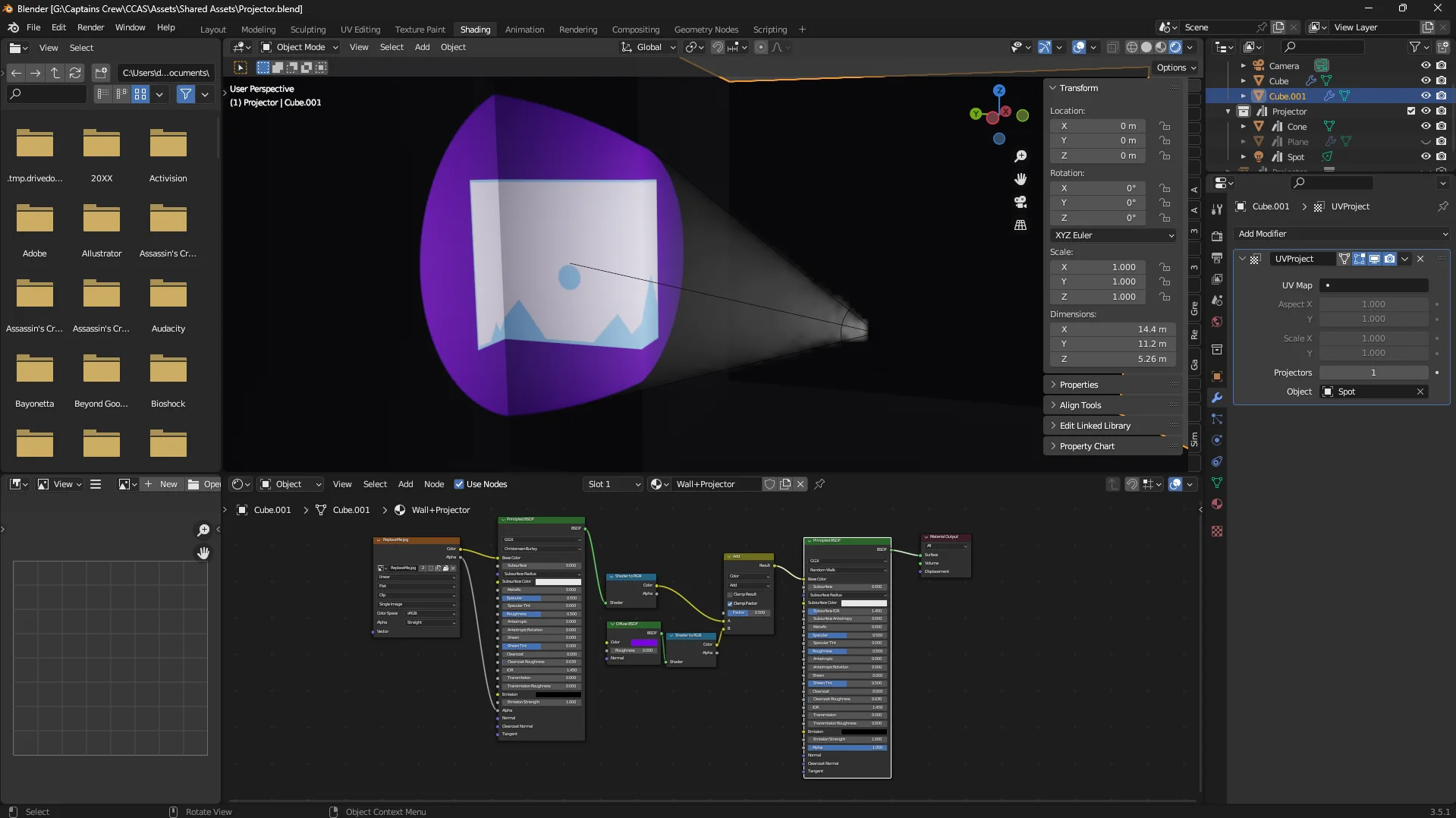
Eevee Projectors is a Blender add-on by F1dg3t for creating fake projector lights in Eevee. Its panel is in the 3D Viewport sidebar's Create tab. The add-on lets you create and animate a dynamic image projector in real time
Adding a projector
Open the 3D Viewport sidebar, select Create, then add a new projector from the Eevee Projectors panel. The listing describes this as a two-step setup. It does not detail individual projection controls or supported image formats, so check the demo on the official listing or the project repository if a specific feature matters to your workflow.
Blender compatibility
Blender Extensions lists version 1.1.1 with a minimum Blender version of 4.2.0. That minimum does not confirm that every later release has been tested. A user comment on the listing reports a problem with Blender 4.5 but gives no steps to reproduce it. If Blender 4.5 is your target, check the latest project notes or test the add-on in a copy of your project before relying on it.
Installation and license
The package is licensed under the GNU General Public License v3.0 or later. The official listing links to Blender's Install from Disk instructions for installing a downloaded extension. Check the listing for the available package and its current compatibility details.