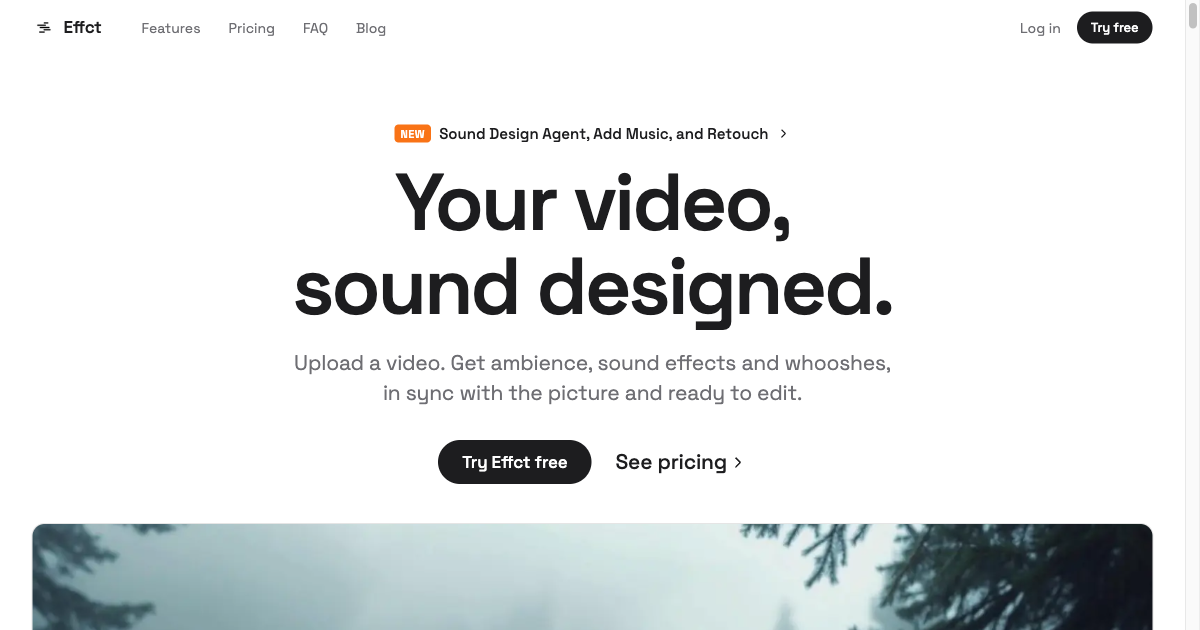
Effct is a sound design plugin for Adobe Premiere Pro. It analyzes video and places generated ambience, action sounds and design effects in sync with the edit. The developer lists support for Premiere Pro 25.6 or later. Effct is available through Adobe Exchange.
Sound design on the sequence
Effct builds a first pass across a video using ambience, foley and design sounds such as whooshes and impacts. In Premiere Pro, its panel adds sound design as clips on the sequence. You can regenerate an individual clip to try another option or add a sound at the playhead without leaving Premiere.
Each sound is a separate editable clip. In the Effct editor, you can move or trim clips, adjust their level, fade them, or mute and solo a lane. Its sound library combines effects the team designed and recorded for picture with CC0-licensed sound effects. See the Effct FAQ for details about the editing workflow.
Browser tools and exports
Effct also has a browser editor. Storyboard mode, which works in a desktop browser, organizes a project by scene and shot, while Tracks mode lays sounds out on a timeline. In the browser editor, you can select a shot, review its sound, and refine the result. This is separate from the Premiere panel, which focuses on adding sound design to a Premiere sequence and regenerating or adding clips there.
Paid plans export a QuickTime movie with the mix and a full-mix WAV. Creator and higher plans add WAV stems by sound category; Pro and higher plans add an AAF package and Premiere Pro XML. Export options depend on the plan.
Trial and plan requirements
The Premiere Pro panel is included with every paid Effct plan. The free trial runs in the browser and covers the first 30 seconds of one video; trial projects cannot be exported until you upgrade. Plans include different monthly processing minutes, so check Effct's current plan details before choosing one.
Who Effct may suit
Effct may suit Premiere editors who want a synced sound design first pass and are comfortable reviewing and refining the generated clips. Its workflow saves some manual searching by suggesting sounds for the picture. It may be a poor fit if you prefer to select every sound by hand.