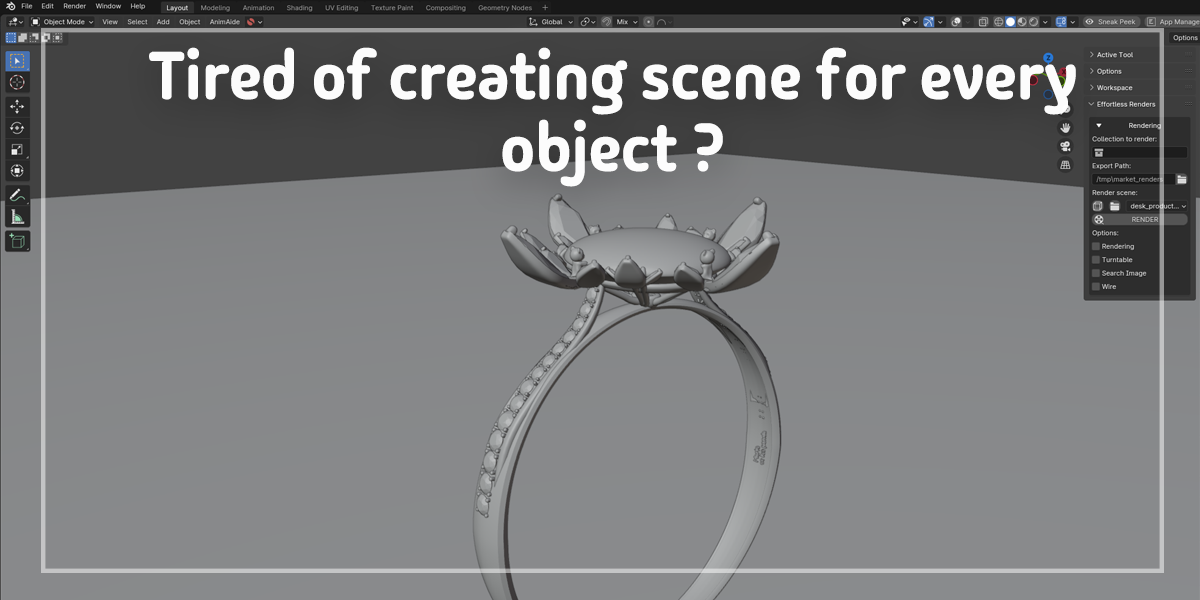
Effortless Renders is a Blender add-on by DUBU JORDAN for preparing model presentation renders. It can create turntables, renderings, wireframes, and thumbnails from its panel, with render modes for high-quality output or previews.
Choose a scene and render mode
The add-on includes preset scenes, and you can add your own to suit a model. In the Effortless Render panel, choose the scene, the collection containing your subject, and a render mode. A helper box assists with positioning the model for the selected scene.
Effortless Renders uses a separate external asset library supplied in the asset.zip file, which you can store anywhere on your system.
Install and start a render
- Download the add-on ZIP file and open a Blender version compatible with the add-on.
- In Blender, open Edit > Preferences, select Add-ons, and choose Install. Select the downloaded ZIP, then install and activate the add-on.
- After activating the add-on, download the asset library and set its path in the add-on settings.
- Open the 3D Viewport's Tool Panel and select the Effortless Render tab. If the panel is hidden, press T to show it.
- Prepare the model, choose its collection and scene, set the export path and render mode, then start the render from the panel.
Superhive lists the license as GPL. Its documentation says to use a Blender version compatible with the add-on; the product listing names Blender 4.0.