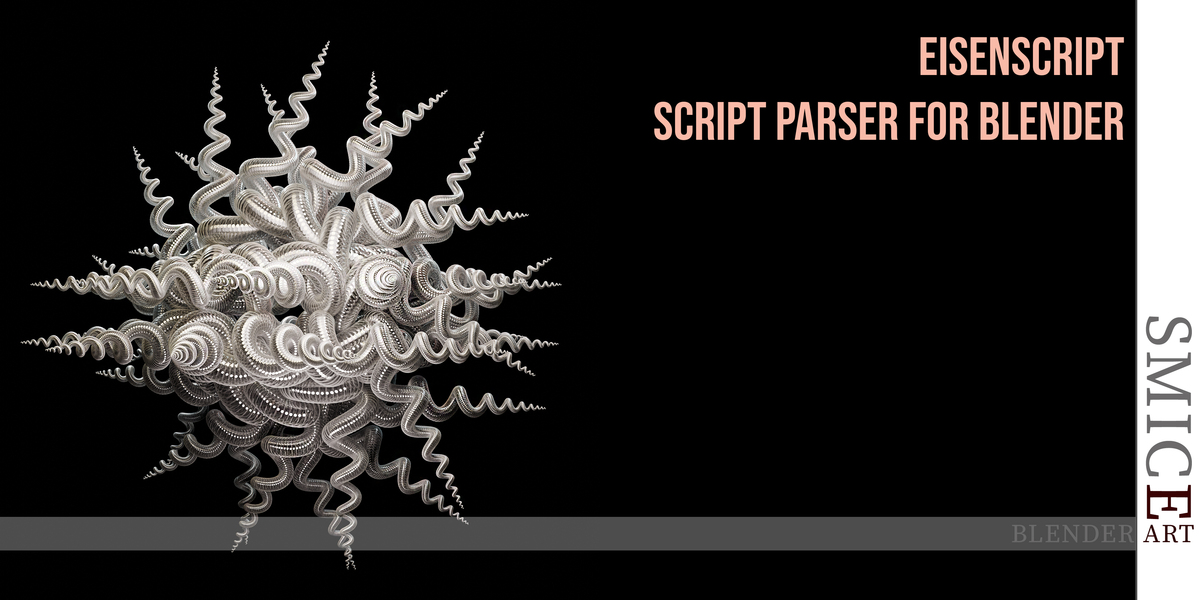
Eisenscript Parser is a Blender add-on by smice that reads EisenScript rules and turns them into recursive 3D structures. In EisenScript, rules describe how objects move, rotate, and scale; repeated transformations build forms such as spirals, symmetry patterns, and organic-looking structures. The add-on includes a preset library for creating these forms inside Blender, where you can continue working with the resulting objects using Blender's own tools.
How the parser builds geometry
A formula defines the rules, and the parser applies them recursively to create geometry. Choose a preset and generate a structure, then adjust values such as rotation or scale to make variations. The parser is built into the add-on, so Structure Synth does not need to be installed separately. The preset workflow does not require coding, though writing your own scripts calls for familiarity with EisenScript.
Formula presets and scripts
The documentation describes 350 formulas in the add-on interface, each with a thumbnail. It also says the accompanying ZIP contains 50 additional scripts with previews. Import one through the Open File button, then load it with the Load button. For performance and clarity, the add-on interface is limited to 350 scripts.
The parser supports common EisenScript parameters, but some scripts found online use parameters it cannot interpret. The product FAQ recommends modifying or simplifying those scripts. Its documentation also links to an EisenScript learning resource for people who want to write their own.
Use the generated objects in Blender
Generated structures are standard Blender objects. The product listing says you can use Blender shaders, Geometry Nodes, or physics with them. The add-on is aimed at concept art, motion design, architectural visualization, and mathematical sculpture. Its version 4 documentation lists a random object mixture, an object-count tool, animation and automatic animation features, and object orientation switching.
Installation and compatibility
The documentation describes a standard Blender add-on ZIP installation and lists no external dependencies. It states Blender 4.3 and later, while the Superhive product details list Blender 4.3 to 5.2. Check the current listing against your Blender release before installing. Superhive lists the license as MIT, and the documentation says updates are free while the add-on remains published.
For setup instructions, use the product documentation. The product FAQ covers script compatibility, color settings, object visibility, and depth controls.