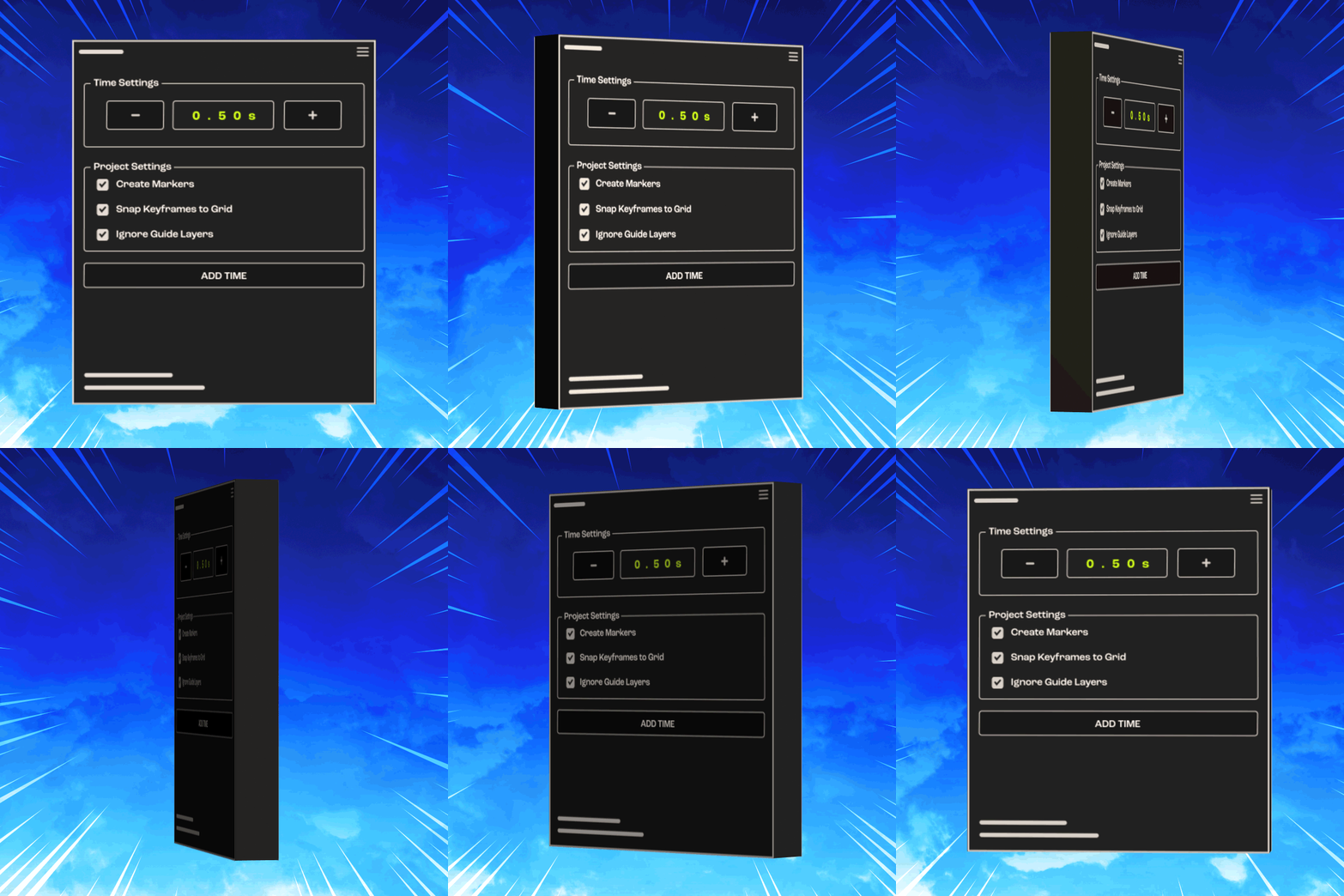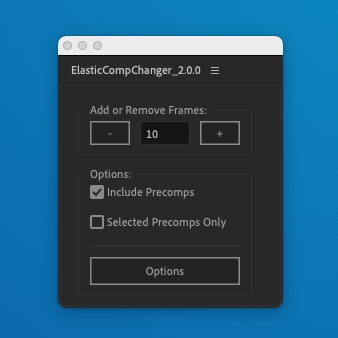
Adjust composition duration
Enter a frame amount, then use + to add frames to the current composition or - to remove them. You can enter the amount in frames or seconds. With Include Precomps enabled, the script changes the durations of precomps used by the current comp, adjusts their layer outpoints, and continues through nested precomps. Selected Precomps Only limits duration changes to selected precomps; when Include Precomps is also enabled, nested elements within them are included.
By default, locked layers are left unchanged. Include Locked Layers applies changes to locked and unlocked layers. The 2.0.2 release notes specify that nested locked precomps are skipped when that option is off.
Shift animation after the playhead
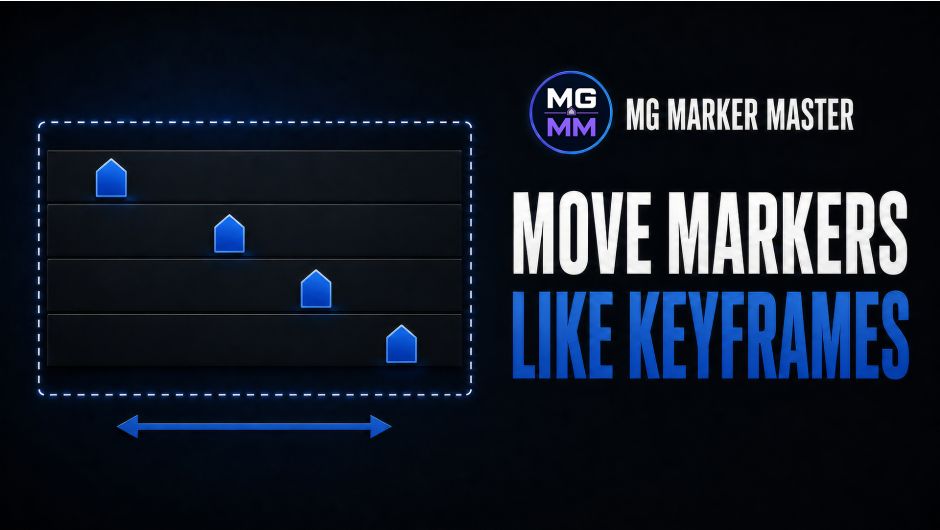
Elastic Comp Changer can move layers, keyframes, layer markers, and comp markers placed after the playhead. The Options window has separate controls for offsetting keyframes and each marker type. Enable Inactive Layers to offset keyframes in inactive layers; this requires Offset Keyframes to be enabled.
Choose Start Time to modify layer start times after the playhead. Choose In Point to move layer in and out points while preserving start times. The product notes that keyframes and markers can be moved independently.
Compatibility and licensing
The product listing names After Effects 2022 to 2026 as compatible versions. It displays $10 as a suggested price: individual users may pay another amount, while businesses and teams must pay the suggested price to receive a valid license. The EULA grants one copy for use on one computer at a time. Use by multiple users or on multiple computers requires appropriate licensing for each user and copy.