Exploratory, developed by Spencer Shade (shade.who), is a game engine for making games and interactive scenes inside Blender. Exploratory requires Blender 5.0 or later and runs without an additional plugin or separate installation. It uses Eevee rendering, preview, or the solid viewport, so you can create and play at different performance levels.
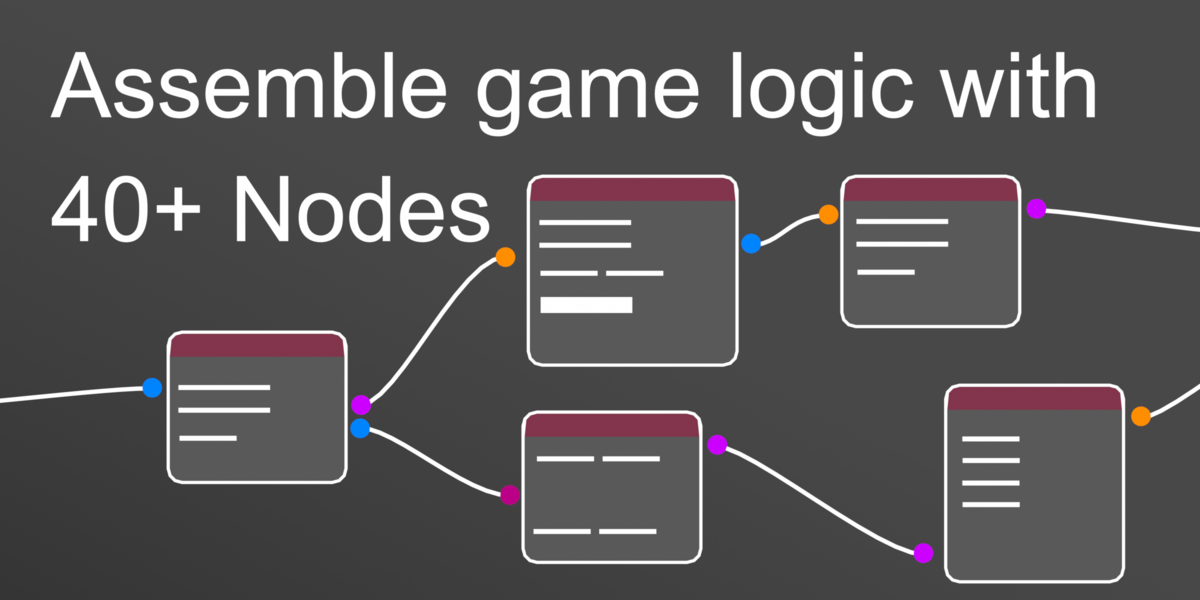
Build interactions with nodes
Exploratory supports first-person, third-person, and perspective views. Its node graph includes counters, timers, transforms, animations, tracking, projectiles, hitscan, health, and parenting. Its procedural elements include object collisions and speed controls. Up to four threads can run in parallel for physics, animations, and other game processes such as projectiles.
Start a scene in Blender
The developer's documentation explains how to use the “Proxy mesh and spawn” section in Exploratory's N-panel. Mark a scene object as the spawn point, then mark a proxy mesh for surfaces the character can traverse, such as floors or walls. Start the game with P, the default key, or the Play button in the panel. The default view is third-person.
Manage settings and assets
Exploratory separates controls into three areas. Preferences hold global settings such as performance, volume, skin, actions, and audio. The N-panel contains scene-level controls for characters, actions, audio, view modes, spawn points, and proxy meshes. Exploratory Nodes handle scene-level triggers, trackers, and reactions.
The product includes a default character, actions, and sounds that can be customized. You can also mark .blend files as asset files for permanent skins, actions, and characters. For setup details and how-to guidance, see the developer documentation. The creator directs bug reports, questions, and feedback to the Exploratory Discord. Superhive lists the license as GPL.