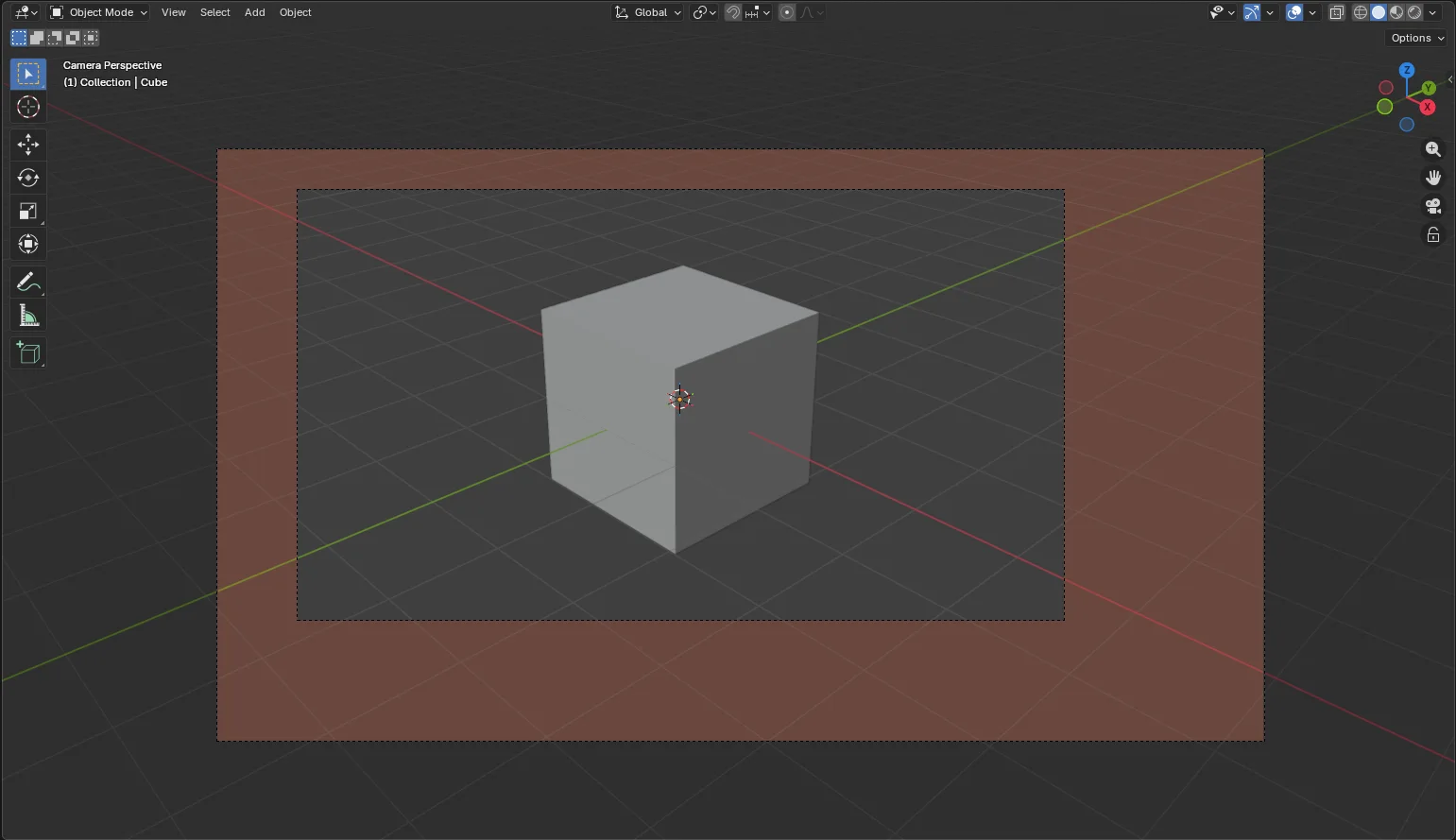
Export to Nuke Script is a Blender extension by Vicky_at_24fps for sending selected cameras and Empty objects to Foundry's Nuke. It creates a native Nuke Python (.py) script that builds Camera3 and Axis3 nodes with baked animation data. The Blender Extensions listing identifies version 1.0.0 and Blender 4.2.0 as the minimum supported version.
What the export carries
Each selected Camera becomes a Camera3 node in Nuke, and each selected Empty becomes an Axis3 node. The extension writes animated transforms into Nuke's translate and rotate knobs, leaving the curves editable in the Curve Editor instead of placing them in a locked matrix knob. It can export multiple cameras and empties together in one script.
The exporter converts Blender's Z-up coordinates to Nuke's Y-up coordinates. It evaluates Blender's dependency graph to bake constrained or parented objects into world-space positions; the listing names Track To and Copy Location as examples. A custom Euler filter is included to prevent 360-degree rotation flips. The extension also calculates optical sensor size from render resolution and aspect ratio for aligning 2D overlays.
Export cameras and empties
- Select the Camera and Empty objects in Blender's 3D Viewport or Outliner.
- Choose
File > Export > Nuke Script (.py), set the destination and filename, then export. - In Nuke, open the Script Editor and open the exported .py file, or paste its contents into the editor and run it with Ctrl + Enter. On Mac, use Cmd + Return. You can also drag the script into Nuke's Node Graph.
Where it fits
This extension is for Blender artists and compositors who need camera motion or Empty-object transforms in Nuke while keeping animation curves editable. Its listing documents camera and Empty export; it does not describe transferring geometry, materials, or lighting, so plan those parts of a scene separately.
Compatibility and installation
The extension record sets Blender 4.2.0 as the minimum version and lists the release as 1.0.0. AnyPlugins lists it as free, and the Blender Extensions record identifies the license as GNU GPL v3.0 or later. The listing offers drag-and-drop installation into Blender or a download that can be installed from disk. The available listing does not specify a Nuke version range, so check compatibility with your Nuke release before adopting it.