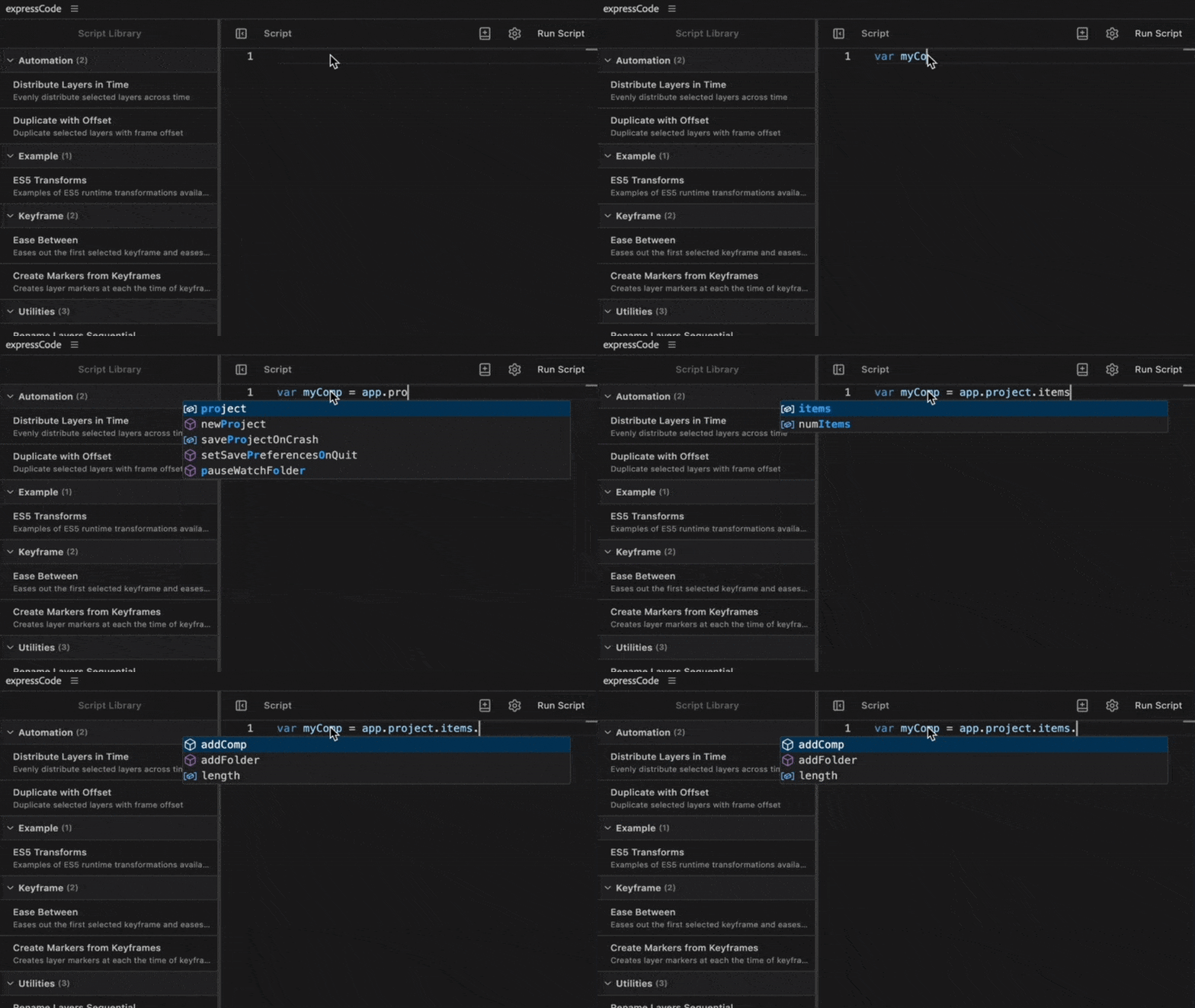
expressCode is an After Effects panel for editing expressions and writing scripts in a code editor. You can load expressions from the active composition, then search, edit, and apply them without locating each property in the timeline. It suits users who maintain expressions across layers, reuse code from a library, or write ExtendScript scripts inside After Effects.
Edit and update expressions
Load the active composition's expressions into a list grouped by layer, then search by layer name, property name, or expression code. IntelliSense provides suggestions, parameter hints, and hover documentation. Expression validation uses After Effects' expression engine and runs one second after you stop typing.
Select several expressions to apply an edit across them, or select all expressions matching the one currently open. If the selected expressions contain different code, expressCode displays a warning before you apply changes. You can reveal an expression's property in the timeline, and selecting layers in After Effects can highlight their expressions in the panel. The layer highlighting can be disabled in settings.
Reuse code and write scripts
Save expressions and scripts in separate, categorized libraries. An expression library item can include a default property; select multiple layers and apply that item to the specified property on each layer.
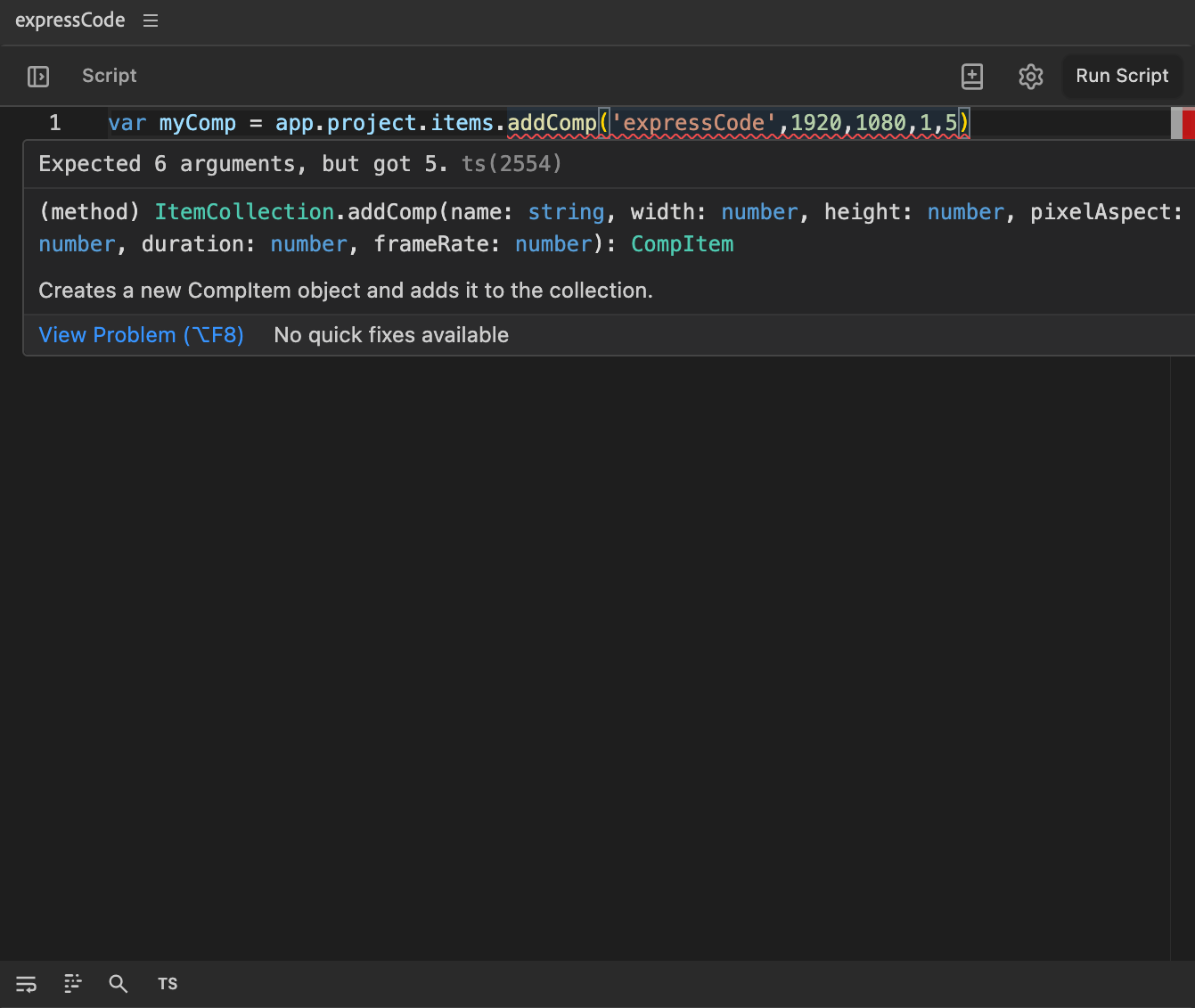
In Script mode, expressCode runs JavaScript as ExtendScript or lets you write TypeScript. TypeScript scripts get After Effects API types, type checking, completion, and parameter hints. When you run one, expressCode transpiles it to ES3-compatible JavaScript and adds helper code. The TypeScript workflow does not add modern runtime features such as Promises or async/await, so scripts that depend on those features need another approach.
Optional AI connection
Version 1.3 adds an optional MCP server for compatible apps such as Claude, ChatGPT Codex, Gemini CLI, or LM Studio. The product listing dates version 1.3.1 to November 21, 2026, and says it fixed licensing when using MCP. With the panel open and the server enabled, an AI app can inspect project and layer information, look up expression or scripting references, write code in expressCode's editor, and render a frame. A separate permission controls whether the app can apply expressions or run scripts. When that permission is off, it can still read project data and references, render frames, and write code to the editor, but it cannot apply or run that code.
The MCP server is off until enabled and listens only on the same computer at 127.0.0.1. With MCP, expressCode includes no AI model and sends nothing itself; data read by a connected app is handled under that app provider's terms.
Compatibility, installation, and license
The product listing names compatibility with After Effects 2021 through 2027. The recommended installation method is the aescripts + aeplugins Manager app, using the account that purchased expressCode. Manual installation uses a ZXP file and the ZXP Installer. After installation, open the panel from After Effects' Window > Extensions menu.
The seven-day trial does not let you save your own scripts or expressions to the library. The product EULA grants one copy for one user and computer at a time. Additional users or computers require an appropriate license for each user and copy.