What it does
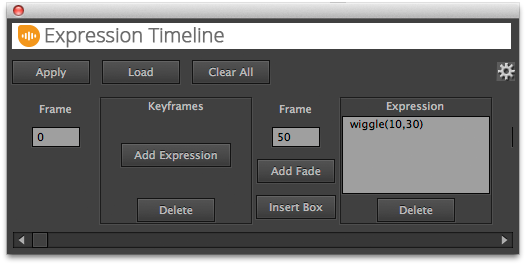
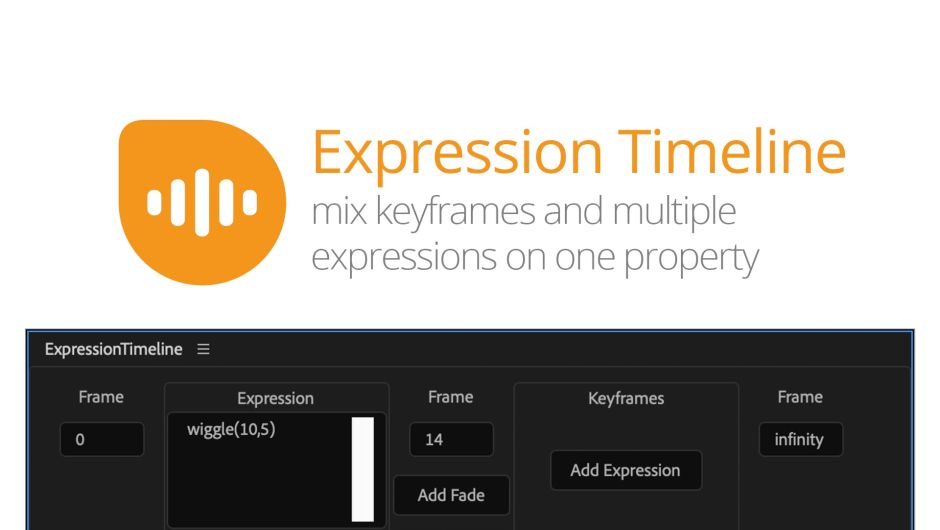
Expression Timeline 2 lets you assign multiple expressions to one After Effects property and set a start and end time for each. It fades expressions in and out for smooth handoffs. Leave a time interval without an expression and the property's keyframed animation can take over.
Timed expression changes
For example, use keyframed values until frame 50, then switch to a wiggle expression. Another setup can use one expression to follow a different layer, then blend back to the property's own position as a wiggle expression begins. For a handoff at frame 50, the product's example uses a 10-frame transition spanning frames 45 through 54.
Fit and compatibility
The timeline suits After Effects users who need a property's expression behavior to change over time, including sequences that move between expression-driven and keyframed animation. The listing says it works with any expression and names After Effects versions from CS3 through 2026, including CS and CC releases.
Version 2 and licensing
Version 2 automatically adjusts the timeline width to the panel, removing the need to resize it manually. The EULA permits one copy to be installed and used on one computer at a time, plus one archival copy on a storage medium other than a hard drive for reinstallation only. Additional users or installations require an appropriate license for each user and copy.