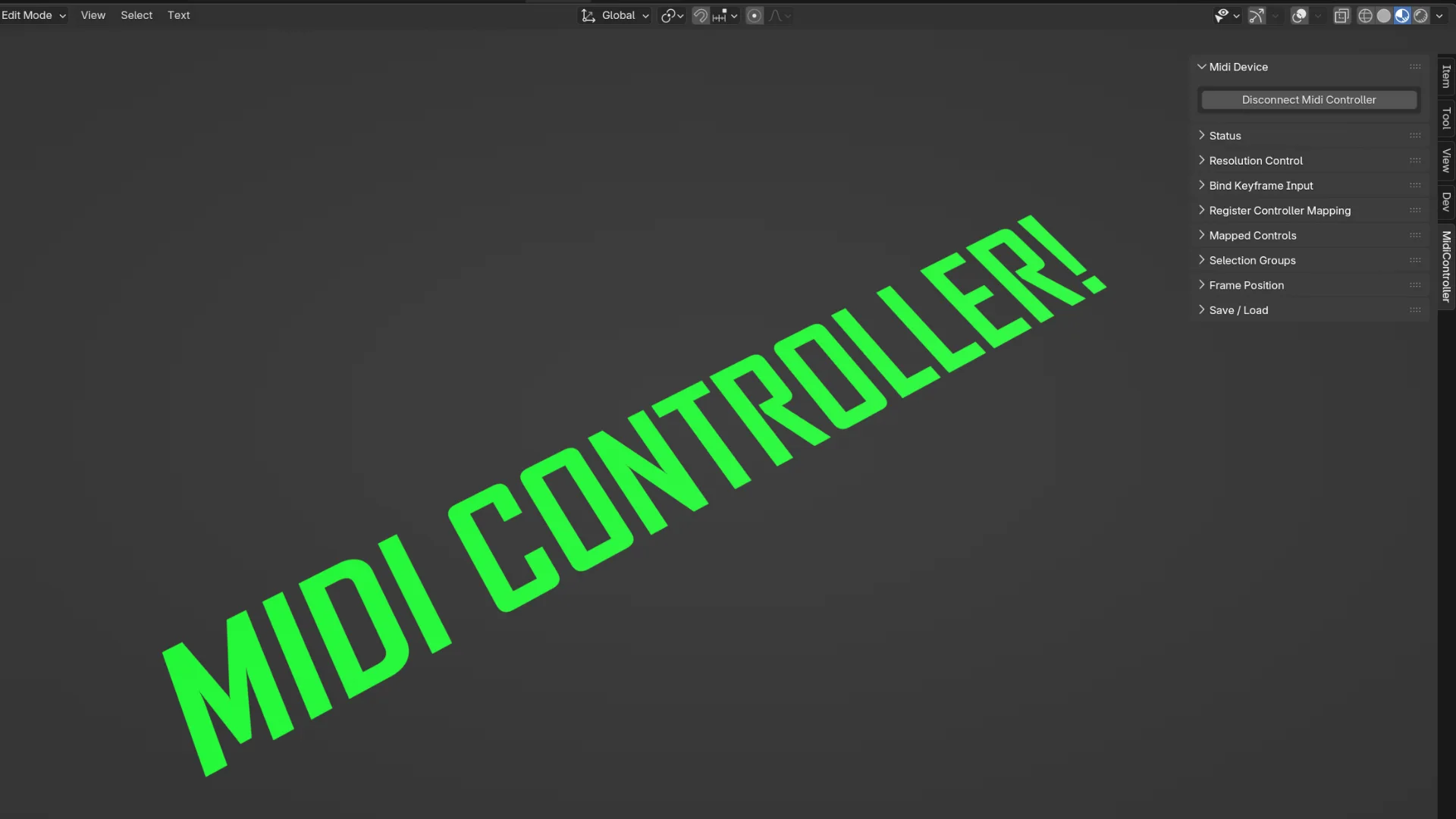
MidiController connects a MIDI device to Blender so you can adjust object properties and other numeric inputs from physical controls. It supports Blender 4.2 LTS and newer. The Blender Extensions listing describes two ways to map controls, plus tools for selection groups, adjustment sensitivity, keyframes and timeline navigation.
Map a MIDI control to a property
Choose between Object Property Mapping and Full Data Path Mapping. The first works with properties shared across the objects you have selected in the viewport. After moving a control on your MIDI device, change the desired property in Blender. MidiController detects the last property you changed. Select Map, then set a mapping name and minimum and maximum values. The mapping affects the currently selected object or objects.
Full Data Path Mapping targets a property on a single object, independently of which object is selected. Move the MIDI control, right-click the property in Blender and choose Copy Full Data Path. MidiController detects the copied path; select Map and set a name and value range. This method also supports brush settings, Geometry Nodes and other changeable Blender properties. The add-on documentation says Object Property Mapping cannot be used for those specialized values.
Use buttons for selection, keyframes and timeline control
Selection Groups let you assign a MIDI button to switch between groups of objects. For more control over how much a mapped value changes, assign two MIDI controls as Fine and Coarse resolution factors. They multiply the main MIDI input to adjust its sensitivity.
You can bind a MIDI button to insert a keyframe for all mapped properties of the currently selected object. A separate mapped control can change Blender's current frame, letting you navigate the timeline from the MIDI device.
Version and compatibility
The Blender Extensions catalog lists MidiController version 0.1.7 with Blender 4.2.0 as its minimum version. Its release notes say version 0.1.7 added Blender 5.1 support and moved to the rtmidi2 library because of a Python version incompatibility. The listing provides builds for Windows, macOS on Intel and Apple Silicon, and Linux. It states that the add-on requires no special permissions and is licensed under the GNU General Public License v3.0 or later. The catalog metadata lists the version, minimum Blender version, license and platform builds. For installation options, see the extension listing; for issues, use the developer's GitHub issue tracker.