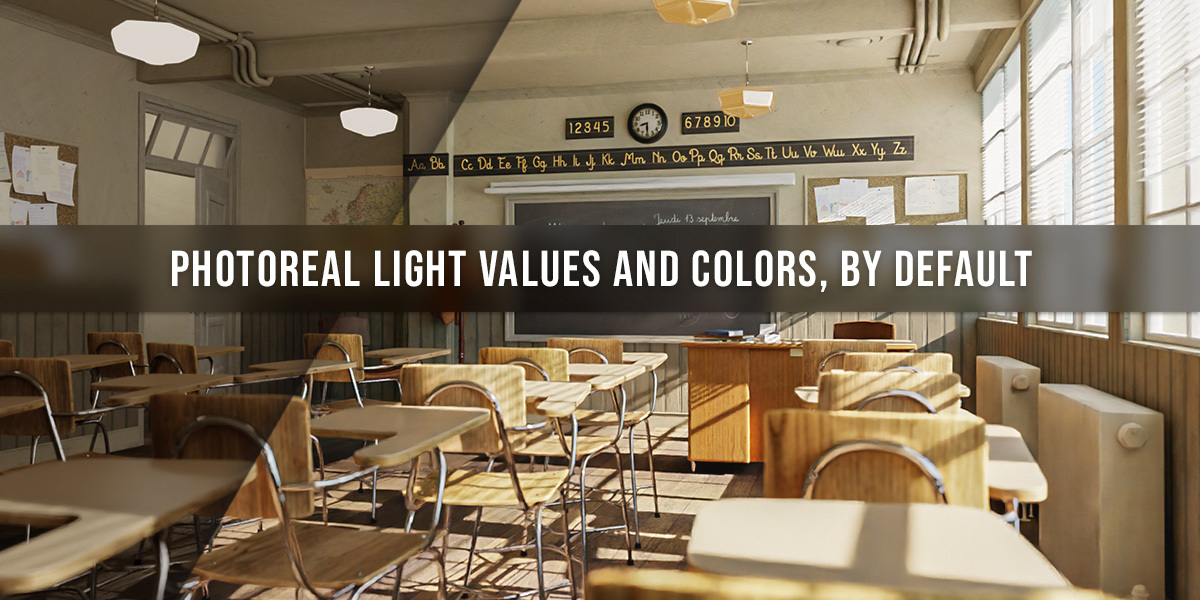
Extra Lights by Orange Turbine adds fixture-based light presets to Blender. Point, spot, area, and IES presets use lumens for light output; sun presets use irradiance in watts per square meter. Kelvin color temperatures are based on each preset’s real-world light source, giving artists a practical starting point for lighting scenes built to real-world scale.
Light presets based on fixture types
The add-on groups its presets into natural, incandescent, LED, and fluorescent categories. It includes more than 30 point, spot, area, and sun lights, alongside more than 30 IES presets with patterns based on how the fixtures are used.
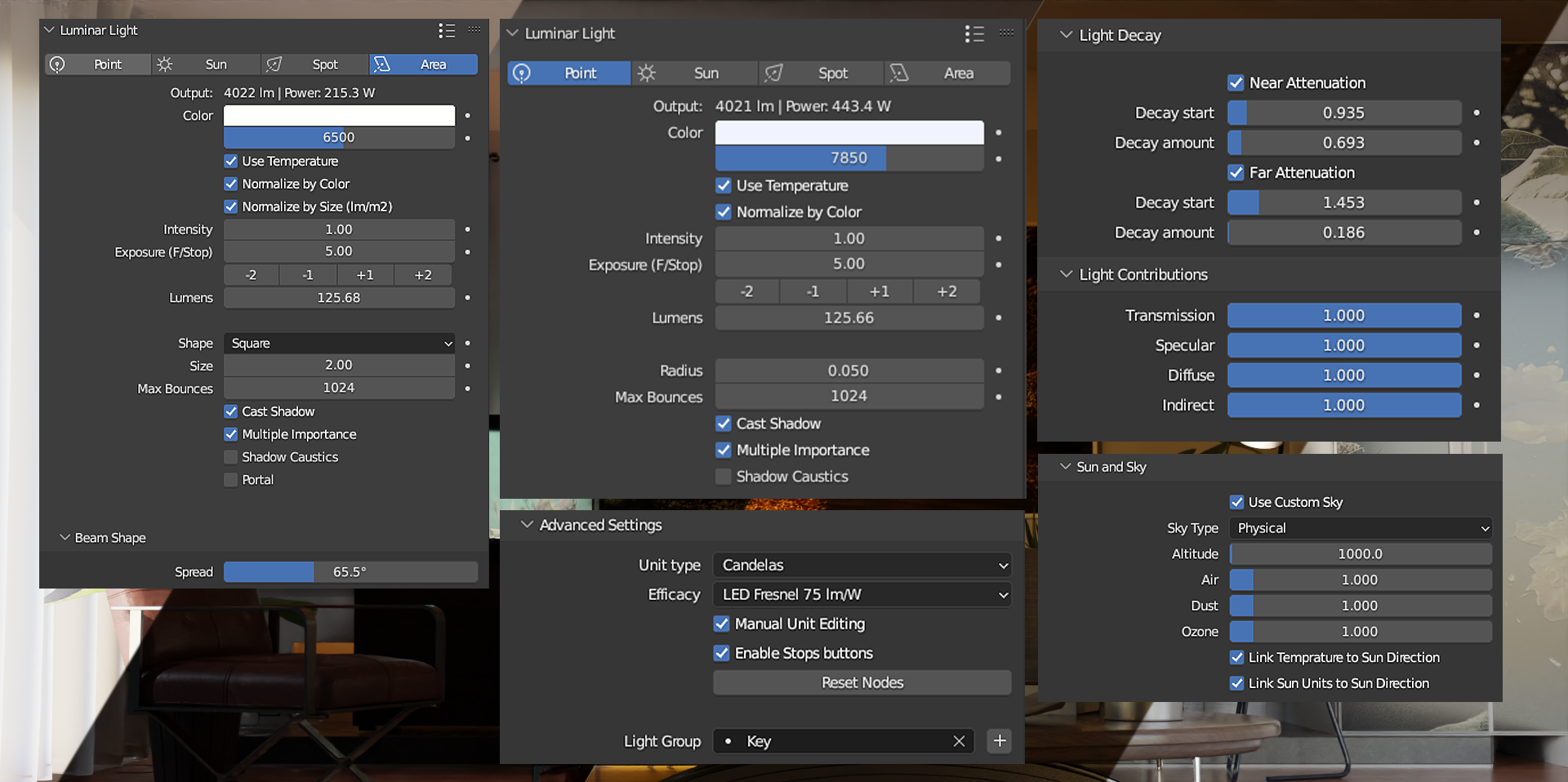
Lumens help avoid a common mix-up: a bulb’s watt rating describes electrical power, while Blender’s usual light strength uses watts for emitted light. Those values are not interchangeable. Point, spot, area, and IES presets use lumen output as a more useful reference and can switch to RGB without changing the lumen value; sun presets use irradiance in watts per square meter. Kelvin settings provide a starting color based on each light’s real-world source.
Adjust the light for your scene
Add a preset from Blender’s Add menu, then change its creation settings in the Redo panel. The Set Exposure option adjusts the scene exposure for the new light. Spot presets compensate for a narrower beam so that reducing the spot angle focuses the light without reducing its total output. Area lights have a Spread Angle control, and sun presets can create a sky texture linked to the sun’s rotation.
In Cycles, enabling Use Nodes adds a lumens conversion node group so you can adjust supported light values after creation. The product’s documentation describes the controls for each light type and how to use converter nodes with other lights.
Cycles and Eevee differences
Extra Lights works with both render engines, with more controls available in Cycles. In Eevee, the add-on’s node controls are unavailable, so set each light’s lumens, color temperature, and spot angle when those controls apply; sun strength is set as irradiance in watts per square meter. IES textures are not applied in Eevee; they appear in Cycles.
The preset values are based on available real-world light data, with assumptions where manufacturers do not provide enough detail for an exact match. Treat them as physically based starting points, then adjust them to suit the scene. For troubleshooting, see the product FAQ.