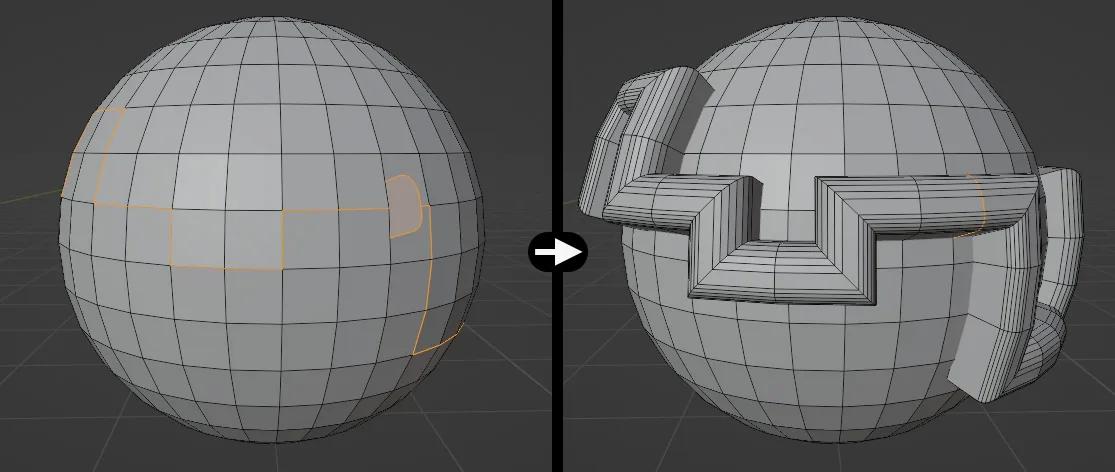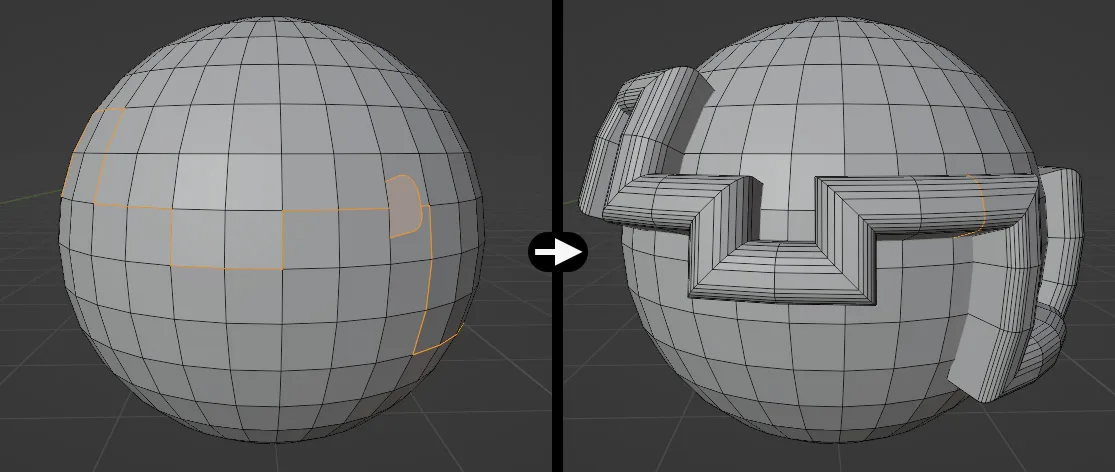
Extrude Path is a Blender add-on by APEC for extruding a selected face along an edge-loop path. Its documented workflow starts with one detached face and an edge loop selected. You can run the tool from the bottom of Blender's Edge menu or the bottom of the right-click menu. See the product page and its documentation for the listed workflow.
How to run Extrude Path
- Select one detached face and an edge loop.
- Open the Edge menu or right-click to open the context menu.
- Choose Extrude Path from the bottom of the menu.
Changes in version 0.0.2
The release notes list two additions: making caps when the extrusion loop is open and rotating the final extrusion. The supplied product description and documentation do not describe additional settings or how behavior varies by path shape.
Compatibility and license
Superhive lists Blender 3.6 to 5.3, while AnyPlugins lists 3.6 to 5.1. Confirm the current supported versions with APEC before installing. Superhive identifies Extrude Path as GPL; review its license information before redistributing it.