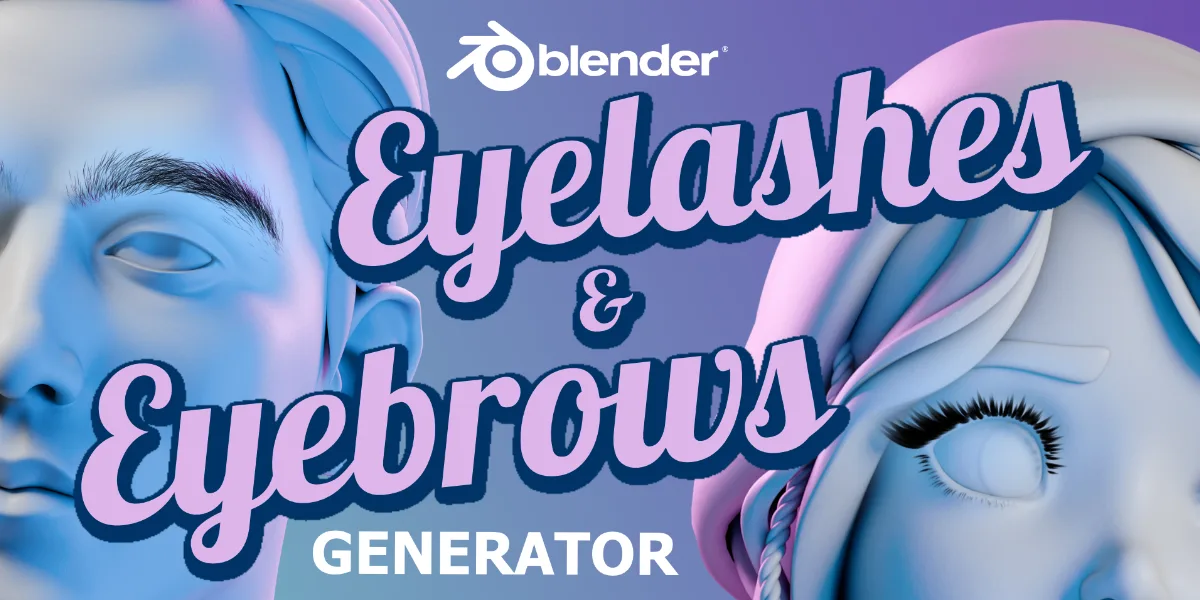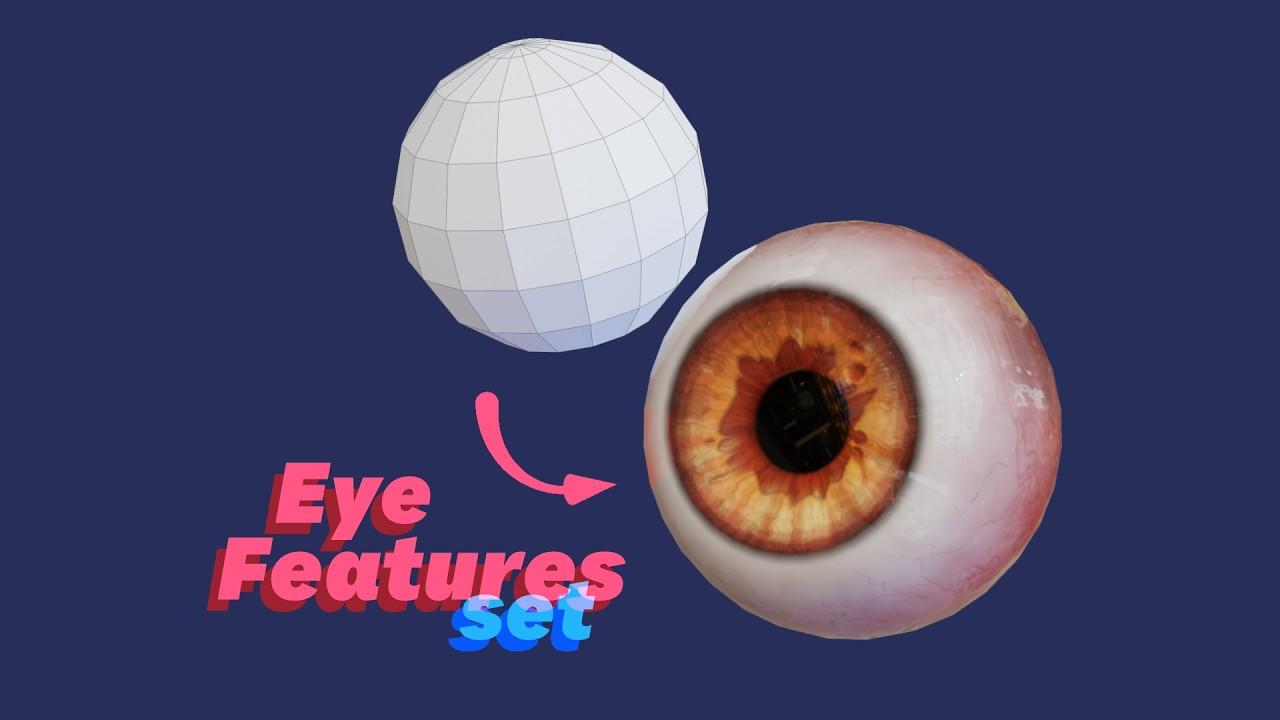
Eye Features Set by Dean Zarkov is a Geometry Nodes add-on for Blender that generates eyes, eyelashes, and eyebrows. Each feature has stylized and realistic variants with separate controls, so you can choose a look for a character and adjust it in the scene.
Generate and shape facial features
Place a control object to generate the geometry around it. Each asset uses a custom Geometry Nodes modifier, which keeps the result adjustable while the modifier remains in place. Set options in the dedicated sidebar panel, then use viewport gizmos to shape features directly on the model.
The generated meshes include UV maps and quad topology. For materials, the add-on includes a shader node group with masks and maps, as well as a customizable eye material that can be added with one click. The marketplace lists Cycles and Eevee under Render Engine Used.
Continue editing or prepare assets for a rig
Eye Features Set can provide a starting shape for scene-specific work. The creator recommends finishing details by hand when a character needs a closer fit. Converting generated geometry to a mesh lets you edit it as ordinary geometry. The creator says manual animation after conversion can give the best effect, but conversion applies the Geometry Nodes modifier and removes its procedural controls. Duplicate the generated asset first if you want to keep an adjustable copy.
The creator cautions that the assets may not work perfectly out of the box in animation. Eyes can use the Look Target control while the Geometry Nodes modifier remains unapplied. Eyelashes and eyebrows can follow face deformation by placing a Surface Deform modifier on the guide mesh line before the Eye Features Set modifier. For armature binding, the creator recommends parenting an asset directly to an armature bone instead of using an Armature Deform modifier. For details on setup and the available controls, see the Eye Features Set documentation.
Check the Blender version for your release
The marketplace requirement lists Blender 5.0.0 and later, while the v1.1.0 release note says that release requires Blender 5.2 or later and directs Blender 5.1 users to v1.0.1. Check the version-specific release information before installing; the general requirement does not establish that every release works with every listed Blender version. The add-on depends on Geometry Nodes features unavailable in older Blender versions. The product listing also includes release notes and product details.