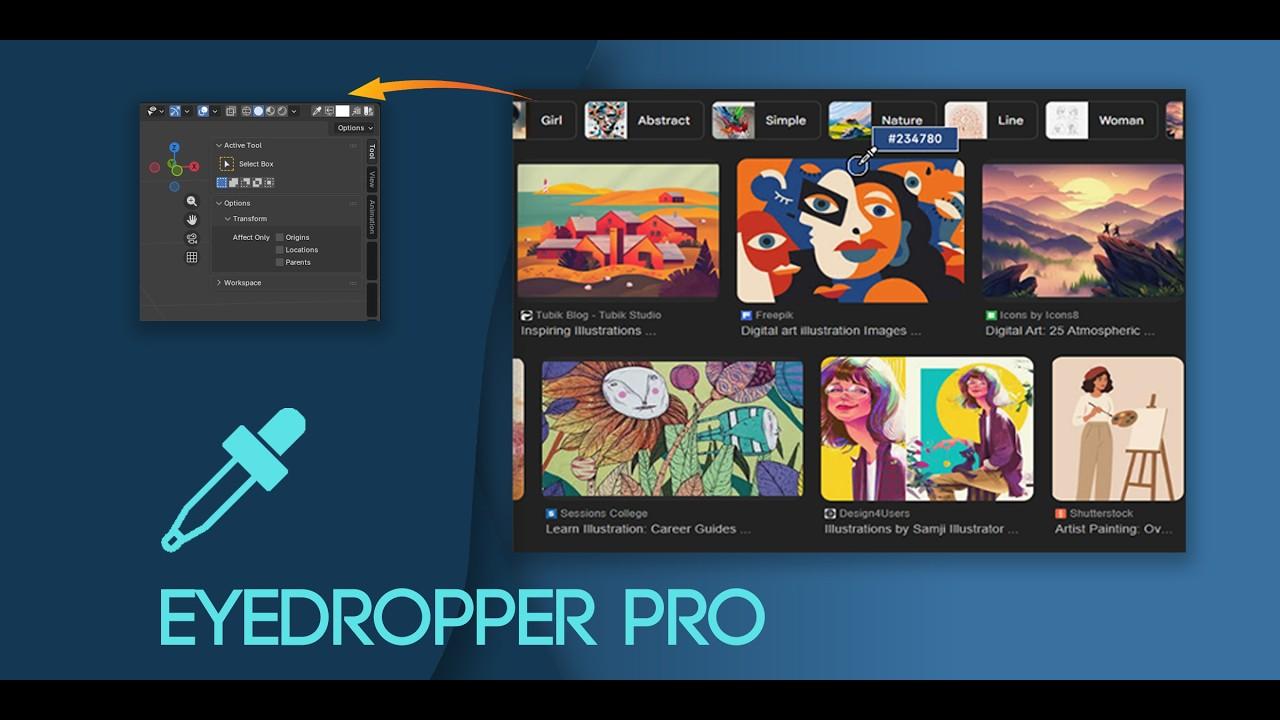
Eyedropper Pro is a Blender add-on by Hoa Vu for sampling colors and bringing reference images into the 3D Viewport. Its screen picker can sample outside Blender, and clipboard paste places a copied image in the scene. The product documentation covers its controls and setup.
Sample colors inside and outside Blender
Press Ctrl + Shift + P to open the full-screen picker. A live swatch previews the color under the pointer; left-click confirms it, while right-click or Esc cancels. After confirmation, the color is stored in Scene.picked_color, added to the recent-color history, and its HEX value is copied to the clipboard.
For colors already visible in Blender, use the eyedropper in the 3D Viewport header. It uses Blender's native picker to sample from the interface, including shaders and objects.
Paste a copied image into the scene
With Blender 5.0 or later, copy an image from a browser, screenshot tool, or design app, then press Ctrl + Shift + V in the 3D Viewport. The image appears at the 3D Cursor location.
Image as Plane also requires Blender's built-in Import Images as Planes add-on to be enabled. Choose an Empty Image Object for a lightweight modeling reference, or use Image as Plane to create a textured mesh plane.
Reuse recent colors
Eyedropper Pro keeps up to 10 recent colors in a popup grid. Click a swatch to reuse it or copy its HEX value, and clear the history when needed. Consecutive duplicate colors are ignored; when the history fills, newer colors replace the oldest entries.
Install and check platform support
The documentation lists Blender 5.0 or later as a requirement. Install the add-on ZIP through Edit → Preferences → Add-ons → Install, then enable Eyedropper Pro. The optional mss library can improve full-screen capture; install it from the add-on preferences and restart Blender.
The product page says macOS and Linux support for the full-screen picker was added in version 1.2.0. The documentation still describes Windows as best supported and says screen-capture permission is required. If you use macOS or Linux, check the picker in your setup before relying on it.
Who may find it useful
Eyedropper Pro suits Blender artists who often match material colors to work shown in another app or keep image references beside a scene. It puts screen sampling, clipboard image paste, and a small reusable color history in the viewport workflow.