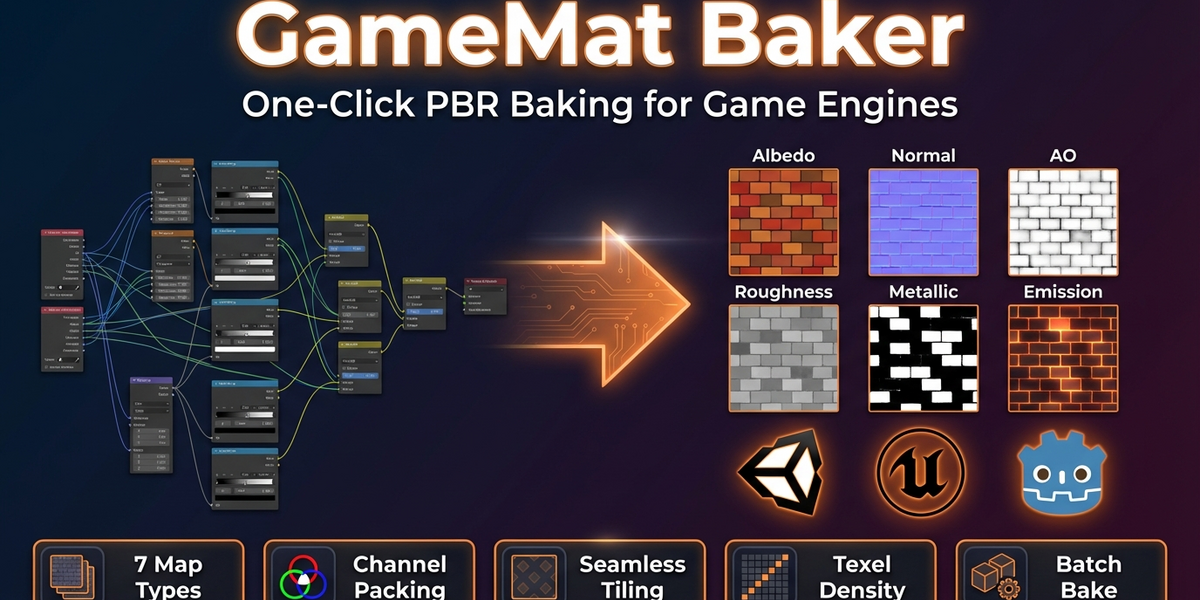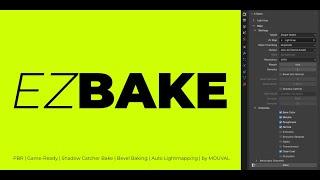
Ezbake is a Blender add-on that bakes materials built with Principled BSDF shaders into image textures for game and real-time workflows. Its controls appear in Blender’s Render Properties panel, where you choose channels, resolution, and bake settings. The product listing describes support for more than 30 channels. See the Ezbake product listing and its documentation for product details.
Pack maps for your target engine
Ezbake includes presets that combine channels into packed textures. The documented channel layouts are:
| Preset | Channel layout |
|---|---|
| Unity Standard | Metallic in red; green and blue unused/black; Smoothness in alpha |
| Unity HDRP | Metallic in red, ambient occlusion in green, detail mask in blue (currently unused/white), and Smoothness in alpha |
| Unreal and Godot ORM | Ambient occlusion in red, roughness in green, metallic in blue, and alpha unused |
| CryEngine MRG | Roughness in red, metalness in green, ambient occlusion in blue, and alpha unused |
When using an engine preset, bake Base Color and Normal maps separately if needed; the presets do not include them. Check the target engine’s material setup before choosing a preset, since the channel order varies.
Choose how to handle materials and objects
Smart Material Merging can combine multiple materials into one game-asset output or keep them separate. The Duplicate option creates a copy before baking, preserving the source object and materials; Overwrite bakes directly onto the original. Auto Lightmap Unwrap can create UVs when needed, while the Procedural Bevel option adds edge highlights to a normal map without adding geometry. Shadow Catcher creates a shadow plate for compositing.
Resolution choices in the documentation range from 128 × 128 to 8192 × 8192, with 1024 × 1024 as the default. Larger maps use more memory and take longer to bake, so a lower resolution can help during iteration.
Check requirements and limits
Ezbake is designed for Principled BSDF materials, and objects need a UV map. The product listing identifies Cycles as its render engine. The documentation says most channels can also use Eevee, while ambient occlusion and Shadow Catcher require Cycles. The product listing identifies Blender 4.5, while version 1.0 of the documentation specifies Blender 3.6 or newer, a range that includes Blender 4.5. Check the latest product details before installing.
For high-to-low workflows, Ezbake bakes materials on the object itself. First use Blender’s native Selected to Active bake to transfer normals from the high-poly object to the low-poly object; then use Ezbake to bake channels from the resulting low-poly material. Baked textures are created as Blender image datablocks; save the images from Blender when you need files on disk.