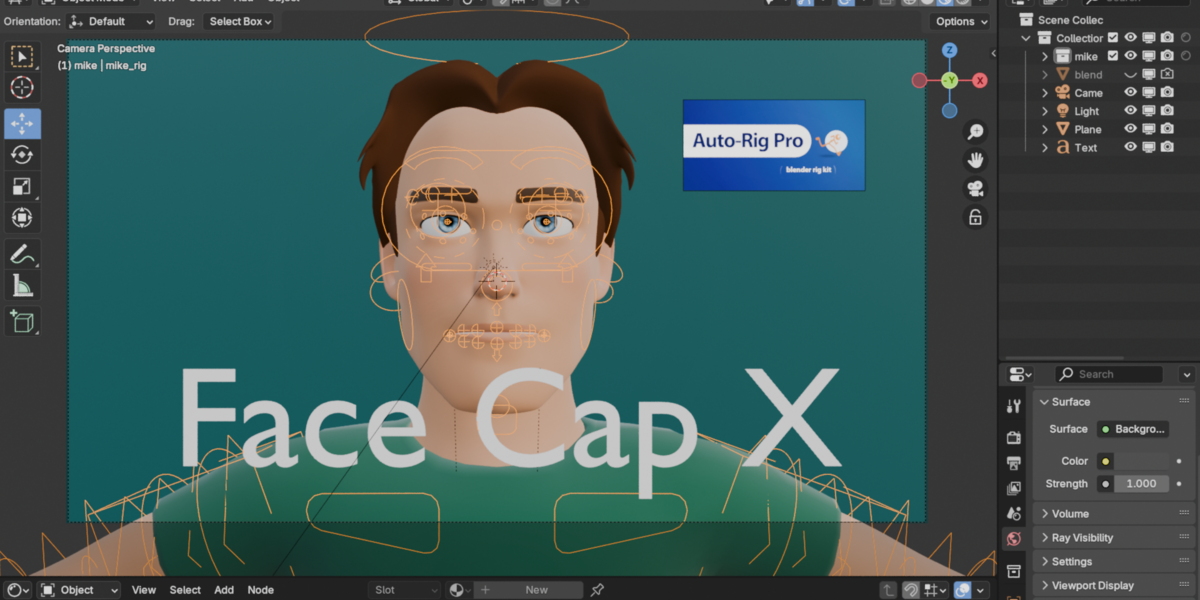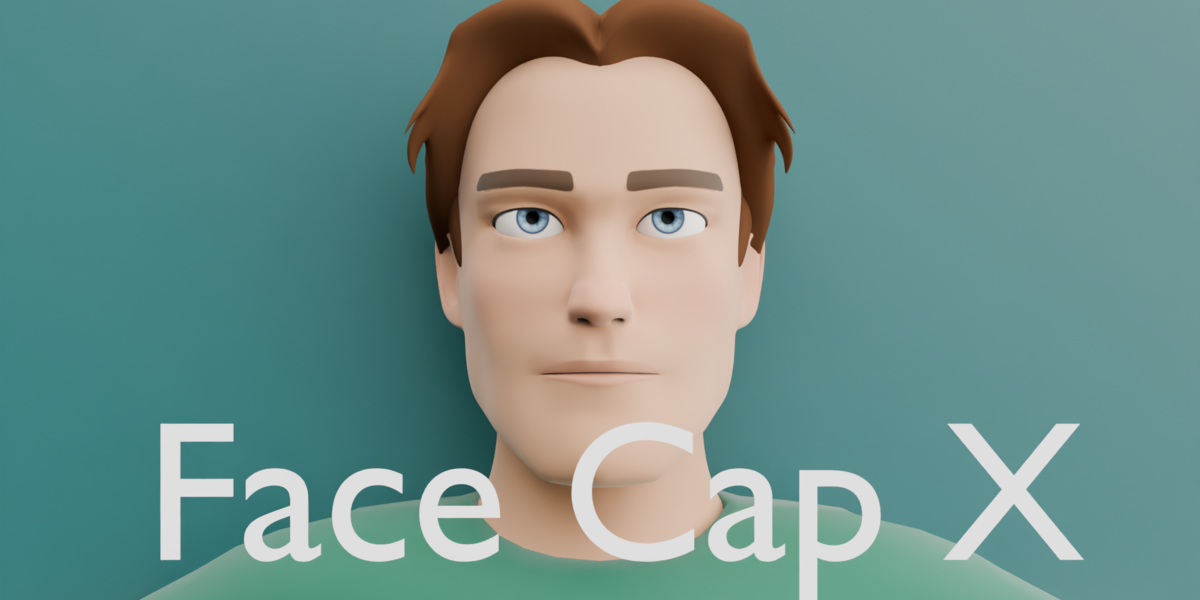
Face Cap X is a Blender add-on for real-time facial motion capture using a webcam. The product listing says it works with any webcam compatible with your computer and supports Windows and macOS on Apple Silicon. It is designed for rigs created with Auto-Rig Pro, so check how your character was rigged before choosing it.
Match the add-on release to Blender
Face Cap X has different Blender compatibility ranges by release. The Superhive listing specifies version 1.5.0 for Blender 3.2 through 4.1, and version 2.0.0 for Blender 4.2.0 and later.
| Face Cap X release | Blender versions listed |
|---|---|
| 1.5.0 | 3.2 through 4.1 |
| 2.0.0 | 4.2.0 and above |
For example, Blender 4.1 falls in the listed range for Face Cap X 1.5.0, while Blender 4.2.0 falls in the range for 2.0.0. Check the Blender version and the add-on release together when you install it.
Rig and webcam requirements
If you do not already have an Auto-Rig Pro rig, the product listing links to a sample rig. The listing names no particular camera model.
The listed platforms are Windows and macOS on Apple Silicon. Eye tracking is unavailable, so this add-on is not a fit when eye movement capture is a requirement.
Launching Blender on supported Apple Silicon Macs
The product listing says to launch Blender from Terminal on supported Macs with Apple Silicon, using the executable inside the Blender application bundle. For the standard application name, use:
/Applications/Blender.app/Contents/MacOS/BlenderIf the application has a versioned name, adjust the path to match it. The listing gives this example for an app named Blender 4.2:
/Applications/Blender\ 4.2.app/Contents/MacOS/BlenderThe listing identifies Face Cap X as GPL-licensed. Check the Superhive product page for its current release details and license information.