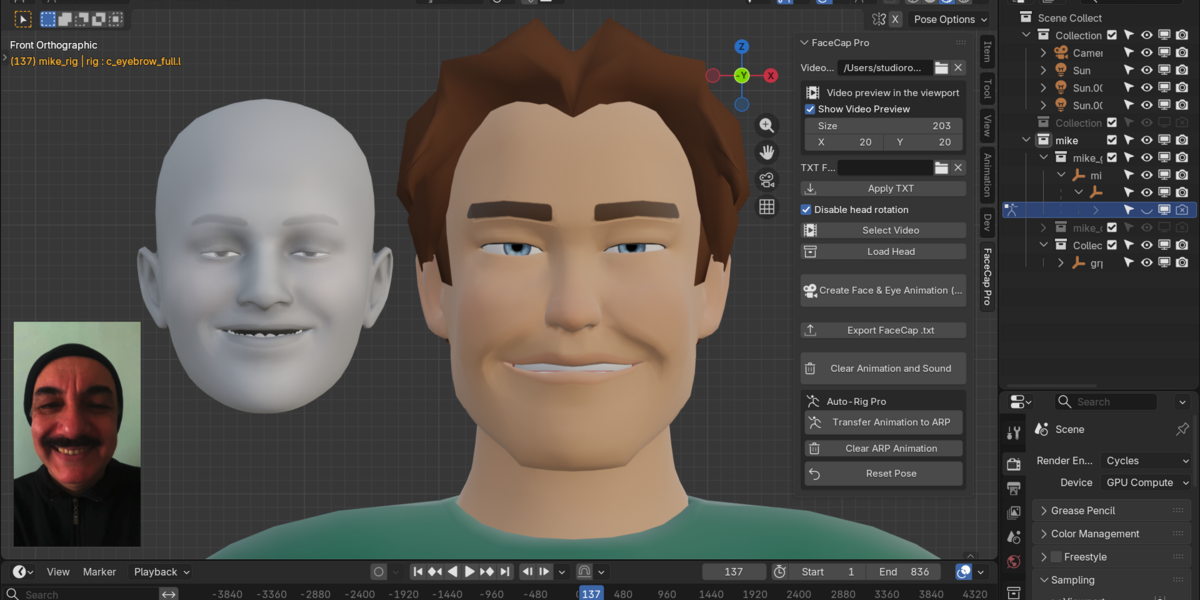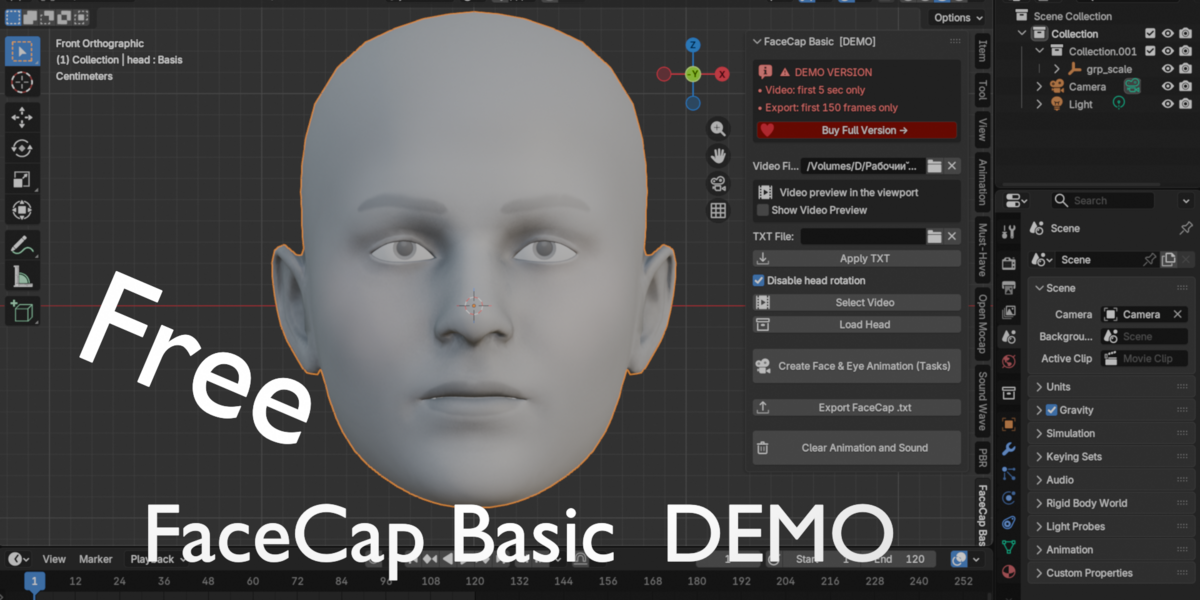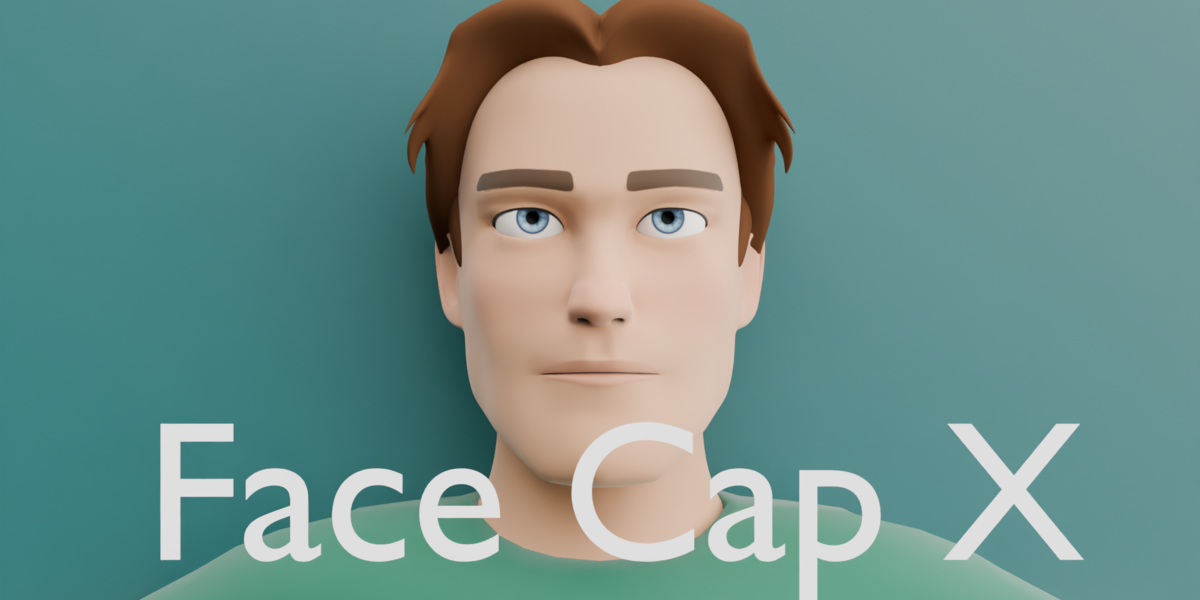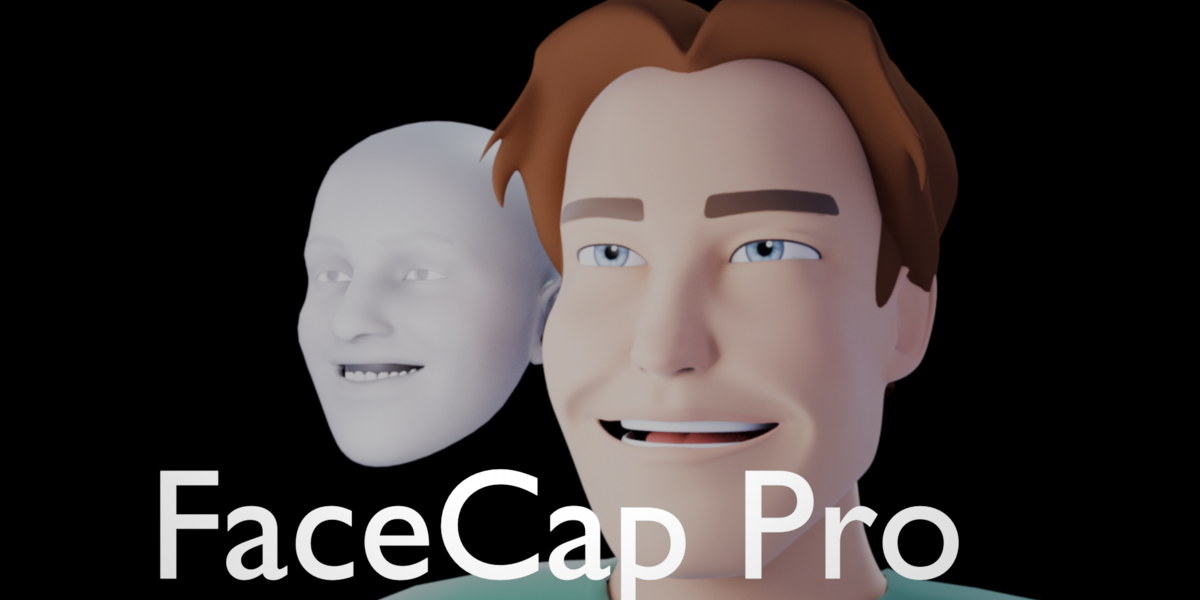
Facecap Pro is a Blender add-on that turns recorded facial performances into animation data. The product listing says it accepts MP4, MOV and AVI footage from sources such as a webcam, Android phone or prerecorded clip. It does not require an iPhone, TrueDepth sensor or mocap suit.
Video input and captured motion
Facecap Pro's AI extracts 52 ARKit-compatible blendshapes from video. The listed features also include eye tracking, head rotation and audio-to-viseme sync. After processing, built-in smoothing can be used to refine the captured motion.
Animation transfer and rig support
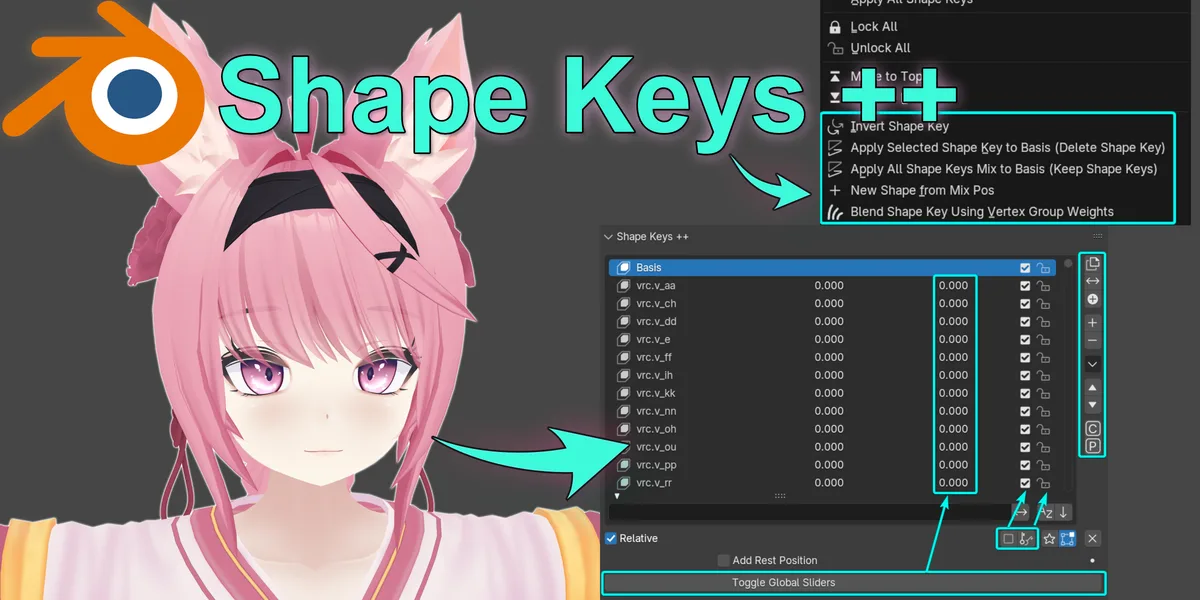
The Pro version adds integration with Auto-Rig Pro (ARP). Its product listing describes one-click animation transfer to ARP characters, with automatic control of face controllers, eye targets and head bones. The listing also says Facecap Pro works with Auto-Rig Pro rigs and supports custom rigs by mapping captured data to a character's shape keys.
Choose the ARP transfer route for an Auto-Rig Pro character, or check that your custom character has the shape keys you plan to map.
From a clip to an animated character
- Record a facial performance with a camera. A 720p webcam is one example.
- Load the video into the Facecap panel in Blender and click Process to solve the motion.
- Use the built-in smoothing controls to refine the result.
Blender compatibility and installation
The Superhive product listing marks Facecap Pro as Blender Extension Compatible and lists Blender versions 4.2 through 5.2. It identifies the add-on's license as GPL. For installation, the product documentation says to click Install Dependencies after installing the add-on, then restart Blender before using it.
Facecap Pro is a fit for Blender animators who have facial-performance video and want to drive an ARP or custom character. Check the listed Blender version range and your character's rig setup before processing a clip.