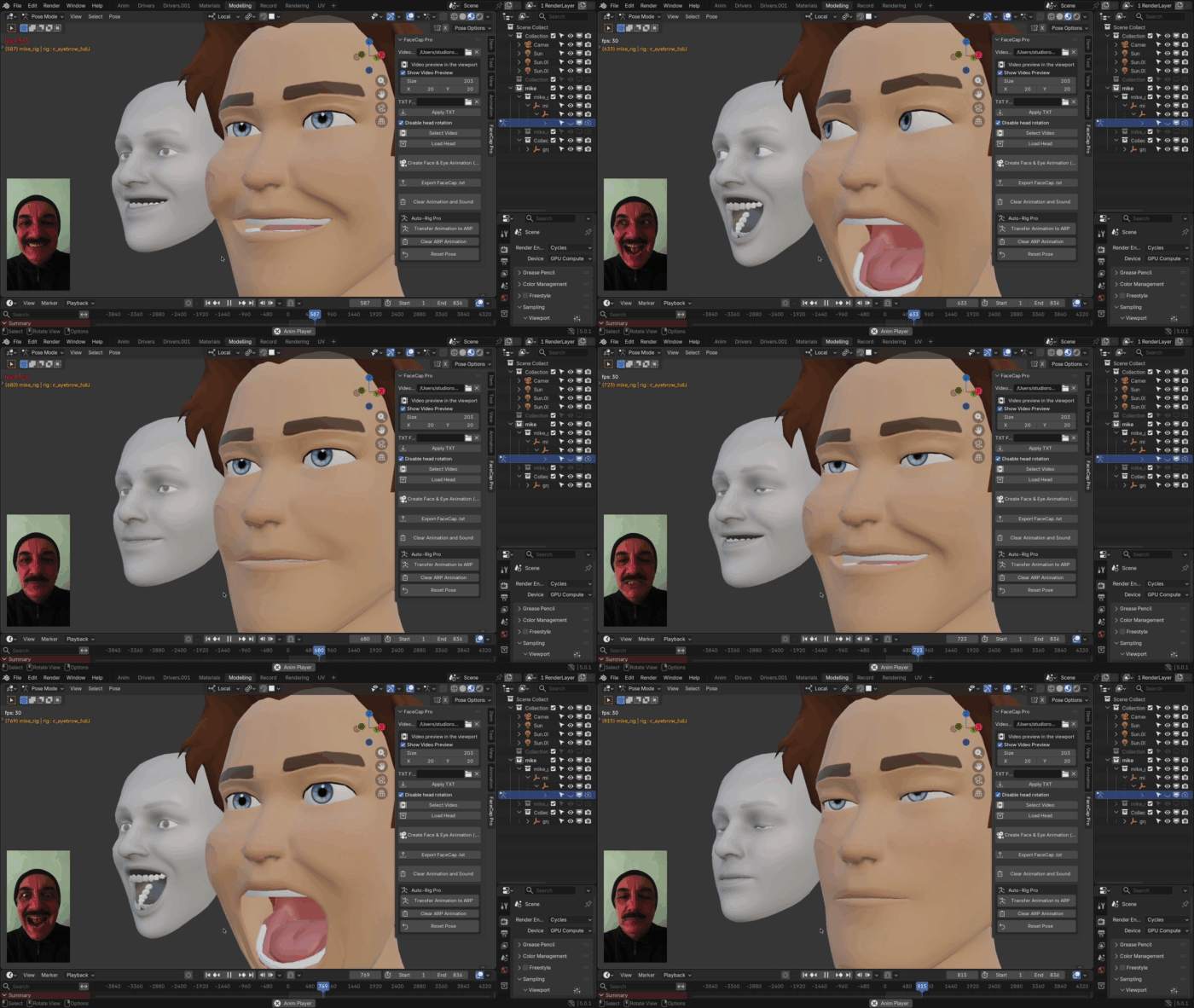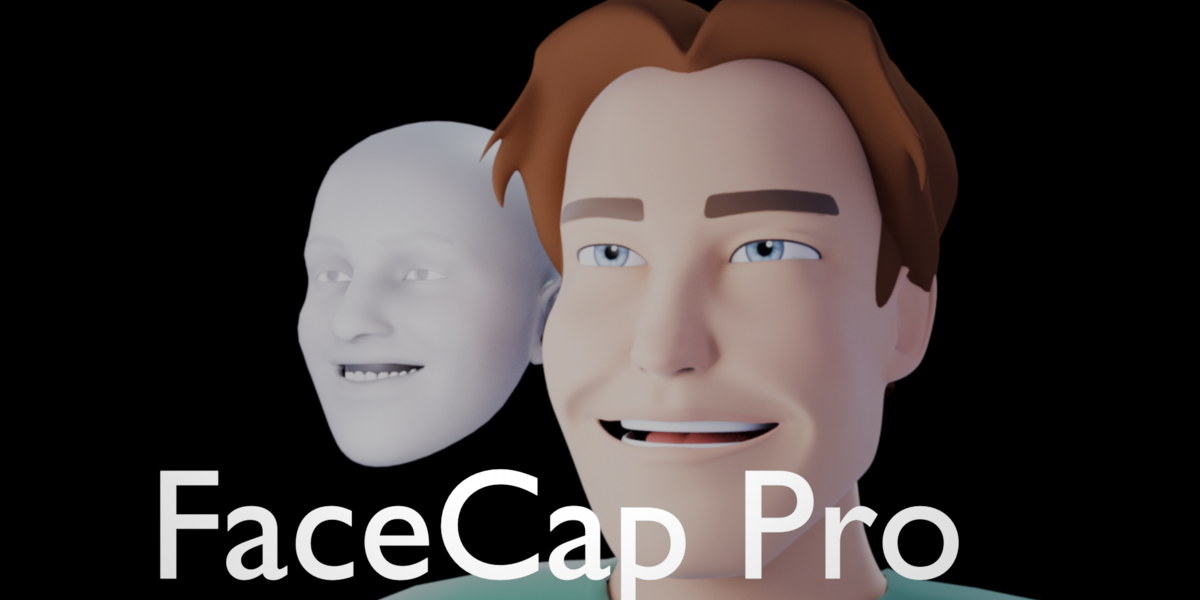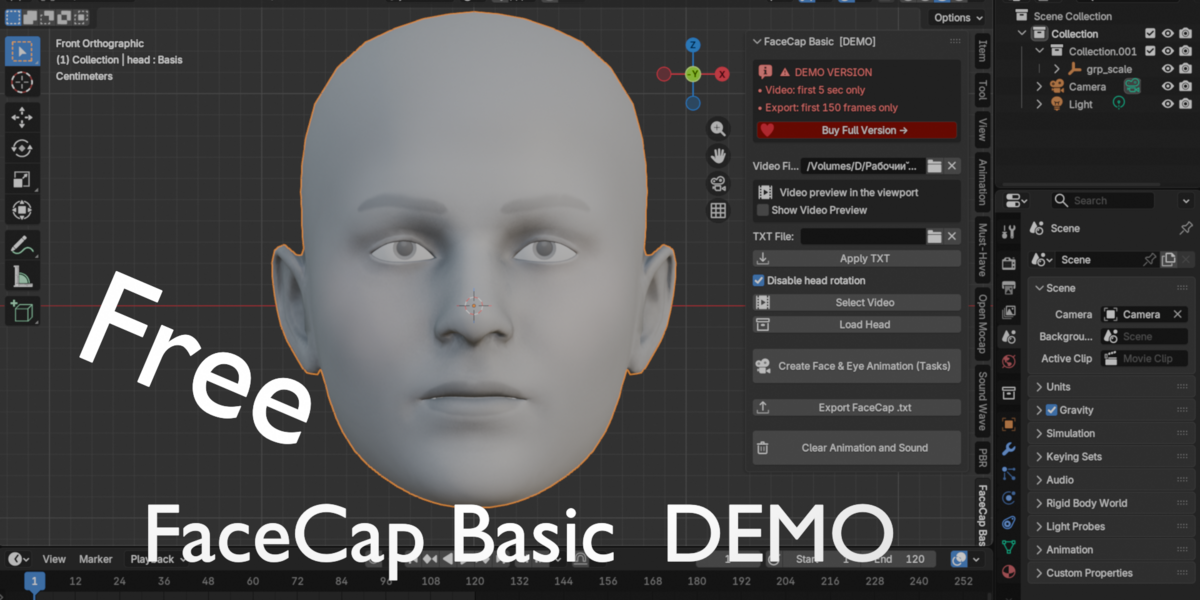
Facecap Basic Demo is a Blender add-on by studioromanrec for turning video footage into facial animation data. It accepts MP4, MOV, and AVI files from any camera, including a webcam or Android phone, or a pre-recorded clip. If the clip shows a face, the add-on can process it without an iPhone, TrueDepth sensor, or mocap suit.
Facial motion data from video
The add-on processes a clip in Blender and extracts 52 ARKit-compatible blendshapes. Eye and head tracking are included, and built-in smoothing can refine the result. You can map the captured data to your character's shape keys for custom rig support.
Workflow and setup
- Load an MP4, MOV, or AVI clip in the FaceCap panel in Blender.
- Click Process to solve the facial motion and generate animation data.
- Use the built-in smoothing to refine the result.
After installing the add-on, click Install Dependencies to add its required libraries, then restart Blender; the product page says the add-on is ready to use afterward.
Compatibility and license
The Superhive product listing covers Blender 4.2 through 5.1 and marks the add-on as Blender Extension Compatible. It names Cycles and Eevee as render engines used, and lists the license as GPL. Check the current listing before installing on a different Blender release, and review the GPL terms.
Availability
The listing identifies Facecap Basic Demo as a free demo and displays coupon code 4567. Its coupon details specify 100% off for four months on one item; confirm the terms at checkout.
Facecap Basic Demo is aimed at independent creators who want to generate facial animation from ordinary footage and map it to a Blender character's shape keys.