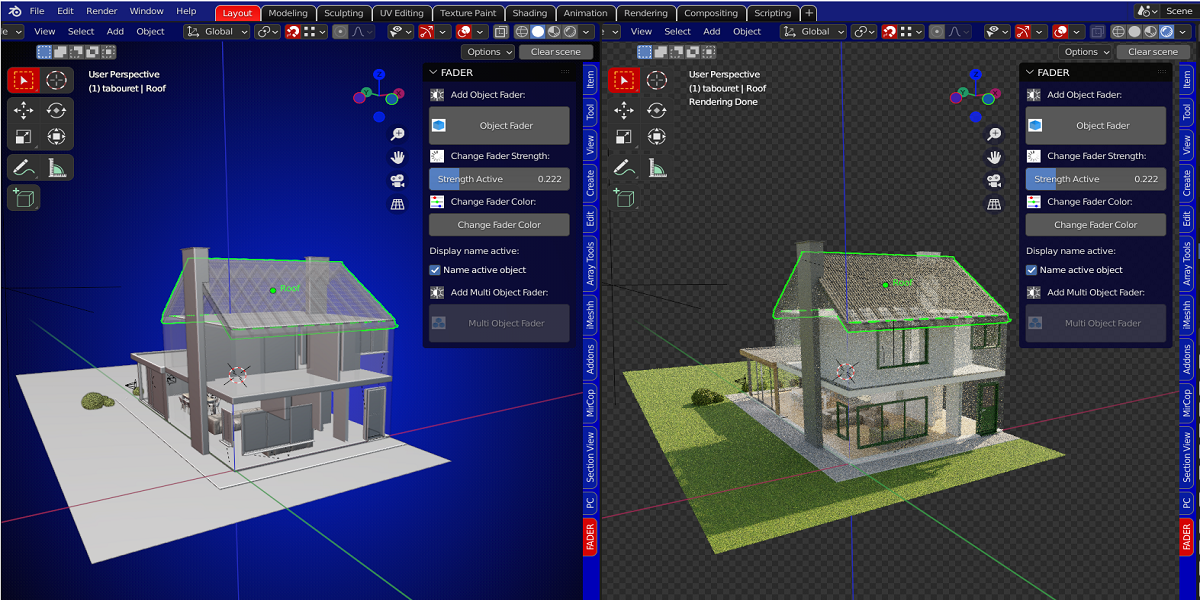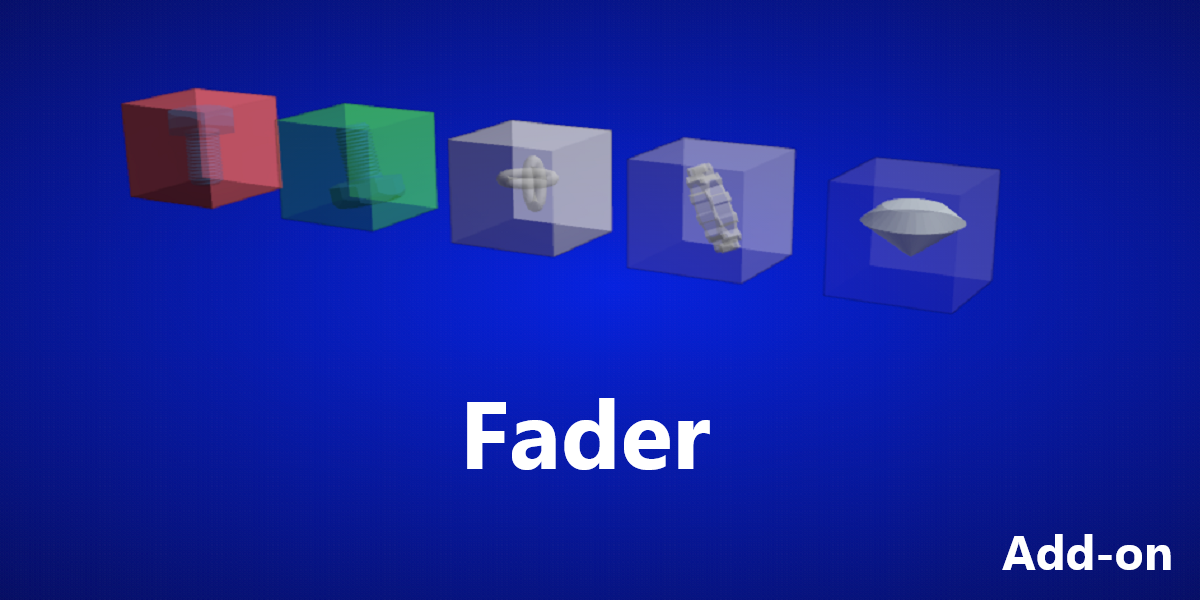
Fader Addon is a Blender add-on for adjusting object transparency with the Fader Strength slider. Use it to see parts hidden inside a model, edit those areas, or create renders where objects fade to different degrees of visibility.
For example, fading an engine’s outer walls can make its interior visible while the rest of the model remains in view. The same controls can help prepare animations or renderings that use gradients of visibility.
Adjust a single object
Select an object and press Object Fader. If the object has no material, Fader Addon assigns one. If it already has a material, the button applies 50% transparency while keeping that material. Adjust Fader Strength to change the transparency level.
The effect looks the same in solid mode and material preview mode. In solid mode, Change Fader Color sets a visible object color without changing its material.
Fade several objects independently
Multi Object Fader applies 50% transparency to the selected mesh objects. The Fader Strength slider changes only the active object, so you can select each object in turn and set its transparency separately. Pressing the button again resets selected objects that already have a fader strength to the default value of 0.5.
When an object is fully transparent, the Name Active Object checkbox can keep its name visible so you can identify it in the scene.
Choose which materials fade
For objects with multiple materials, turn on Fade All Materials to fade every material assigned to the object. With the checkbox off, the add-on fades only the active material. The version 2.2 changelog describes this multi-material support and the checkbox for both single-object and multi-object use.
Installation and compatibility
The seller’s product FAQ describes installing the Fader_V1.zip file through Blender Preferences under the Add-ons tab. It says to select the ZIP without unzipping it, install it, and enable the add-on, after which it appears in the 3D Viewport’s N-panel.
The Fader Add-on product listing identifies Blender versions 3.0 through 5.0, marks the add-on as Blender Extension compatible, and lists Blender-Internal, Cycles, and Eevee as render engines. It also lists the GPL license. Check the listing for current release and compatibility details before installing.