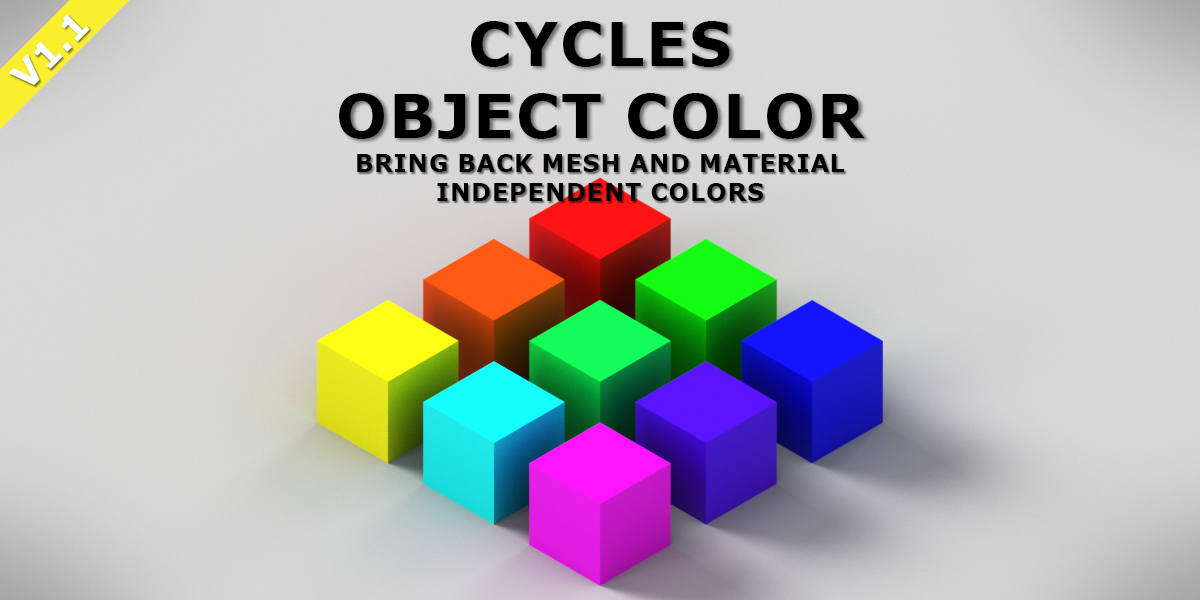
Cycles Object Color lets a single Blender material produce different colors, greyscale values, or transparency for multiple objects. It uses each object's pass index, so you can avoid duplicating materials or adding vertex colors and textures just to vary an object's appearance.
How pass-index coloring works
The add-on includes a node group for each of its eight color modes. Add the group to a material to convert an object's pass index into color, greyscale, or transparency values. The mapping is independent of the object's mesh and material. The pass index provides 32,768 possible values, which the selected mode allocates across its output channels.
Choose a color mode
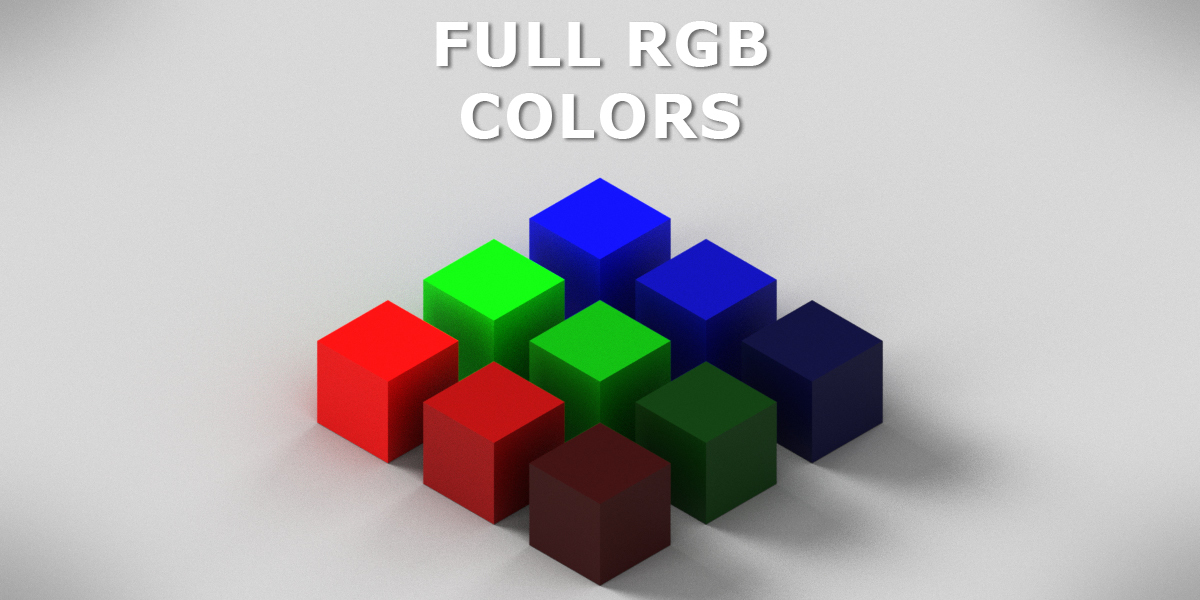
- RGB 5|5|5: Color only, with 32 levels per channel. The product page describes this as the most precise option for opaque colors.
- RGBA 5|5|4|1: Color with transparency switched on or off. The blue channel has fewer levels, so rounding can make dark grey appear colored.
- RGBA 4|4|4|3: 16 levels per color channel and eight transparency values. The product page recommends this mode for transparent colors.
- Greyscale: 32,768 black-to-white values; it can also be used for transparency alone.
- Greyscale 14|1: Greyscale with transparency switched on or off.
- Greyscale 10|5: 1,024 greyscale values and 32 transparency values.
- Greyscale 8|7: 256 greyscale values and 128 transparency values.
- Greyscale 7|8: 128 greyscale values and 256 transparency values.
The right choice depends on whether a material needs opaque color, fine greyscale variation, or more transparency levels. The product listing describes the modes and their channel allocations.
Version and included files
Version 1.1 added animated colors and compatibility with the Particle Instantiator add-on, which can be used to add random colors to particles. The product documentation says the package includes a PDF with installation and usage instructions, plus a demo .blend file.
The marketplace listing specifies Blender 2.7x and a GPL license. Check the developer's listing for compatibility details before using it with a newer Blender release.