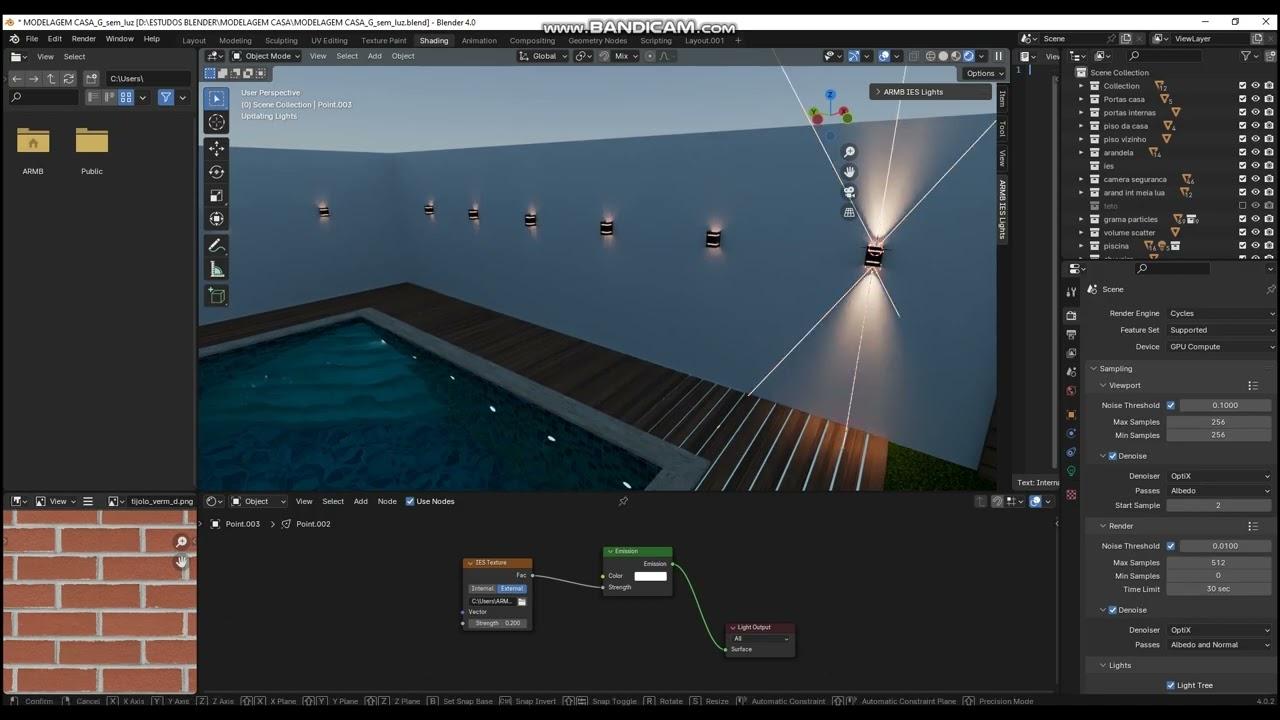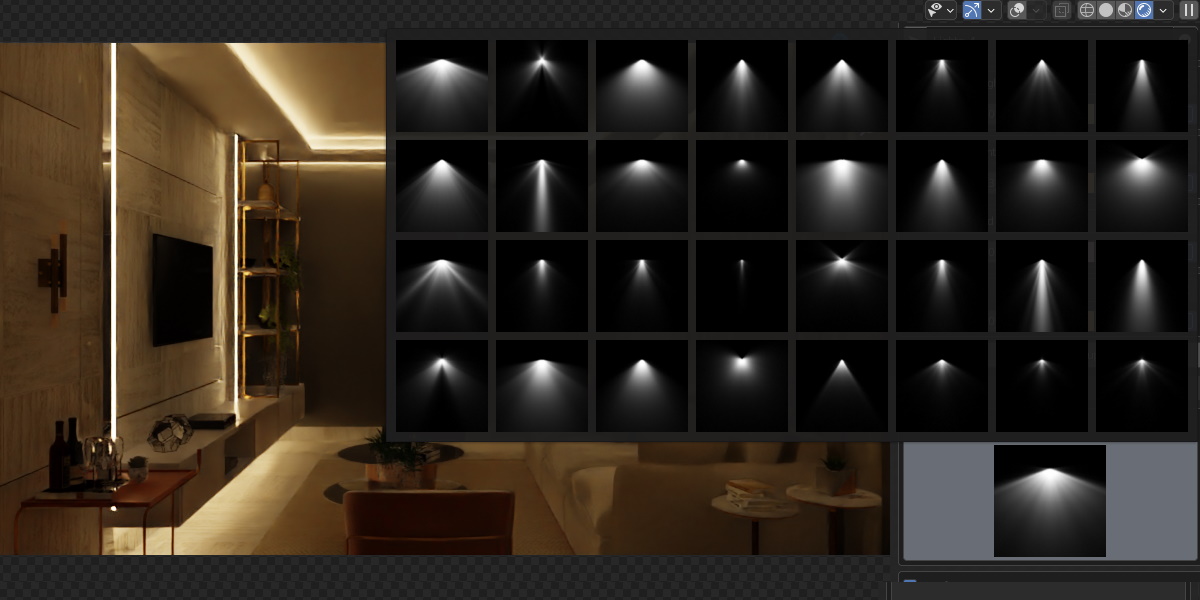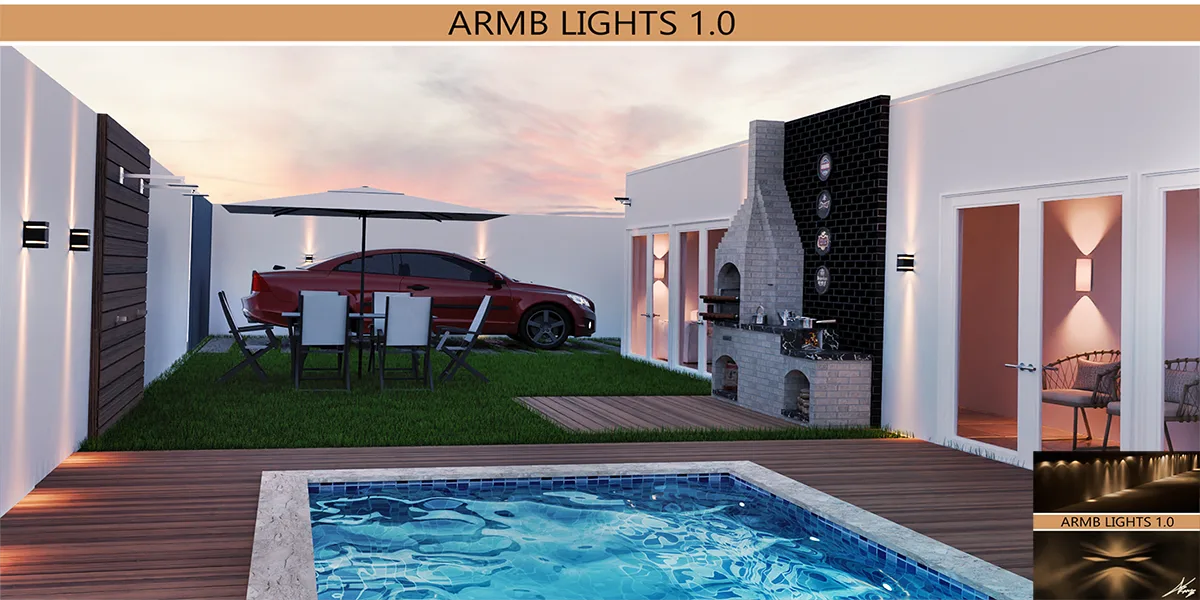
Armblights Lights 1.2 Addon adds 30 IES light patterns to Blender through a panel of selectable options. Each option has its light-pattern nodes linked, so you can choose a pattern with one click. The listing describes these as physical-light patterns and identifies the add-on for rendering in Cycles.
Choose from 30 IES light patterns
The panel keeps the available patterns together in Blender. This can help when you want to compare different lighting patterns in a Cycles scene without manually linking each pattern's nodes. The Superhive product listing describes IES as Illuminating Engineering Society lighting.
Blender version and render engine
The product details list Blender 4.0 and Cycles, along with a GPL license. They do not confirm compatibility with other Blender versions or list support for Eevee. Check the product listing if either detail affects your project.
Installation and the IES folder
The published documentation says to extract ARMBLIGHTS.zip to D:\, then install the zip in Blender without unzipping it. It warns that the add-on expects the IES texture folder at the specified path; placing the ARMBLIGHTS folder elsewhere can leave the textures missing.