Easylight is a Blender add-on by CGoutset for adding and managing scene lights. It groups lights so you can adjust several at once, organize lights created outside the add-on, and work with your own IES texture library. The listing describes it for Cycles and Eevee, with IES textures available in Cycles only.
Manage lights in groups
A light group lets you change the power, on/off state, color and light temperature of its members together. Groups can also include mesh objects that use emission materials. Easylight uses Blender’s default collection system, so you can select, move or delete lights using familiar collection operations. Drag an existing scene light into a group even if you created it without Easylight.
When one light needs a different setting, adjust its power, hue and saturation, or color individually while keeping it in the group.
Work with IES lights
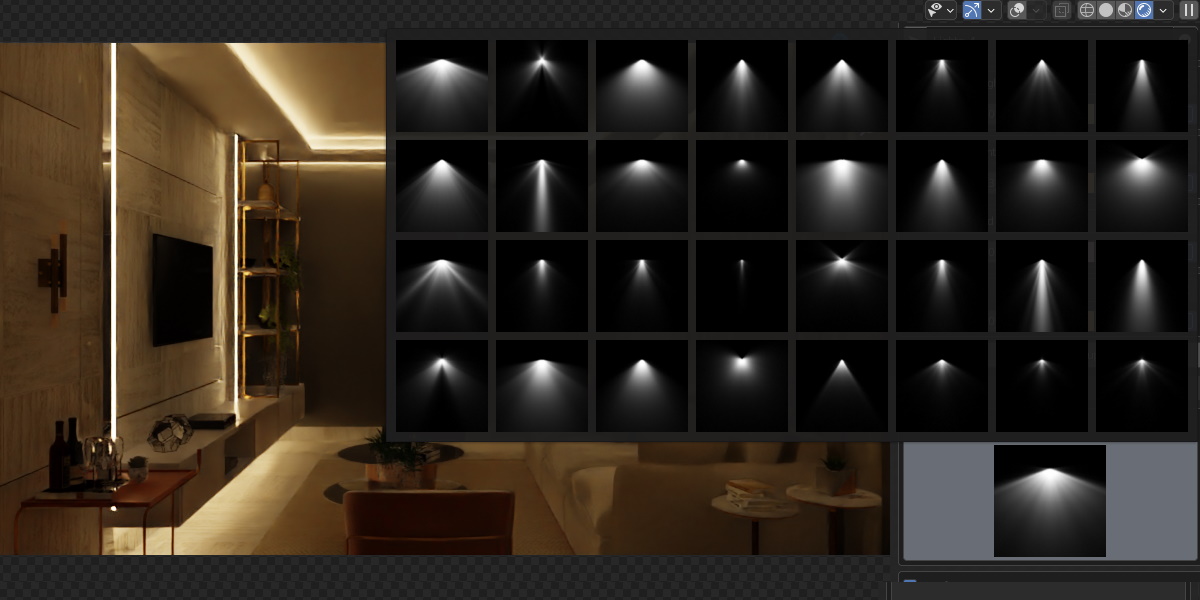
The IES Light Manager lets you add your own IES texture library, generate a preview for each file and apply a texture to a light. Easylight also has quick-add controls for IES-ready lights and a favorite setup for adding a frequently used IES texture. The add-on does not include an IES texture library, so you need to provide your own files.
IES textures work in Cycles, not Eevee. You can still use Easylight’s default lights and light-management features with Eevee.
Animate group settings
Easylight includes a frame-based animation system for changing a group’s on/off state, power and colors. The product FAQ says light groups cannot be animated with Blender keyframes or drivers. The listing also describes the animation feature as still in development; check the animation documentation for its current limitations.
Check compatibility before installing
Easylight runs on Windows only. The supplied Superhive listing names Blender 2.91, 2.92, 2.93, versions 3.0 through 3.6, and 4.0. For newer Blender releases, check CGoutset’s current documentation. Superhive lists the add-on under the GPL license.
Easylight may suit a Windows workflow where several scene lights need shared controls, while individual lights still need separate adjustments. Its IES tools are relevant when you already have an IES library and render with Cycles. Eevee users can use the group and light-management tools without IES textures.