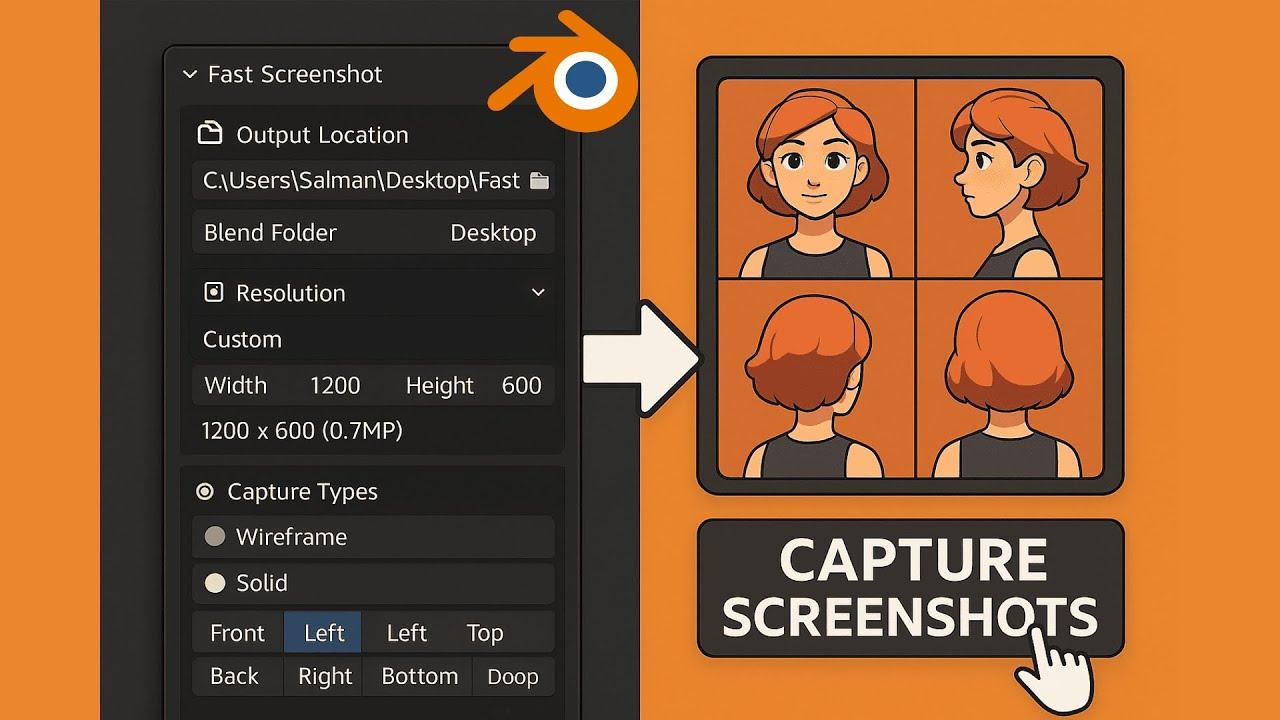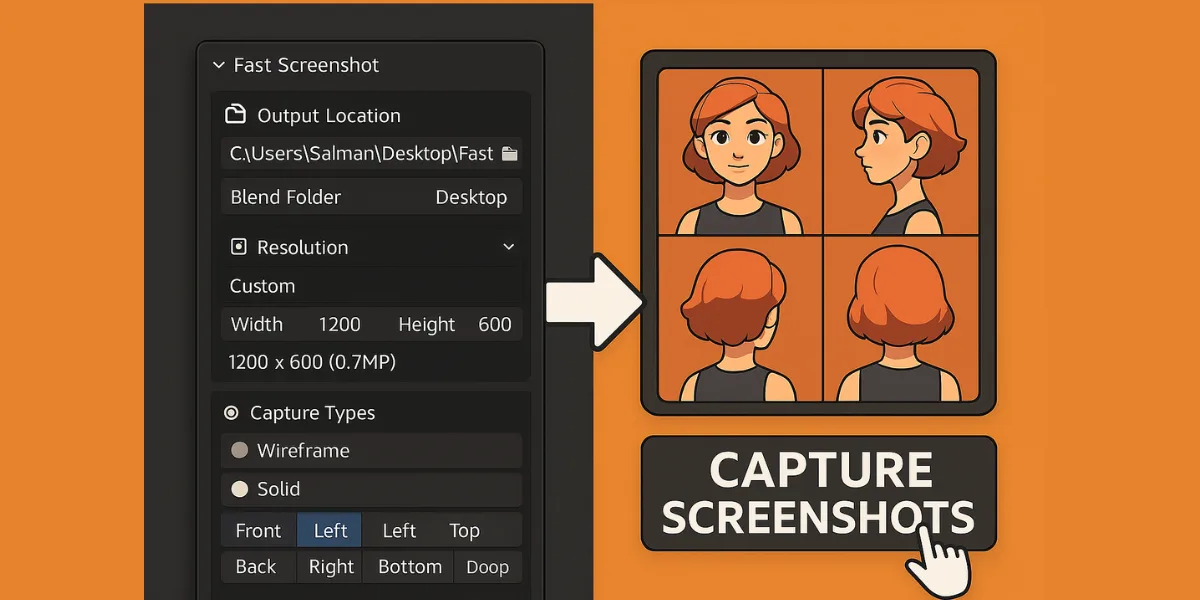
Fast Screenshot is a Blender add-on for producing model screenshots without setting up a separate camera and hiding unwanted objects for each angle. Select objects in the 3D Viewport, choose the views and display modes, set the output options, then click CAPTURE to create the images.
Capture different views and display modes
The add-on provides six camera views: Front, Back, Left, Right, Top, and Bottom. You can pair them with Wireframe, Solid, or Material Preview mode and choose one or several views and modes for a capture. For example, selecting all six views with Material Preview and Wireframe produces the 12-image set shown in the product example.
Resolution options include HD, Full HD, 2K, and 4K, as well as custom dimensions. The adjustable zoom factor changes how tightly the model is framed; the documentation describes 1.0 as tight and 2.0 as giving the model more space. You can also hide items such as lights, cameras, and armatures when they would clutter the screenshots.
Save an organized set of screenshots
Choose the Blend file folder or Desktop as the output location. Fast Screenshot names and organizes the resulting files automatically. The documentation gives [BlendFile]_Character_[view]_[mode].png as the filename pattern, with MyCharacter_Character_front_wireframe.png as an example. Batch processing can capture multiple screenshots at once, which is useful when preparing a consistent set of views.
An optional statistics overlay can put polygon and vertex counts on the images. That can help when preparing model documentation or game development assets, where the counts need to appear alongside the visual reference.
Setup and compatibility
The product documentation describes installing the add-on folder in Blender's add-ons directory or installing a ZIP through Blender's add-on manager; it recommends the ZIP route for Blender 4.2 and later. After enabling Fast Screenshot, open its tab in the 3D Viewport's N-Panel, select the objects, set the output location and capture options, then click CAPTURE.
The seller listing reports Blender compatibility from 2.83 through 5.2 and notes an FFMPEG workaround for Blender 5.0. Check the product documentation and seller listing for details relevant to your Blender release.
When it fits
Fast Screenshot is suited to character turnarounds, portfolio sheets, and documentation that needs repeatable angles or display modes. The view, mode, resolution, framing, object visibility, and output location controls let you prepare a capture set for a particular model without repeating those settings manually for every image.