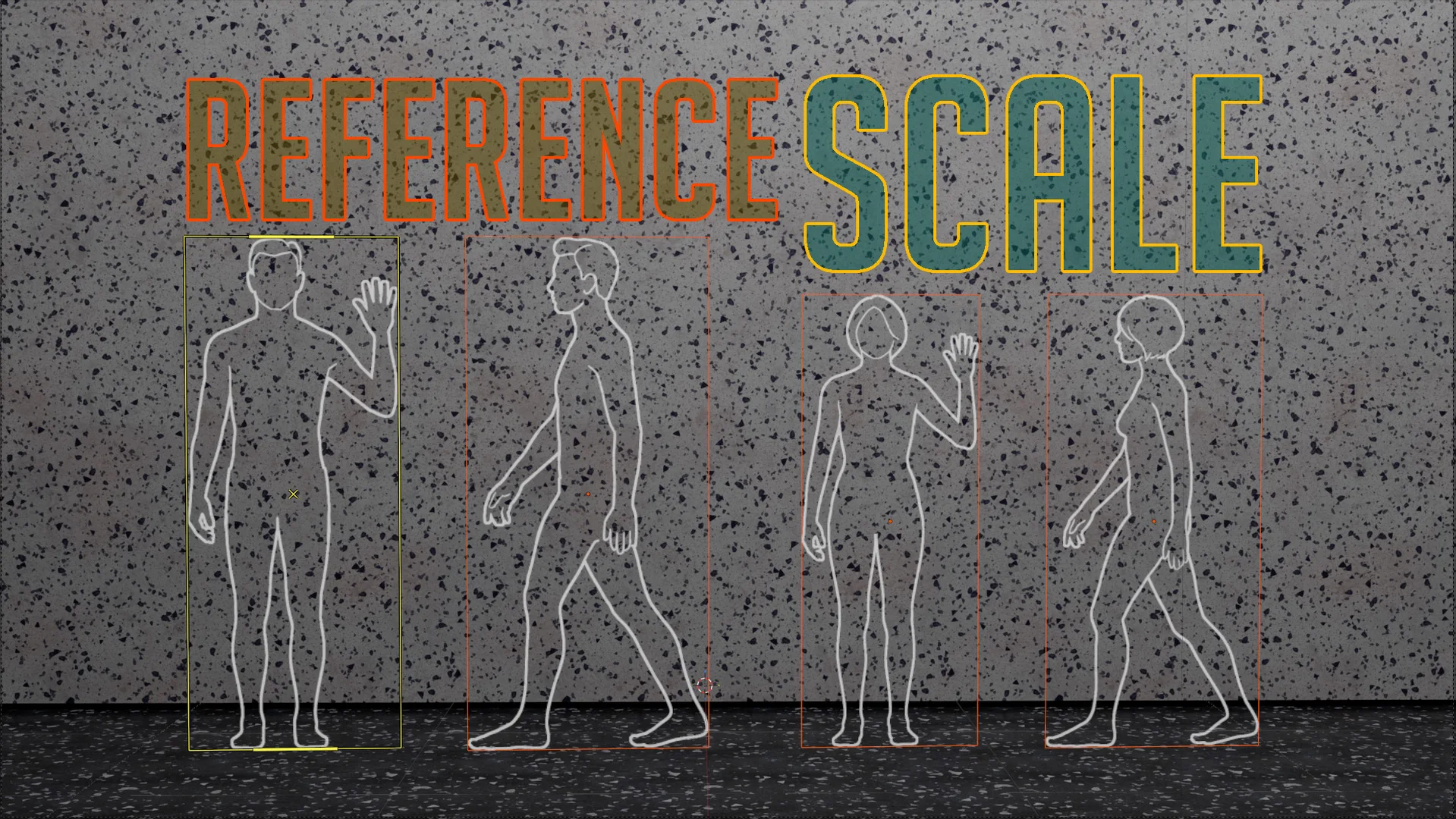
Reference Scale adds a point-and-click tool for placing true-to-scale 2D graphics in a Blender scene. The image references give you a visual check on proportions without importing and positioning 3D stand-ins. Use them to block out sets for animatics, prepare pre-visualization layouts, or check hard-surface designs. Reference Scale project repository.
Place a human figure or hand reference
The tool appears below Blender’s default Measure tool. Choose a reference and click scene geometry to place it. The documented options include a 180 cm male figure, a 160 cm female figure, and a 20 cm hand graphic. The figures stand upright and turn toward the viewport camera when added. The hand image aligns flat with the clicked surface, following its normal.
A human figure can help you judge the proportions of a room or environment during blockout. The hand graphic gives you a smaller scale reference when checking an object or its texture. These are flat image references for visual comparison in the scene.
Keep references in view while modeling
Reference Scale uses Blender Image Empties. The reference textures remain visible in all viewport modes, including Solid and Wireframe, but do not appear in the final render. Spawned references are placed in a dedicated Outliner collection named Reference Scale Empties, so they are grouped separately from other scene objects.
Version and Blender compatibility
The Blender Extensions API lists Reference Scale version 1.6.0 with Blender 4.2.0 as its minimum version. Check the Blender Extensions listing for current package and compatibility details.