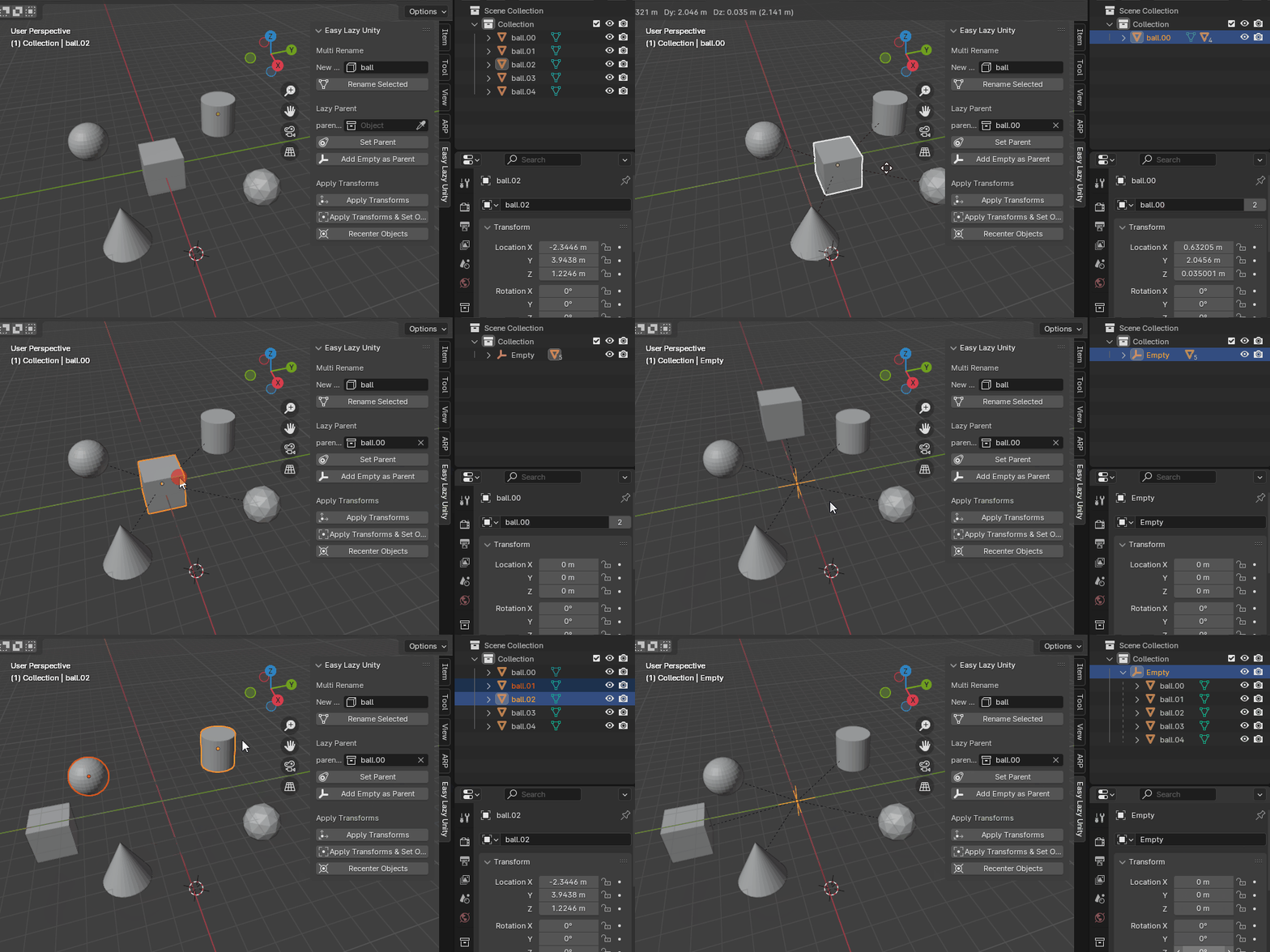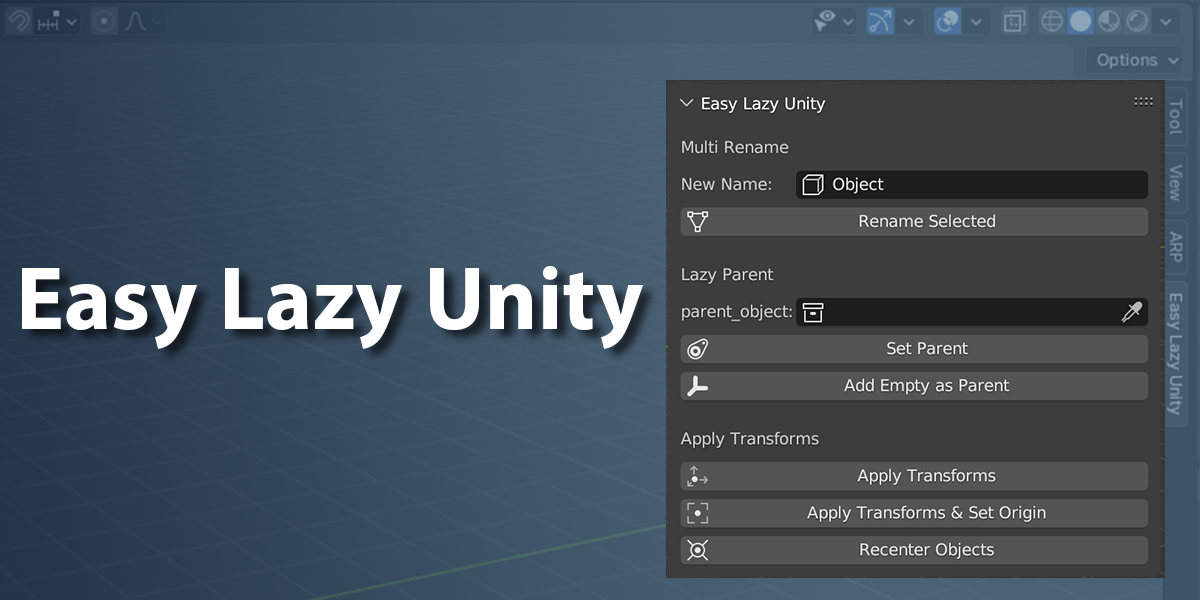
Easy Lazy Unity Pro is a Blender add-on for managing scene objects from the 3D View Sidebar. It can batch-rename selected objects, set parent-child relationships, add an empty object as a parent, apply transforms, set origins to the center of mass, and recenter objects. The product name includes Unity, while the product listing identifies it as a Blender add-on and its documentation describes Blender scene operations.
Batch naming and parenting
Multi Rename applies a numbered sequence to selected objects using a base name. The documentation gives “Object.01” and “Object.02” as examples. This can help keep names consistent when a scene contains several related objects.
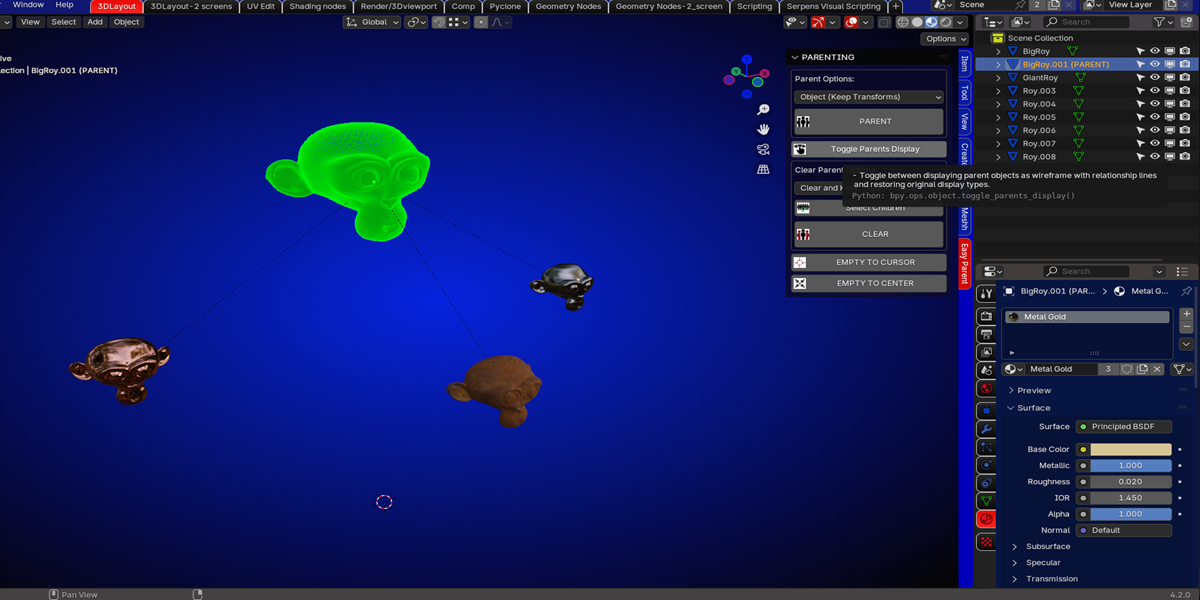
For scene hierarchy, select a parent object and use the Parent Object control to set the relationship with other selected objects. The add-on can also create an empty object as the parent. Naming and parenting are separate tools, so you can use either one on its own or organize names and hierarchy together.
Transforms and recentering
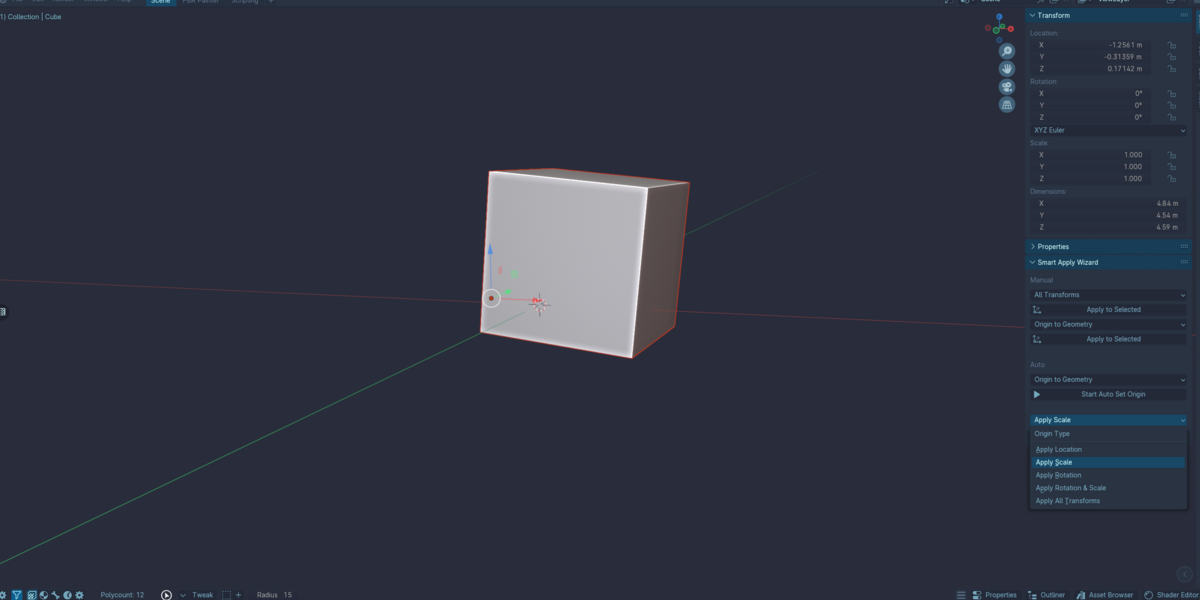
Apply Transforms applies location, rotation, and scale to selected objects. A separate option also sets the origin to the center of mass. Recenter Objects moves selected objects to the scene origin; the documentation says this operation resets the 3D cursor to the origin and adjusts object origins.
Install and open the add-on
The product documentation describes installation through Blender Preferences. Download the add-on ZIP, open Edit > Preferences, choose Add-ons, and select Install. Browse to the ZIP, install it, then find Easy Lazy Unity in the Add-ons list and enable it. The controls are in the 3D View Sidebar under the Easy Lazy Unity tab.
To rename objects, enter a base name in New Name, select the objects, then choose Rename Selected. To set a parent, use Parent Object, select the objects to parent, and choose Set Parent. Choose Add Empty as Parent when you want a new empty object at the top of that hierarchy.
Compatibility and license
Superhive lists compatibility with Blender 4.0 through 5.0 and a GPL license. Check the current product listing for any changes before installing or relying on a specific Blender version.