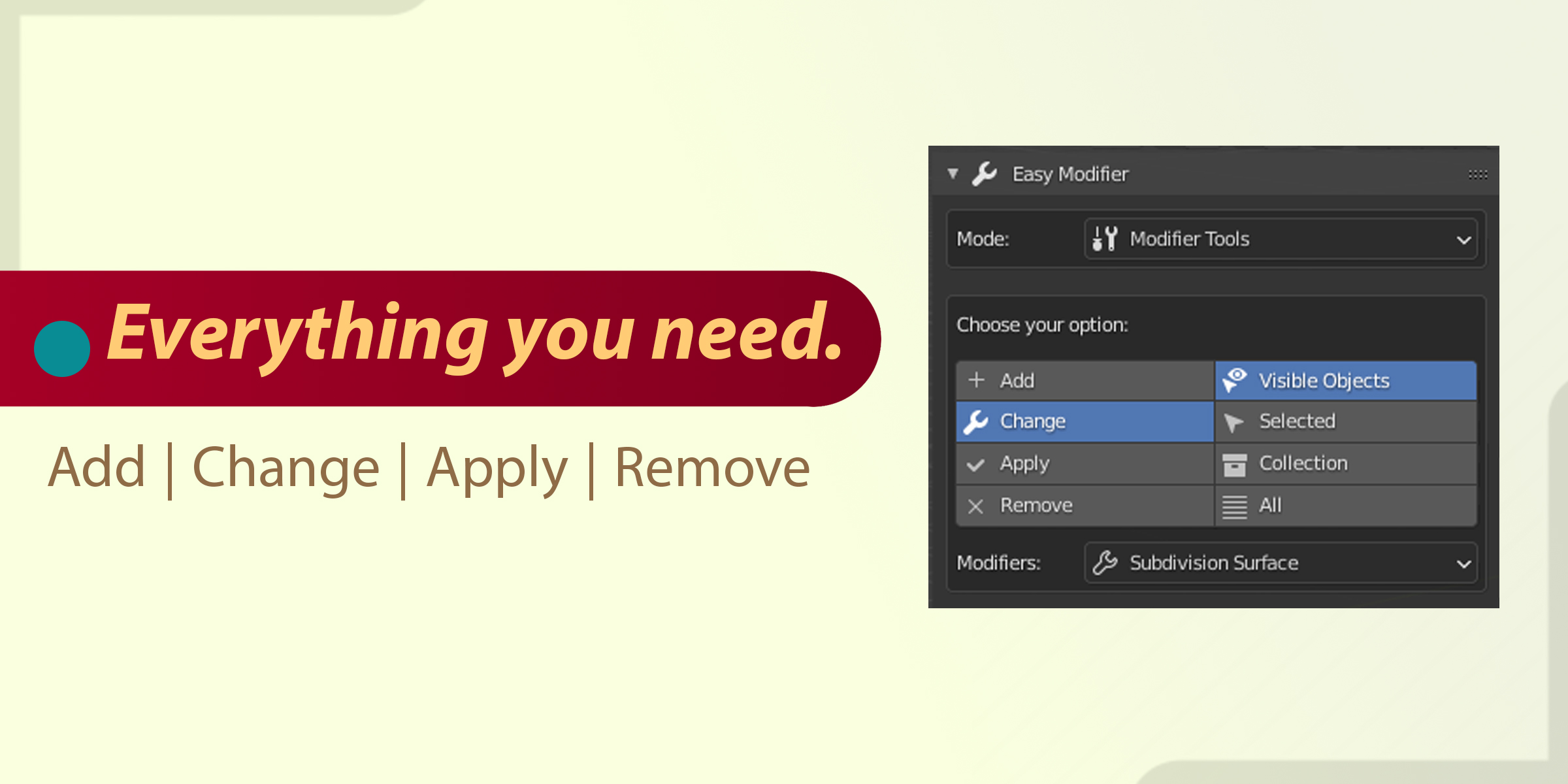
Easy Modifier is a Blender add-on from CG Tools for managing modifiers on objects. It groups tools for adding, changing, applying, and removing modifiers into four modes, with options for choosing which objects each operation affects.
Choose which objects to affect
Each mode offers four selection options:
- All affects every object, including inactive objects.
- Selected affects the selected objects.
- Collection targets a chosen collection.
- Visible Objects targets objects visible in the scene.
Use the mode for the task
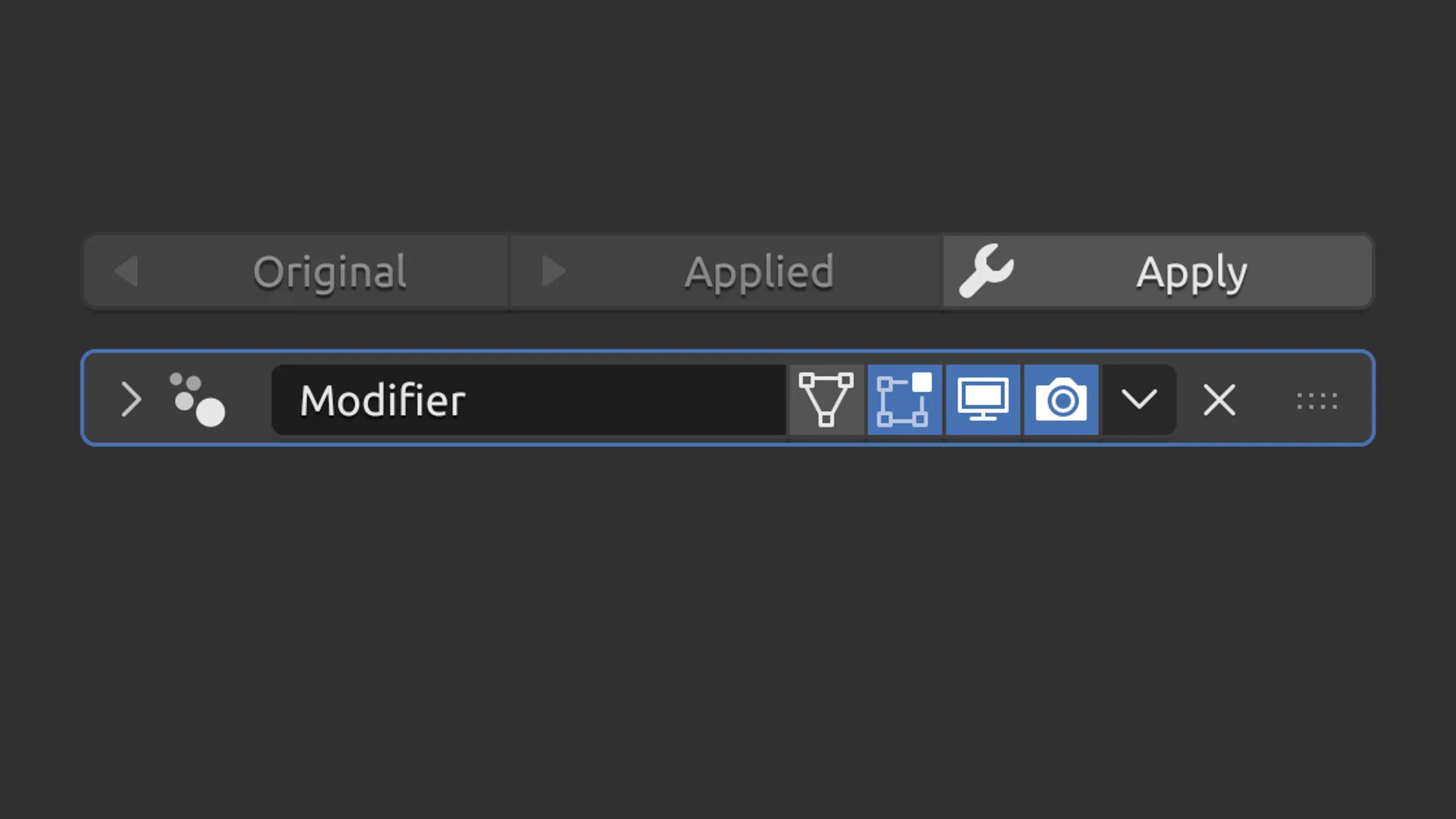
Add mode creates modifiers, and Change mode edits them. Apply mode applies modifiers and includes a backup option for saving an object’s earlier state before applying. Its Apply all modifiers button can apply every modifier on one or more objects. Remove mode deletes modifiers; its Remove all modifiers button can clear them from one or more objects. An option can also remove object keyframes.
You can filter modifiers by name in the panels. In the Change panel, live changes are available; the listing also describes disabling automatic changes and using a button when live updates are slow or problematic.
Adjust settings and keyframes
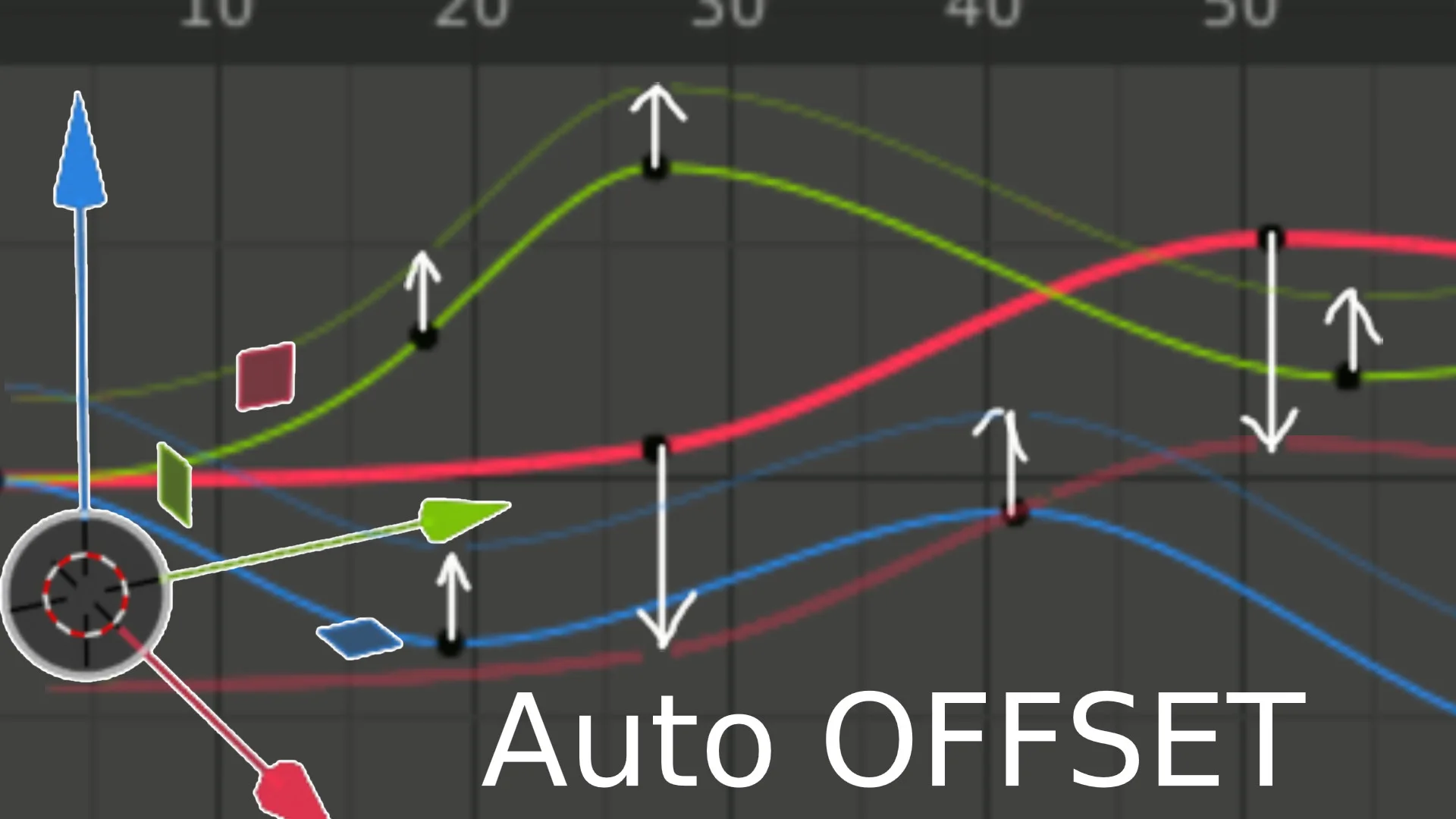
The Add and Change panels include controls for modifier values and keyframes for individual properties. The listing gives Subdivision Surface as an example, with render, realtime, edit-mode, and on-cage settings. In Remove mode, keyframes can be removed for individual properties, a modifier type, or an object’s modifiers.
Trial features and listing details
The Superhive listing labels its feature summary as the trial version. That list names access to five modifiers in the Add and Change menus, 15 in the Apply and Remove menus, and two modifiers in keyframe setup. It also lists All and Selected options, apply-all and remove-all buttons, backups, and name filtering. The listing title identifies version 1.4.1, and its compatibility field names Blender releases from 2.9 through 4.4. Its license field says GPL. These details come from the Superhive product listing retrieved on November 24, 2026; check that page for later changes. The listing shows a full version at $18 and a trial at $1; check the page for current prices.
Who may find it useful
Easy Modifier may suit Blender work that involves editing modifiers across several objects, a collection, or visible scene objects. Its separate modes and selection options can help keep those operations together, while backup and keyframe controls cover tasks that need more care than a simple add or remove.