Meshcraft Pro is a Blender add-on for object-level modeling tasks. Its main workflow applies shaders, modifiers, and constraints from the last-selected object to other selected objects in one action. The panel also brings together Boolean operations, bevel and subdivision controls, material application, and visibility settings. Find it in the 3D View under View3D > Sidebar > MeshCraft.
Apply settings across selected objects
The last-selected object supplies the shaders, modifiers, or constraints that Meshcraft Pro applies to the rest of the selection. This can help when several objects need the same setup. The listing does not say whether existing modifiers or materials on the other objects are replaced or retained.
Modeling and object tools
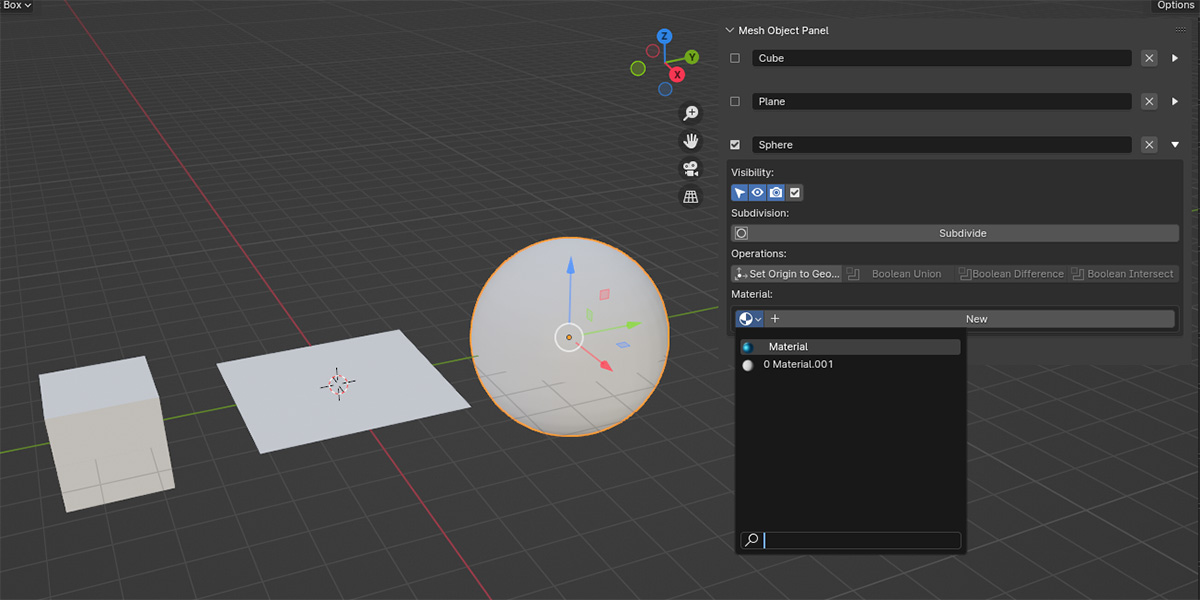
The Mesh Object Panel includes several operations for selected mesh objects:
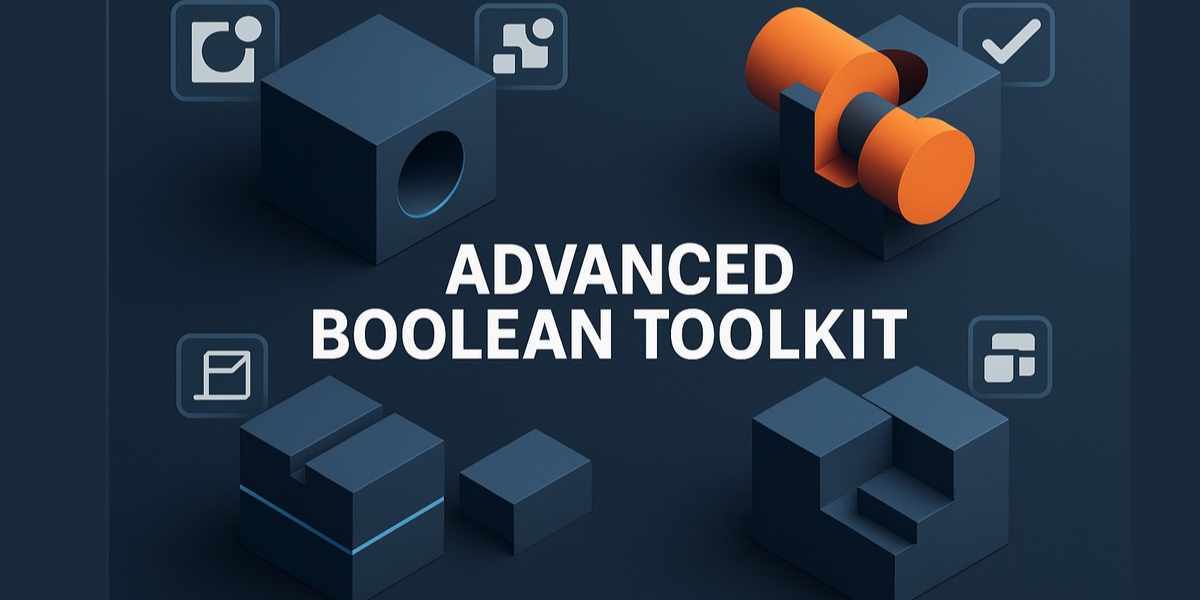
- Run union, difference, or intersect Boolean operations.
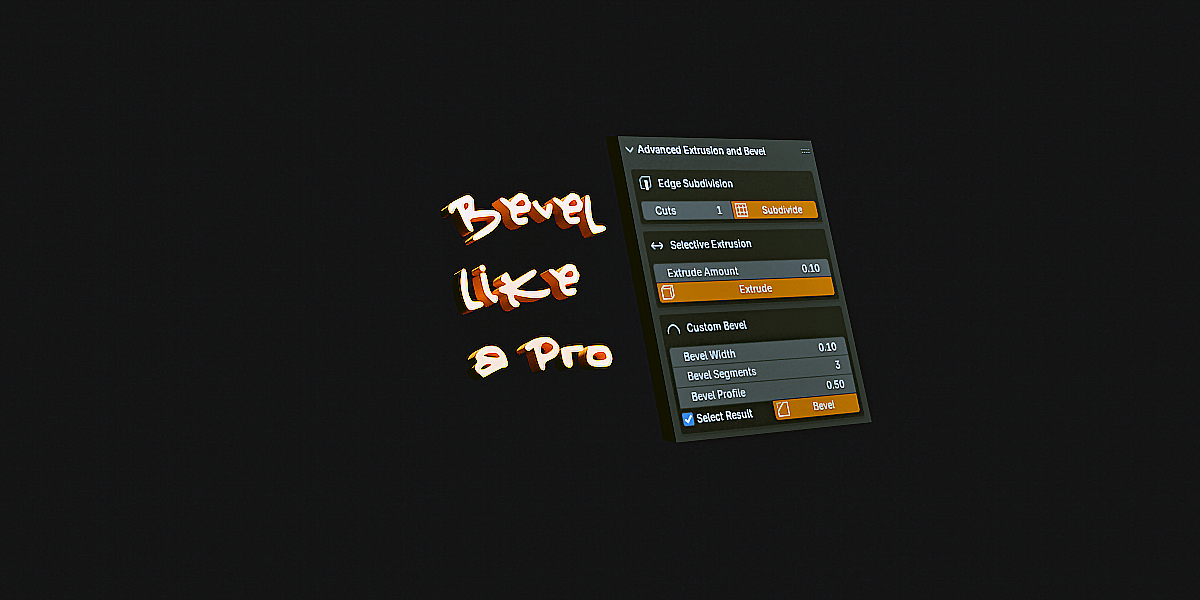
- Add a bevel modifier with default settings or remove a bevel modifier.
- Subdivide meshes with specified subdivision, viewport, and render levels.
- Set an object's origin to the geometric center.
- Rename or delete objects from the panel.
- Apply materials and modifiers such as Subsurface.
Object properties and render controls
Meshcraft Pro adds object properties for selectable status, viewport visibility, and render visibility. The panel also has shadow, highlight, and color controls.
Compatibility, license, and price
The product description says Meshcraft Pro works with Blender 2.80 and above. The product details list versions 2.93, 3.0, 3.1, 3.2, 3.3, 3.4, 3.5, and 3.6. Check the Superhive product listing for the version that matches your installation. The listing identifies the license as GPL. AnyPlugins lists the add-on as free; the supplied Superhive listing capture does not show a price, so confirm current availability and terms there before downloading.
Meshcraft Pro may suit Blender workflows that repeat object settings across a selection and use Boolean, bevel, subdivision, and visibility controls. The listing does not specify edit-mode workflows or whether Boolean settings can be configured. Check those details with the creator if they affect your project.