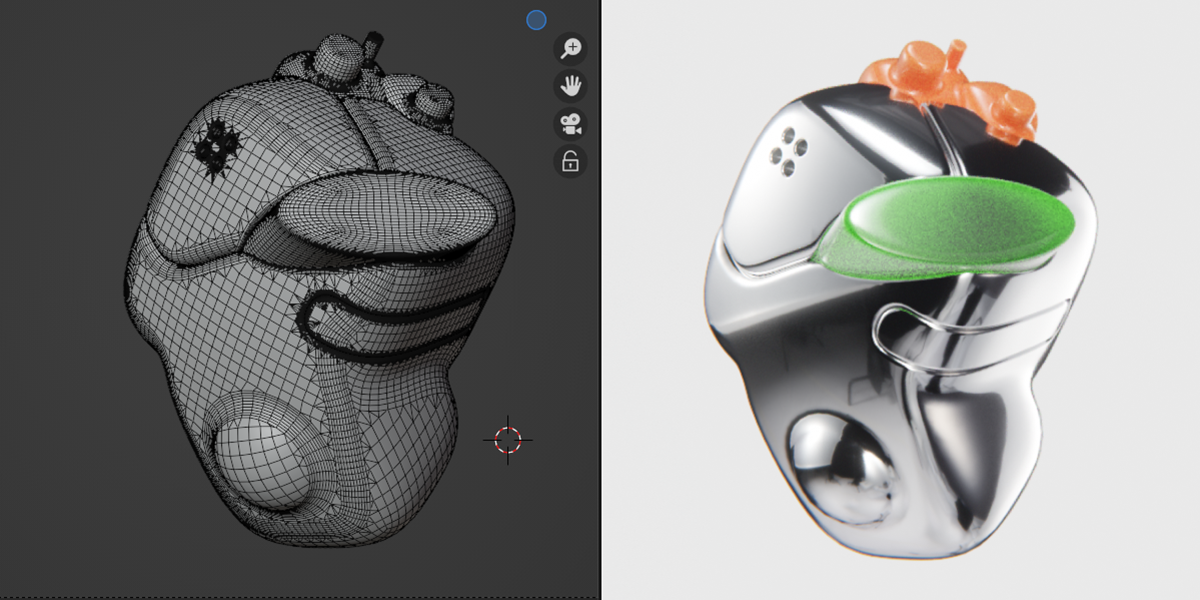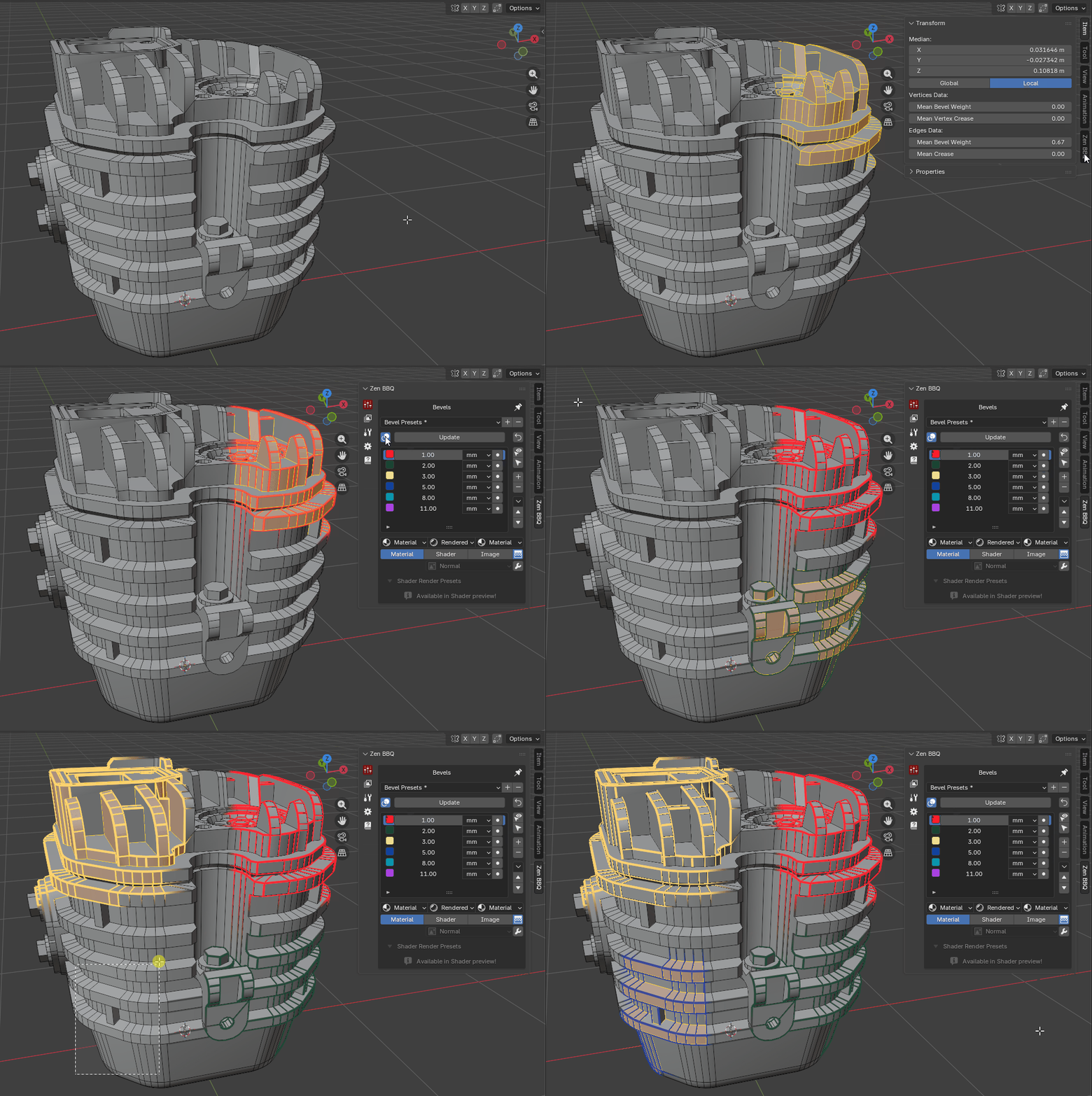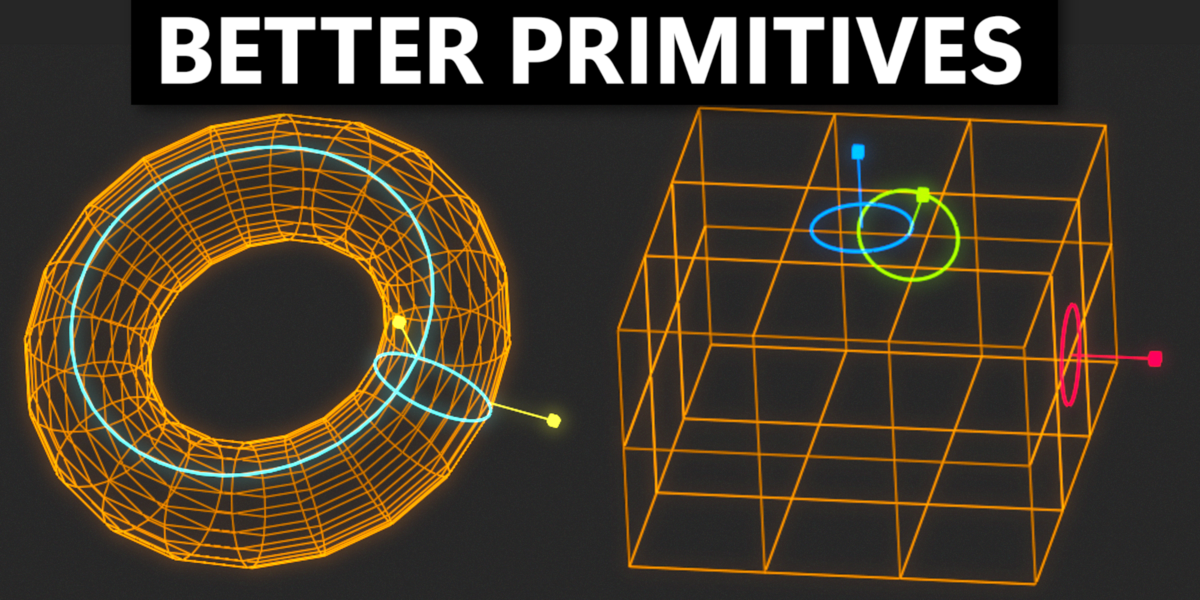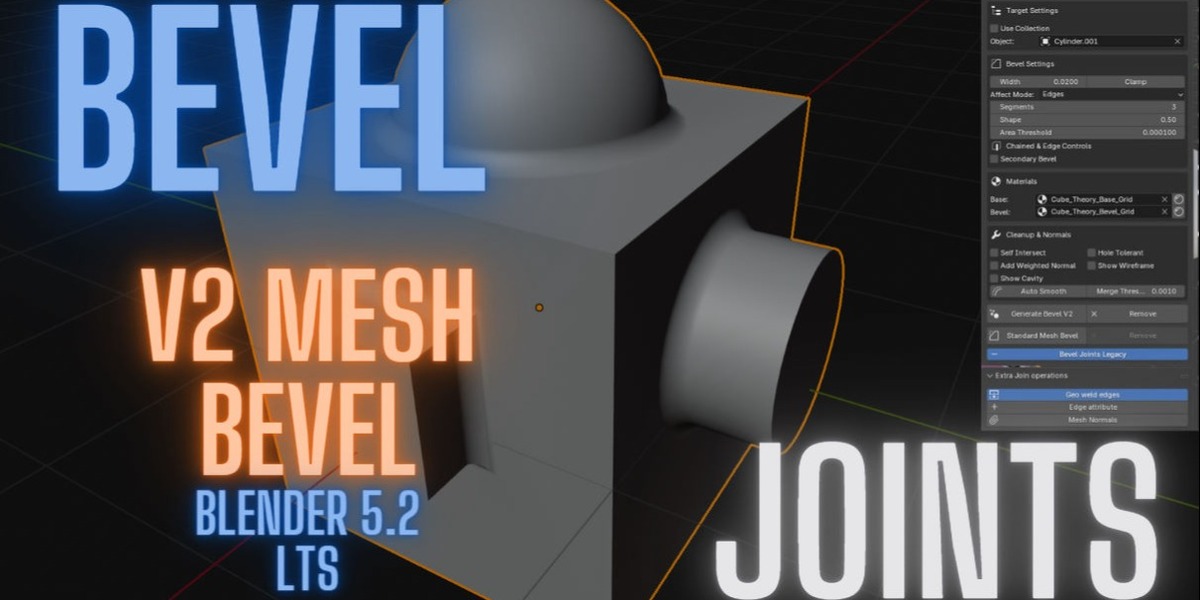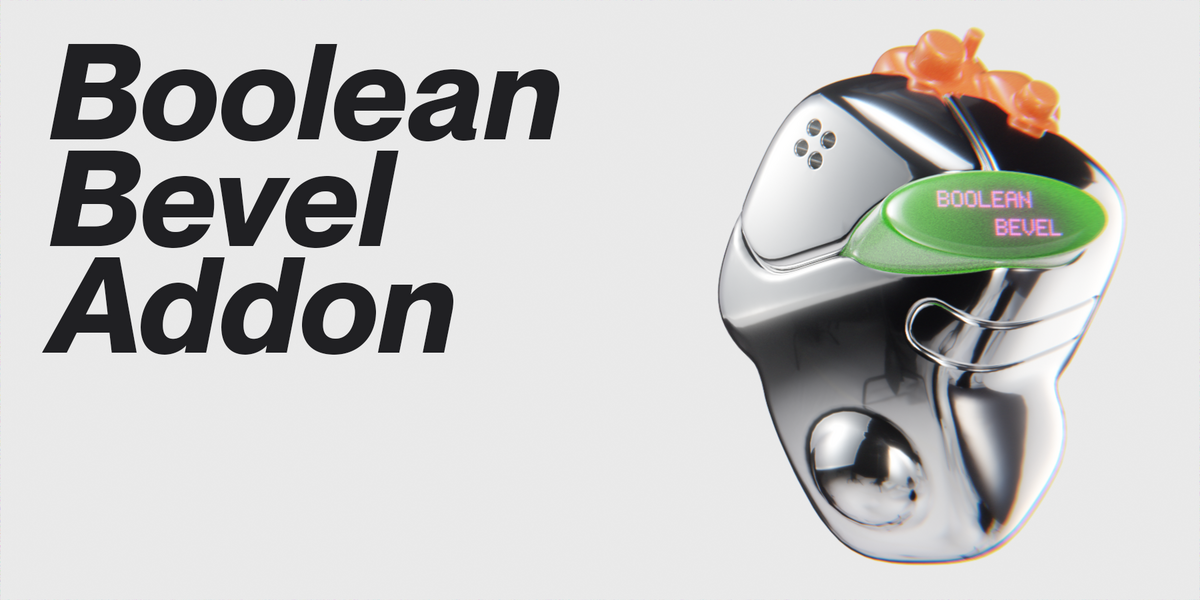
Boolean Bevel Addon by Bukoros Design adds bevel-friendly boolean operations to Blender SubD modeling using Geometry Nodes. Each operation stays in the modifier stack, where you can change its settings or remove it. The Superhive product listing and its documentation describe the workflow and version notes.
How the boolean workflow works
Select at least two objects. The active object becomes the boolean target, and the other selected objects become boolean tools. From the addon's Edit panel, choose Difference, Union, or Intersect. The addon assigns a Geometry Nodes modifier that runs the boolean and bevel on intersecting edges. It also parents the tools to the target, sets their viewport display to Wire, and excludes them from rendering. You can set an initial radius and segment count, then adjust them in the modifier.
Start in Preview mode to inspect the boolean result before the bevel offset is created. Check the Bevel Rim Tube for self-intersections, especially around sharp corners, where they can interfere with the operation. If the rim intersects itself, the documentation suggests trying 10 or 20 Rim Relax iterations or more. For openings or intersections at sharp corners, it suggests testing Rim Extra Subd Level at 1 or 2.
Bevel controls and modeling options
The product changelog lists Surface, Strip, Emboss, Slide, and Slice modes. Its documentation also describes several controls for shaping or managing the result:
- Use a custom bevel profile by selecting a separate edges-only mesh or curve. Its profile should start at 0,0 in local XY space.
- Use Variable Radius with a separate mesh object to control bevel width by distance and scale.
- Break Angle detects corners by their angle and keeps them sharp. Delete Islands removes separate mesh parts after a boolean.
- To use Freeze, enable Allow Bake in the modifier before baking its result into a cache. The boolean then stops recalculating live; delete the cache to resume processing.
Mesh choice and Blender version notes
The developer says the addon works best with a uniform, dense mesh. This can also provide a base for later voxel remeshing. The stated use cases include quick ideation, design exploration, and form studies, particularly for industrial design.
The Superhive version field lists Blender 4.3 through 5.0. A warning on the same listing says an attribute transfer bug can cause shading problems in Blender 5.0 and 5.1, and suggests Blender 4.5 LTS or 5.2 and later. If you migrated from Blender 4.3 or 4.4 to 4.5 or later through Import Preferences, the developer says to delete and reinstall the addon to get the correct node setup.