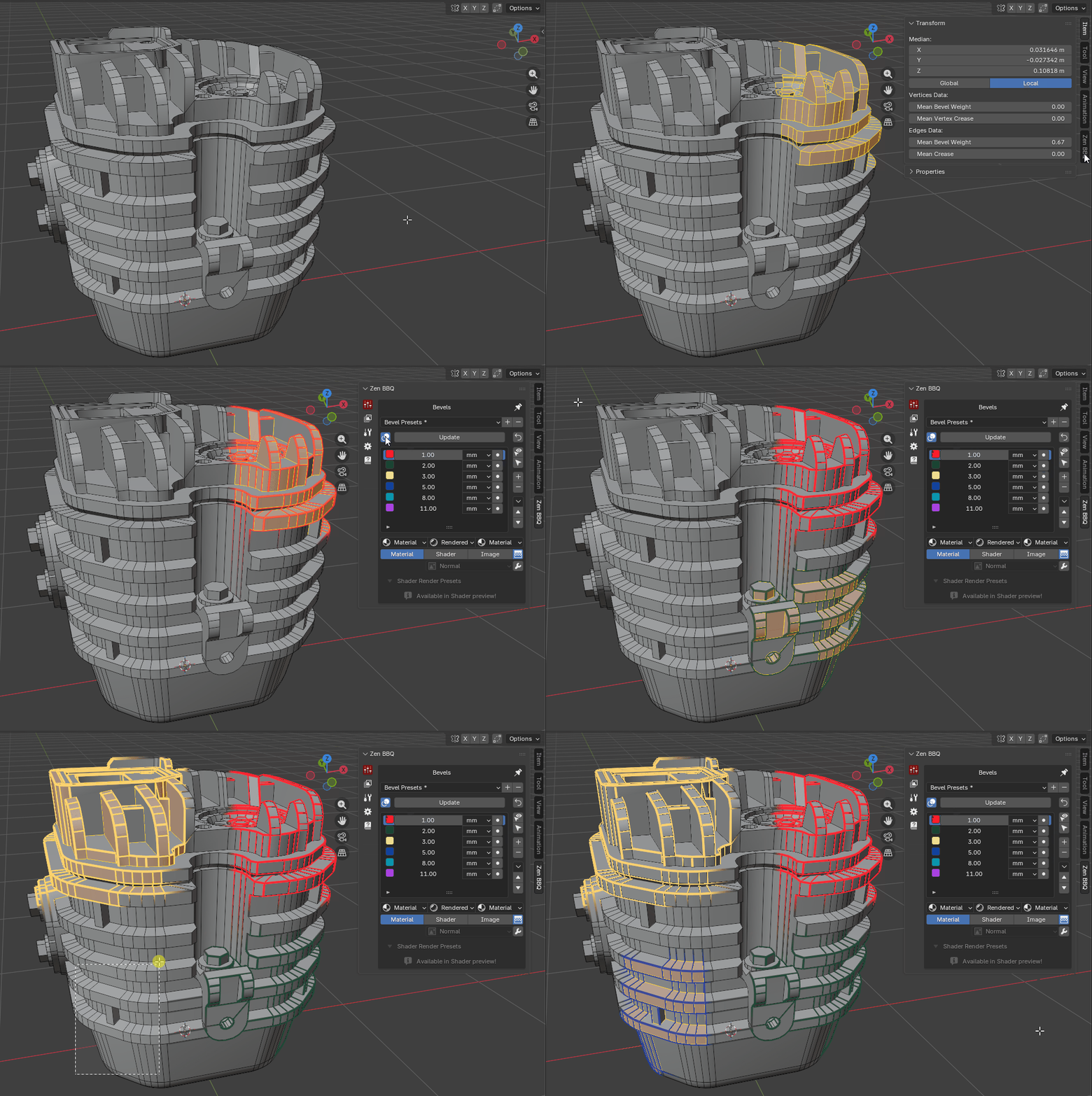
Zen BBQ is a Blender add-on for assigning bevel values, previewing their appearance, and baking texture maps. Its Cycles-based workflow lets you set bevels by object, selected edge, or vertex, then inspect the result before baking.
Set bevel values by object, edge, or vertex
Assign a preset radius to a whole object or to selected edges and vertices. Preset groups can hold reusable values, colors, and measurement units, including real-world units. Smart Select finds geometry by its assigned bevel preset, which helps when revising a particular set of edges.
For Boolean modeling, Live Boolean can assign a default bevel radius to new edges created by Boolean modifiers. This keeps bevel setup close to the modeling step instead of requiring a separate pass through every new edge.
Preview bevels in the viewport
Zen BBQ provides material, procedural shader, diagnostic, and baked-image views. A color-coded overlay distinguishes bevel presets, while the object monitor helps identify issues before a bake. These views let you check both the surface appearance and the preset assignments during modeling.
Bake maps for selected objects or collections
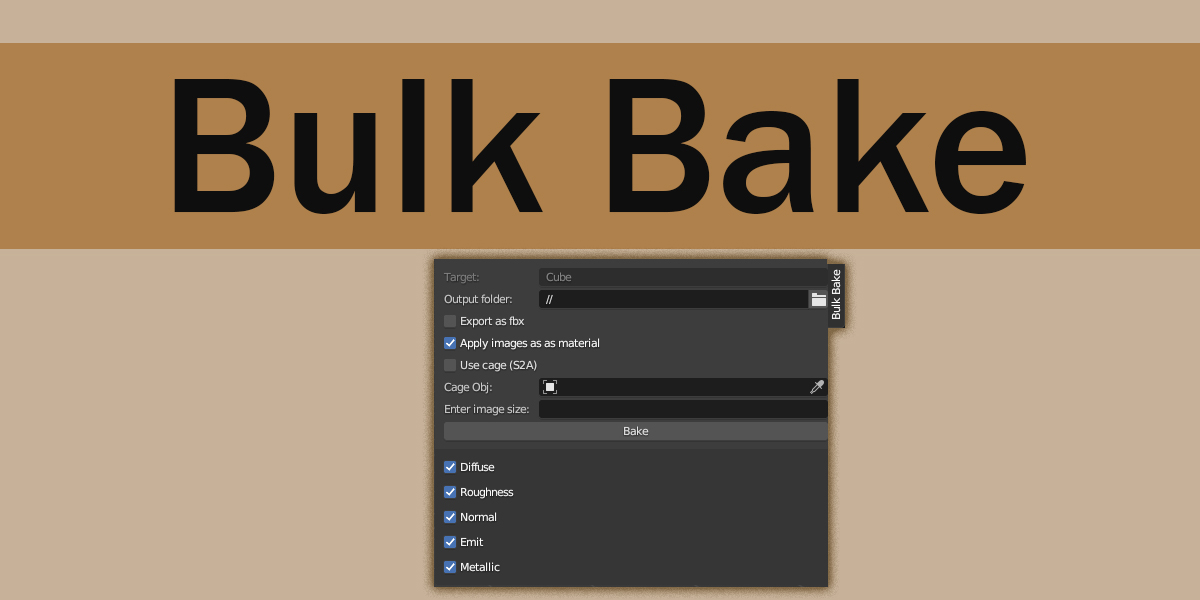
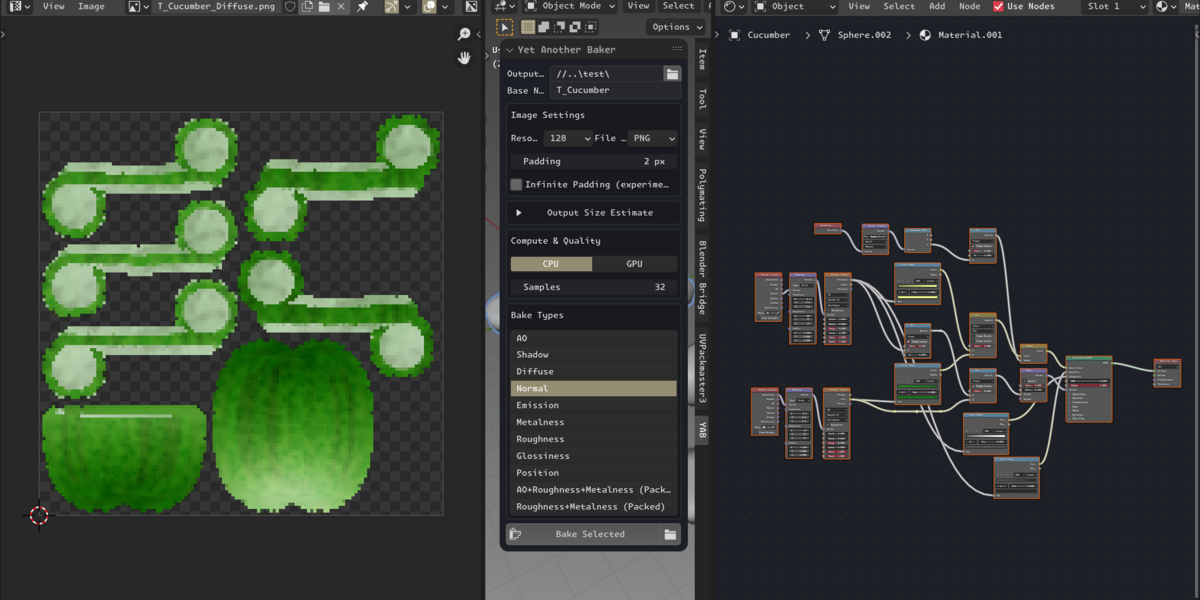
The baking workflow can validate objects, configure maps, and bake selected objects, collections, or shared texture sets. Quality settings and output rules are configurable. Listed outputs include Normal, AO, Curvature, Convexity and Concavity, bevel masks, and Parts and Material ID maps. Naming templates help keep the resulting files organized.
The toolset also includes Weighted Normals, a Normals Mixer, vertex color masks, and Marmoset Toolbag integration. The v2.0.4 product listing identifies Cycles as the render engine and lists Blender versions 4.0 to 5.2. Check the installation guide for setup information and the Zen BBQ manual for workflow details.
Check which bevel workflow you need
The shader-based bevel controls are described as non-destructive, and the listing also includes a separate Real Geometry Bevels utility. If a specific operation must preserve the mesh or create geometry, consult the tools documentation before applying it. The quick start guide covers the initial bevel, preview, preset, and baking workflow.