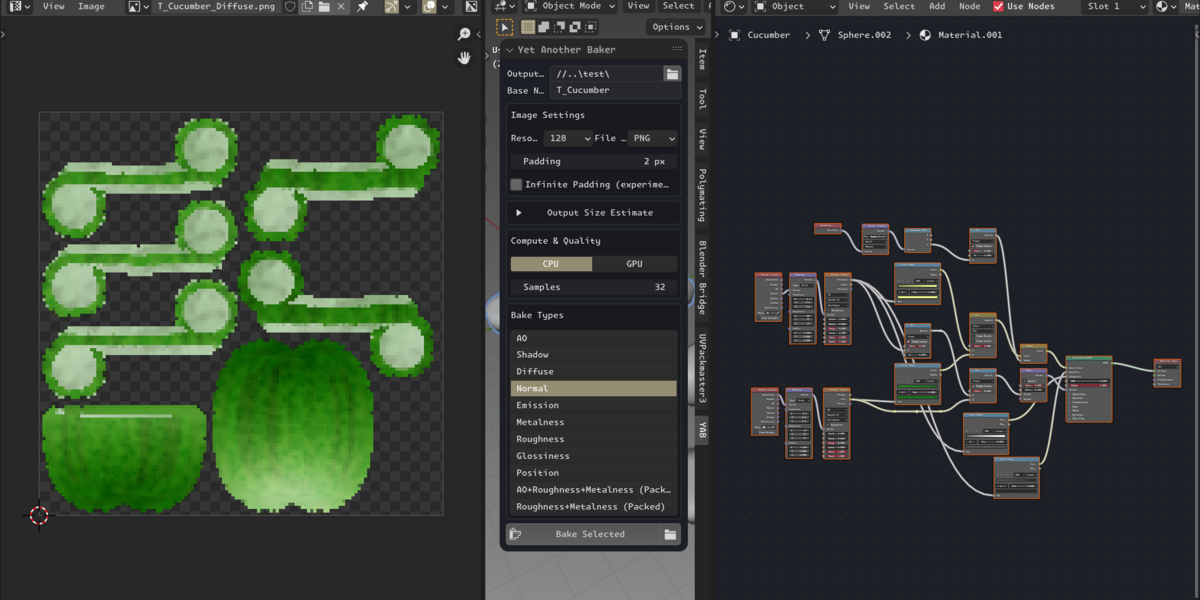
YAB, or Yet Another Baker, is a Blender extension for baking Principled BSDF passes from selected meshes. It runs with the Cycles render engine and supports Blender 4.2 to 4.5, using either CPU or GPU. Its controls sit in one panel in the 3D Viewport sidebar.
Bake passes and packed maps
The available passes include Ambient Occlusion, Shadow, Diffuse, tangent-space Normal, Emission, Metalness, Roughness, Glossiness and Position. Glossiness is computed as one minus Roughness. Position maps can use World or Object space.
YAB also provides packed maps. AORM puts Ambient Occlusion in the red channel, Roughness in green and Metalness in blue. RM sets red to 1.0, with Roughness in green and Metalness in blue. OpenEXR preserves raw values; other file formats are normalized where applicable.
Bake selected meshes together
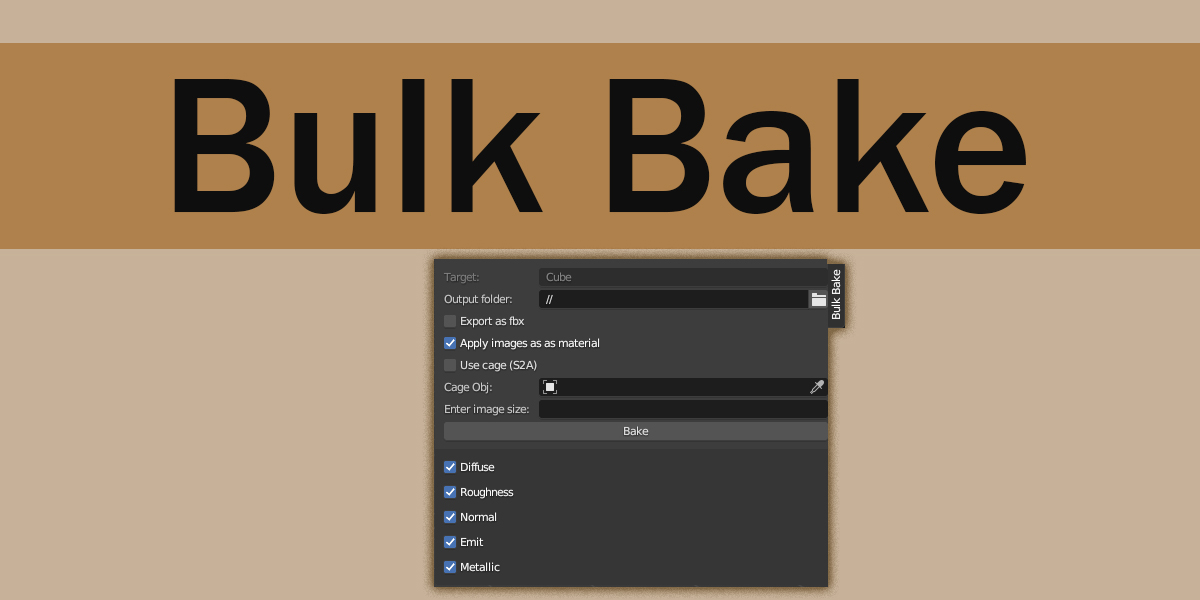
Select the mesh objects to bake, then set the output directory, base name, resolution, file format, pixel padding, bake types, device and sample count. Choose Bake Selected to run the bake. YAB handles cleanup automatically, and its naming convention can be customized. Infinite Padding is experimental.
Install YAB in Blender
- Download the ZIP file named
yab. - In Blender, open Edit, then Preferences, then Extensions, and choose Install from Disk.
- Select the ZIP file. In the 3D Viewport, press N to open the sidebar, select the YAB tab and open the Yet Another Baker panel.
Legacy add-on installation is not supported.
Check whether it fits your bake
YAB is aimed at intermediate Blender users and daily Blender users who need a straightforward Principled BSDF baking workflow. It does not provide high-to-low baking or cage configuration. If your work requires projecting detail from a high-poly mesh onto a low-poly mesh with a cage, those controls are outside YAB's scope.
The Superhive product listing identifies MozzarellaARC as the creator and lists the license as GPL-3.0-or-later. Check the listing for current product details.