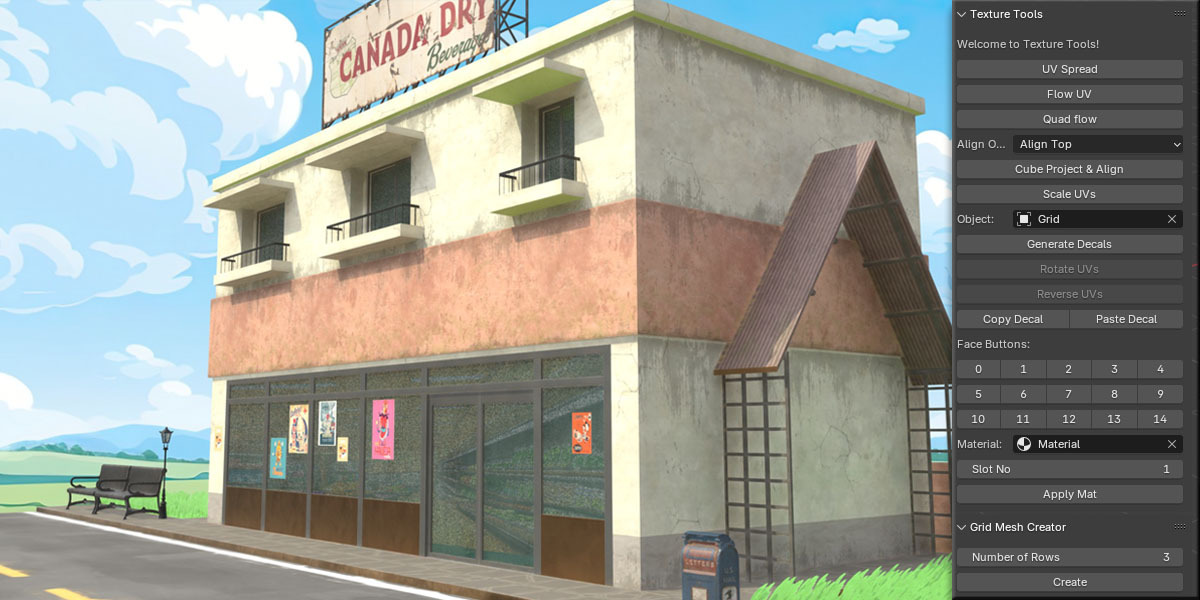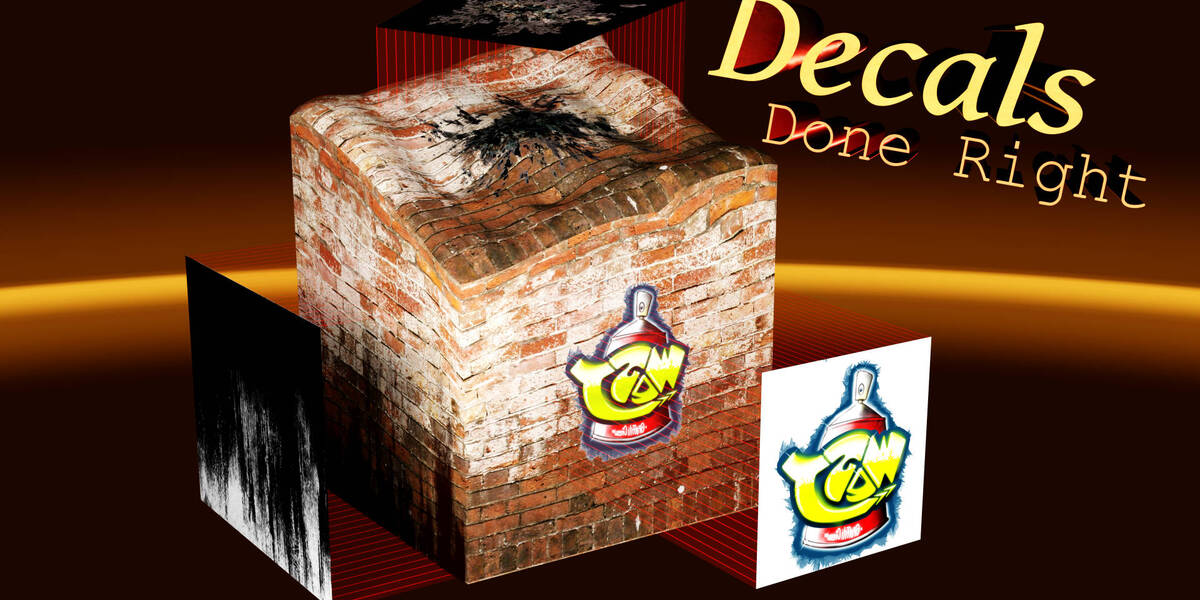
Decal - Industry Standard is an add-on by Inlet for projecting decal textures onto surfaces in Blender. Decals can add details such as dirt, damage, bullet holes, or labels while leaving the underlying material and geometry unchanged, according to the product listing.
Project surface details
The product description says Blender has no default decal projection function and describes manual workarounds as imprecise and limited. Its FAQ says decals can be placed on hard or soft surfaces because the effect uses a shader.
Blend normal maps and bake decals
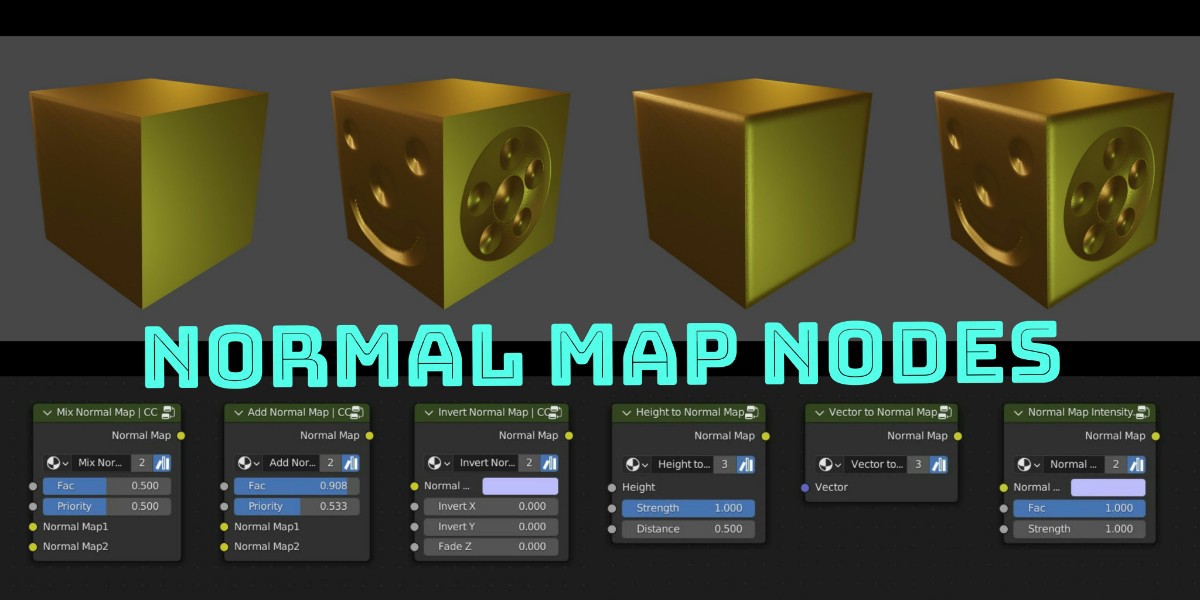
Decal - Industry Standard can blend the normal maps of the target surface and the decal. Its shader type system also supports baking decals into textures. For that workflow, the product page points to Easy Bake 2, a separate texture-baking tool.
Compatibility and setup
The listing gives Blender versions 3.6 to 4.5 and names Blender Internal, Cycles, and Eevee as render engines. It lists the license as GPL. The product FAQ has an installation tip for a ZIP archive that Blender will not install: extract the archive and install the .py script. If the script is hard to find, enable file extensions in the file browser. The FAQ also links to an activation guide.