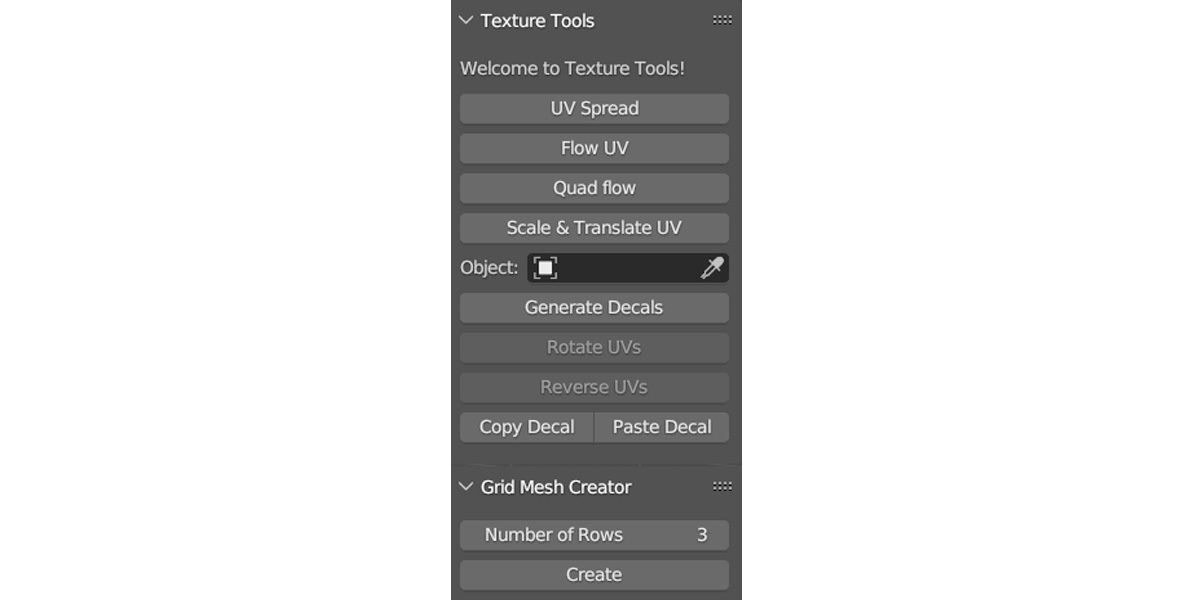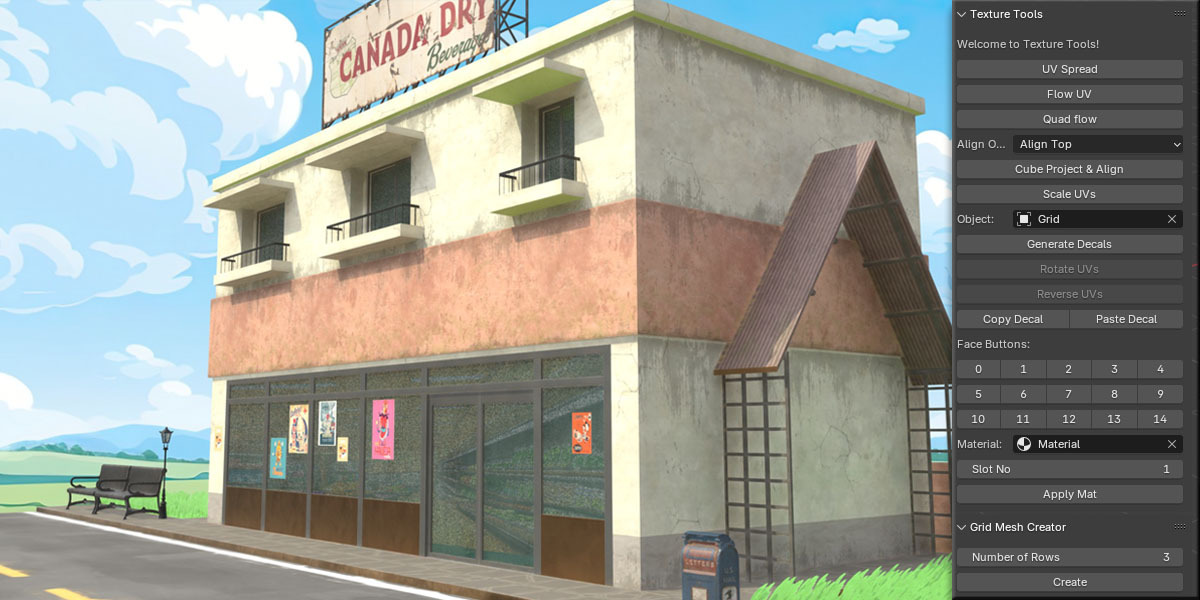
Texture_Tools is a Blender add-on by Amal David for artists working with trim sheets, decals and multiple materials. It is intended to help organize and apply those materials during texturing and UV work.
The add-on stores a mesh’s UV coordinates and material in a grid mesh it generates. Grids can be reused in another project, giving artists a way to carry that setup between files.
Mesh requirements
Texture_Tools was designed for quad meshes. The seller warns that some options may cause problems on non-quad geometry, so check the relevant operation with your mesh before relying on it.
Version and documentation
A July 2026 catalog entry lists version 1.2. The Superhive product page marks Blender Extension Compatible as Yes, lists Blender releases from 2.8 through 4.3, and gives the license as GPL. Check the seller’s product page for current compatibility and distribution details. The documentation page links to a setup video.
Using the add-on
After installation and enabling, Texture_Tools appears in the 3D Viewport N panel. Its options work in Edit Mode. Before copying or pasting operations on a model, run the Generate Decals step. The demo video provides a visual guide to the setup.