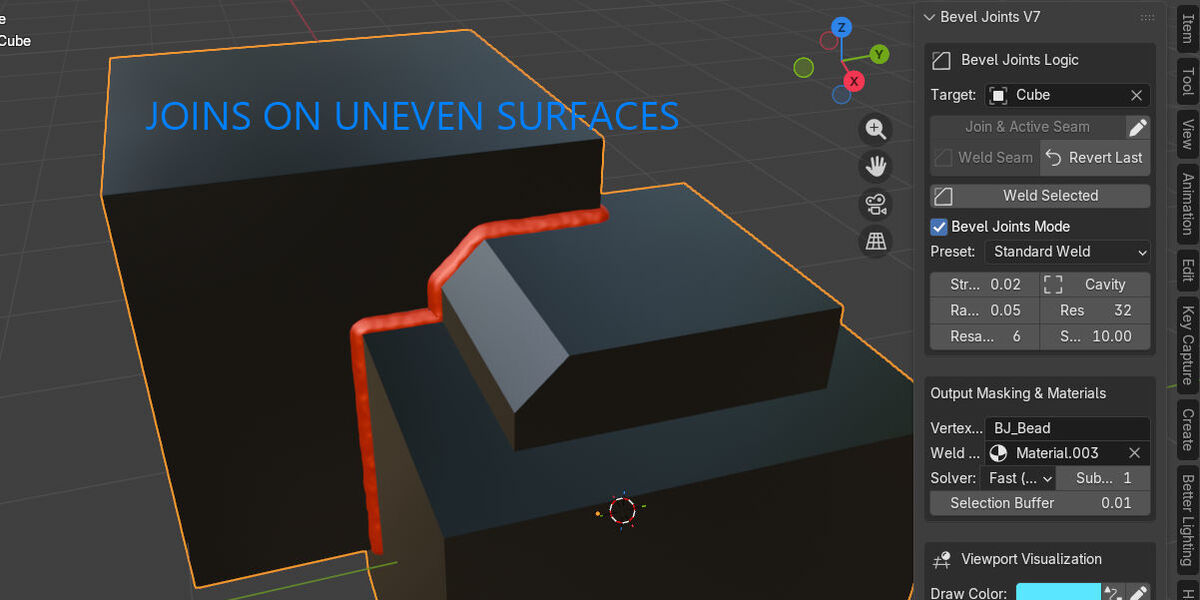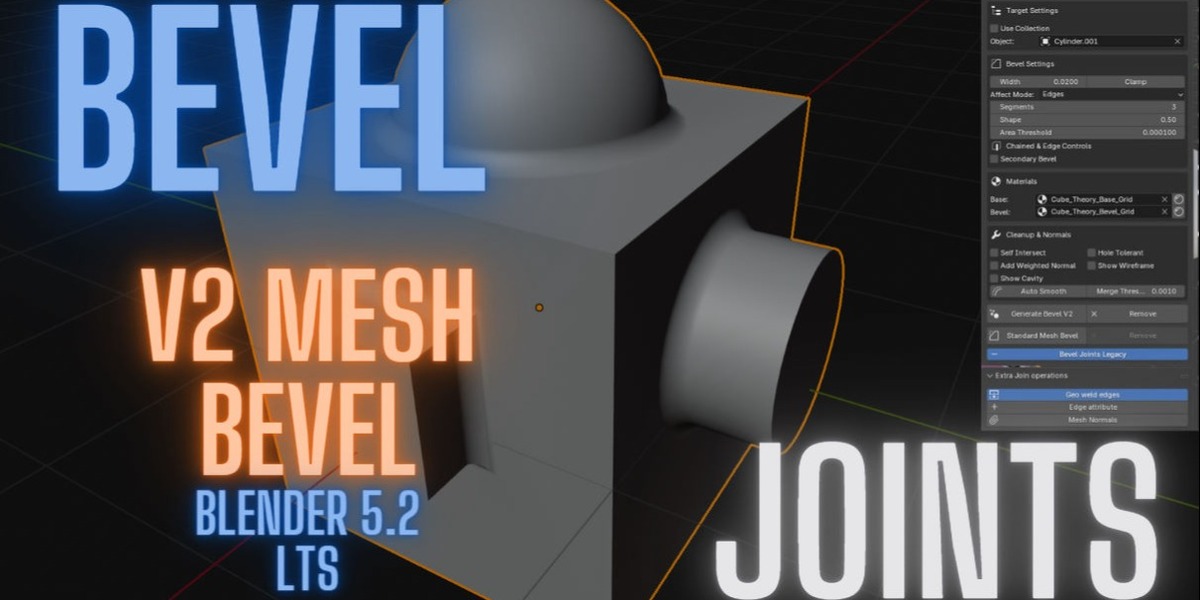
Bevel Joints, listed by its seller as Bevel Joints Pro, is a Blender add-on for joining mesh objects and preparing their intersections for beveling. The seller describes a Blender 5.2 workflow built around Geometry Nodes Mesh Bevel. Its listing also reports support for Blender 3.6 through 5.2, with some features depending on Blender version.
Join and clean intersecting meshes
Choose a target object, then select the meshes to join to it. The product documentation describes using a BVH tree to check intersections. Its current listing says the procedural workflow welds boundary vertices and removes double faces to keep bevel loops clean. The documentation also describes Fast Manifold and Exact boolean options.
Control bevel edges and normals
The add-on can detect intersecting edges and mark selected edges with custom attributes for beveling. The current listing describes using the F key to flag selected edges. Bevel presets and controls cover the seam, while a shading and normals panel includes self-intersection, hole tolerance and weighted normals settings, plus Cavity and Wireframe viewport overlays.
Choose a live or destructive workflow
The seller describes a live, non-destructive Geometry Nodes workflow and a legacy destructive join subpanel. That subpanel includes single or multiple joins and a Revert option to restore a previous state. The documented basis-mesh workflow lets you edit the mesh before changing bevel parameters: enter Edit Mode, choose Update Basis Mesh, make the edit, then confirm or cancel.
Check version and mesh fit
The seller lists Blender 3.6 to 5.2, and the documentation describes version-dependent bevel features. Its product notes say the add-on is designed for hard-surface work with flat joining surfaces and may not work on every complex mesh. Review the product documentation for your Blender version and workflow details.