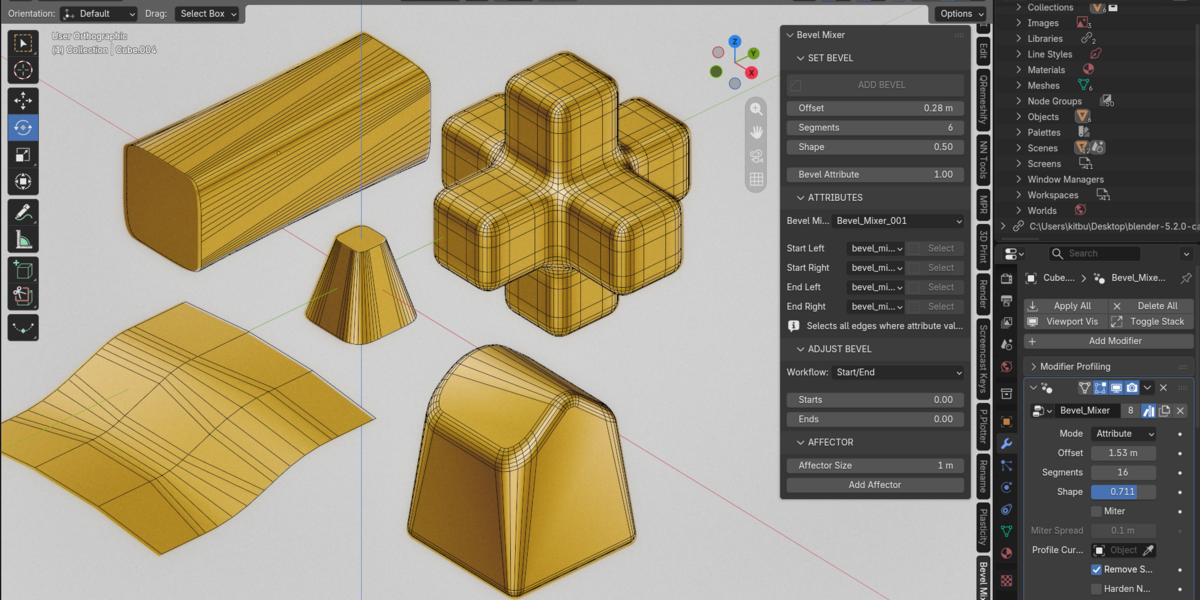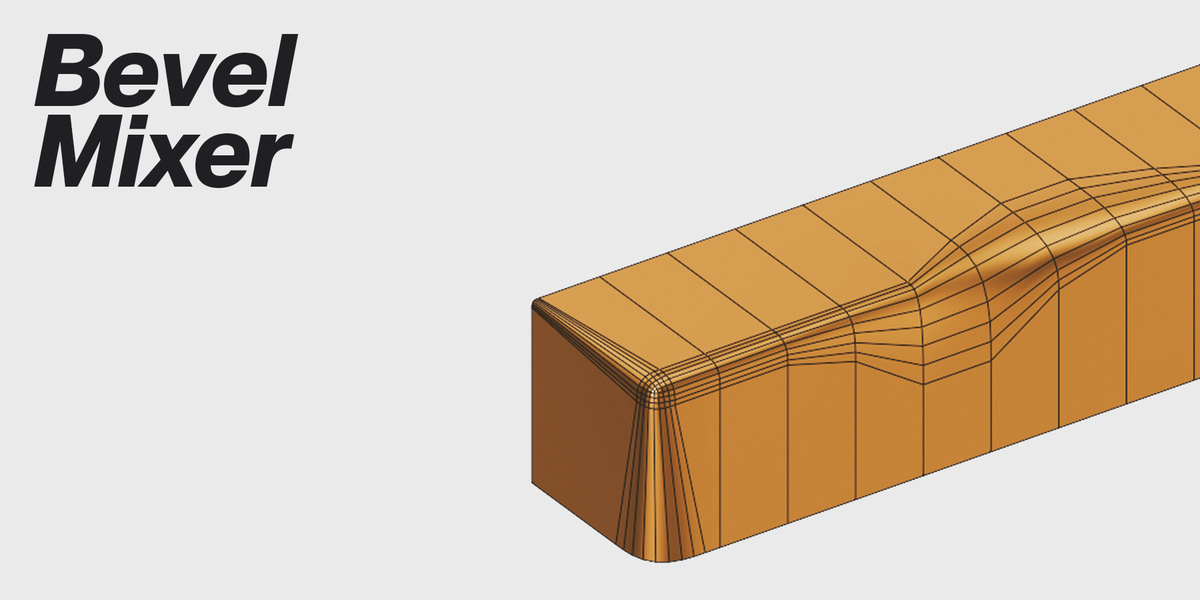
Bevel Mixer is a Blender add-on from Bukoros Design for creating and editing attributes used by the Mesh Bevel node introduced in Blender 5.2. It provides a Bevel Mixer modifier and tools for working with those attributes in Edit Mode. It recreates the classic Bevel modifier workflow and adds controls for the Mesh Bevel node.
The Mesh Bevel node brings bevel workflows into Geometry Nodes, where the required edge attributes can be awkward to edit by hand. Bevel Mixer creates four custom attributes on selected edges and connects them to its modifier. See the product details for the current listing.
How the attribute workflow works
After installing the add-on, use its settings to select Add Assets Path if you want the Bevel Mixer tools in Blender's Asset Library. In Edit Mode, Set Bevel : Add Bevel creates the four Bevel_Mixer attributes on selected edges and assigns a Bevel Mixer modifier that uses them. The setup also has starting values for offset, segments, profile shape, and the attributes.
The add-on's attribute controls let you select edges that use an attribute and adjust bevel values interactively. Single mode changes all four values together. Left/Right separates the two sides, while Start/End separates the bevel's start and end, primarily for single edges. Four-corner mode edits each value individually, also primarily for single edges. This is useful when a bevel needs different amounts along an edge rather than one uniform value.
Modifier and editing tools
The modifier can select edges by Bevel Mixer attributes or by edge angle. Its settings include offset, segments, profile shape, and options such as a supporting loop and a secondary bevel. The documentation also describes attribute propagation for bevel geometry, vertex-based editing of neighboring edge values, and Relax Bevel for smoothing nonzero bevel attributes across selected edges.
For local adjustments, Proportional Bevel Editing changes nearby bevel values according to a distance and falloff. Its Average workflow mixes existing and new values; Additive adds to the existing value. An Affector uses geometry proximity to change bevel amount, with distance and falloff controls. The product documentation lists a limit group option for restricting the effect with a vertex group or another attribute.
Compatibility and attribute limits
The product details list Blender 5.2 and mark Bevel Mixer as Blender extension compatible. They also list a GPL license. Check the current listing for compatibility with other Blender versions and current license details.
The Bevel Mixer modifier can use other attributes for corresponding edge corners, but Bevel Mixer Tools currently work only with attributes created by the add-on. If you plan to reuse an existing attribute workflow, check that limitation before building it around the editing tools.
For the installation steps and full control descriptions, see the Bevel Mixer documentation. The product FAQ covers custom attributes.