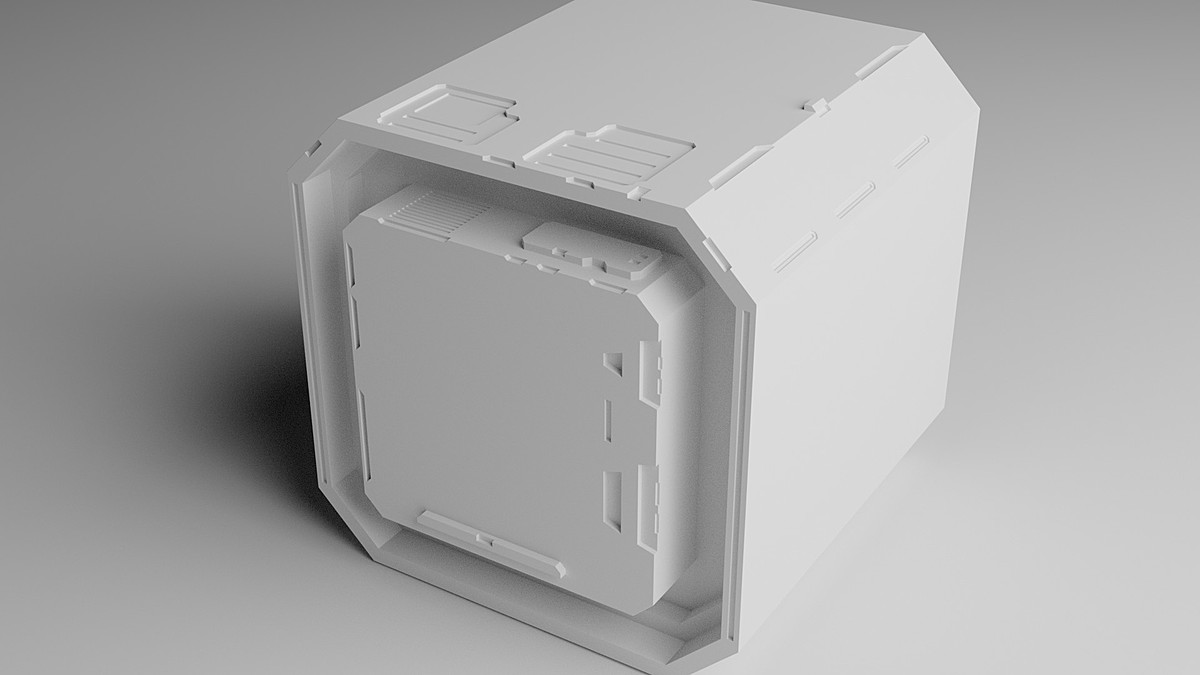
BooleanBite is a Blender add-on for adding chipped and weathered edges to mesh objects through a linked cutter and modifier workflow. It is aimed at hard-surface models, props and environment assets where you want adjustable wear while keeping the original mesh editable. The publisher lists examples such as ancient ruins, sci-fi machinery and stylized props.
Build edge wear with a linked cutter
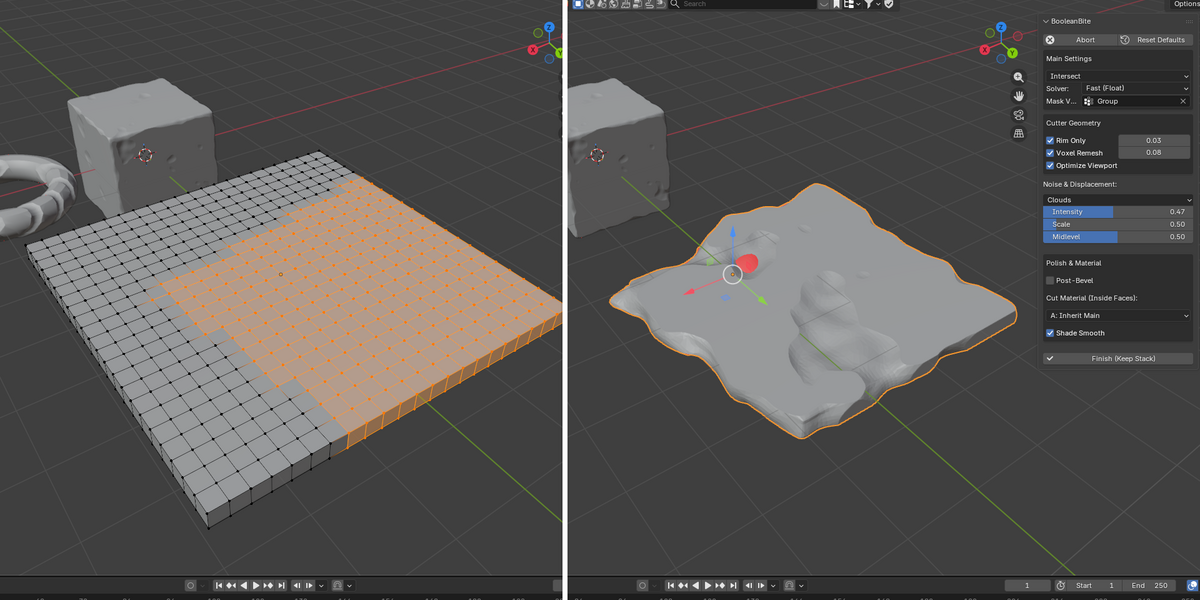
BooleanBite creates a cutter that follows the selected object, producing chips, cracks and surface breakup without sculpting each mark by hand. Its procedural noise presets include Clouds, Voronoi, Wood and Marble, so you can change the damage pattern. Vertex group masking lets you target where the effect appears. For cut surfaces, you can inherit the object's material or assign an Inner Material such as rust, raw metal or glowing energy.
A Smart Bevel step cleans up jagged edges and helps them catch light. The add-on also includes a Fast/Exact solver switch and a Viewport Optimize mode that decimates cutter geometry to help keep the scene responsive. The publisher documentation lists controls for damage amount, edge sharpness, random seed and Boolean resolution.
What version 1.5 adds
Version 1.5 adds multi-object support, with separate settings for each object in the scene. Bake Mode applies the modifiers to finalize the mesh for export. Edit and Finished interface states let you switch between adjusting the effect and a cleaner workspace. The product listing says the add-on works with both Cycles and Eevee.
Who it may suit
BooleanBite is suited to Blender artists who want repeatable edge wear on hard-surface assets, game props, environment pieces or product visualizations. It can be useful when the damage needs to stay adjustable during modeling, then be baked before export. The documentation says it is designed for hard-surface meshes rather than organic sculpting; very thin geometry may need manual cleanup, and clean topology gives better results.
The publisher materials give different Blender compatibility ranges. The product description lists Blender 3.0, 3.6 and 4.0 or newer, while the marketplace details show 3.5 through 5.0 and the documentation says 4.0 or newer. Check the current publisher listing for your exact Blender release before using it in a production project. The product listing identifies an MIT license. See the publisher documentation for its workflow and requirements.