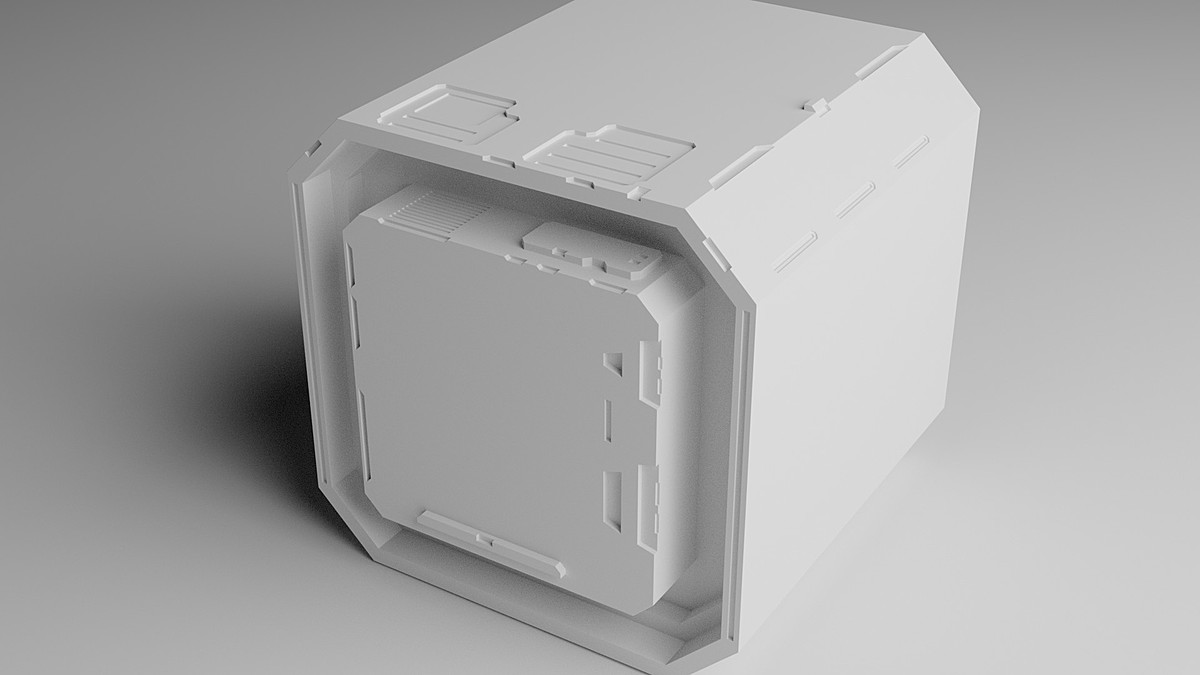
Bool Tool is a Blender add-on for creating boolean cuts and other hard-surface shapes. The Blender Extensions catalog lists version 2.1.0, a Blender 4.5.0 minimum, and a GNU GPL v3.0-or-later license. It is maintained by nickberckley. Check the official extension listing for the current download and compatibility details.
Work with existing cutter objects
By default, Brush Boolean operators use the active object as the canvas and other selected objects as cutters; the Flip option reverses those roles. They can add multiple cutters in one operation. The four operations are Union, Difference, Intersect and Slice. The developer’s Brush Boolean documentation explains how they work and how to configure cutter objects. These operators run in Object Mode.
Draw cutters with Carver
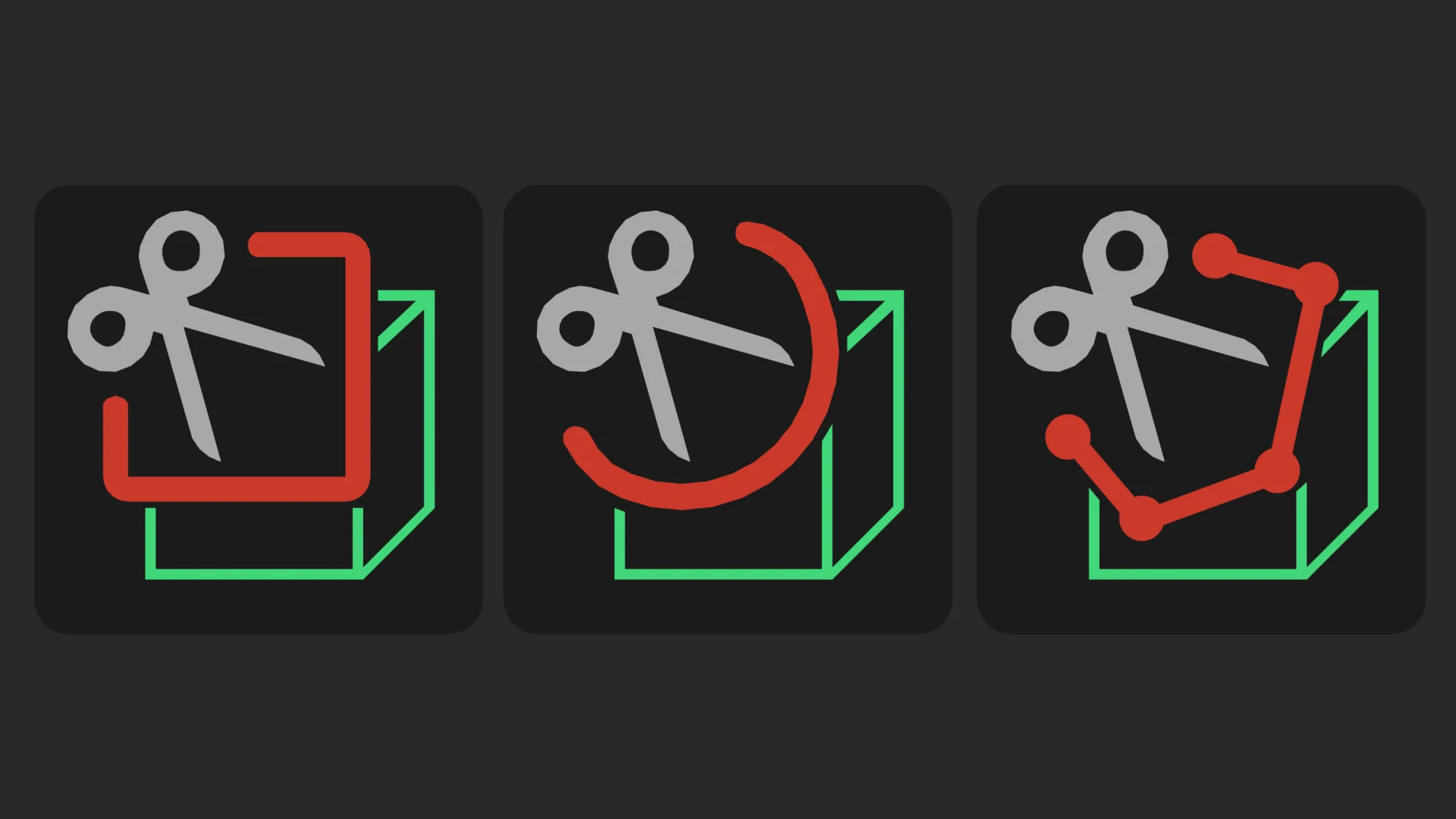
Carver tools create cutters directly in the 3D viewport. Choose Box, Circle or Polyline, draw a shape and extrude it to give the cutter depth. Carver works in Object and Edit modes. In its modifier workflow, the new cutter stays available for later changes. In destructive mode, Bool Tool applies modifiers to the canvas and discards the new cutter; by default, it applies all modifiers on the canvas objects, not only the new Boolean modifiers, and preferences can change how and in what order it applies them. Keeping many unapplied modifiers on dense meshes can affect performance. See the developer’s Carver documentation for workflow details.
Manage boolean modifiers
Bool Tool also includes utility operators for toggling, removing, applying and selecting boolean modifiers. These can help manage cutters and modifiers created during modeling. The utility documentation lists the available operators.
Bool Tool may suit Blender modelers who use existing mesh cutters for precise operations or prefer drawing cut shapes in the viewport. Its source code is available on GitHub.