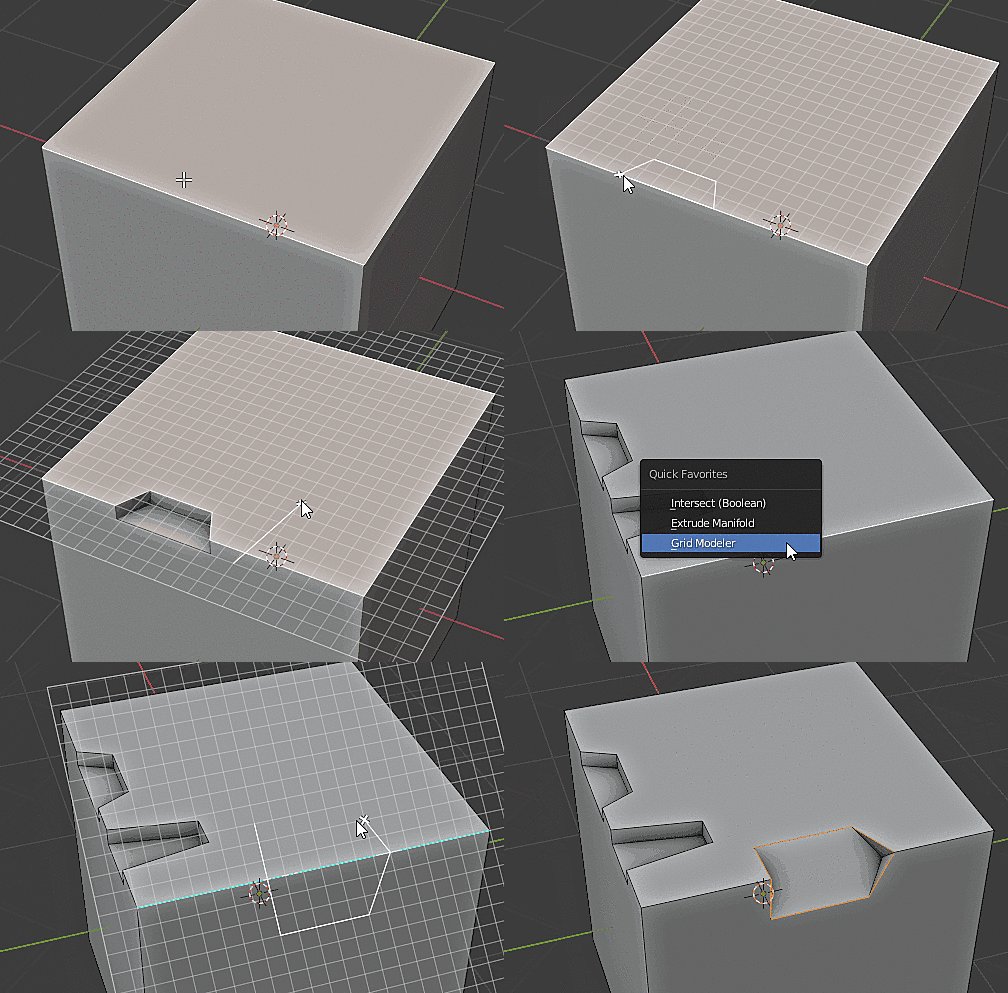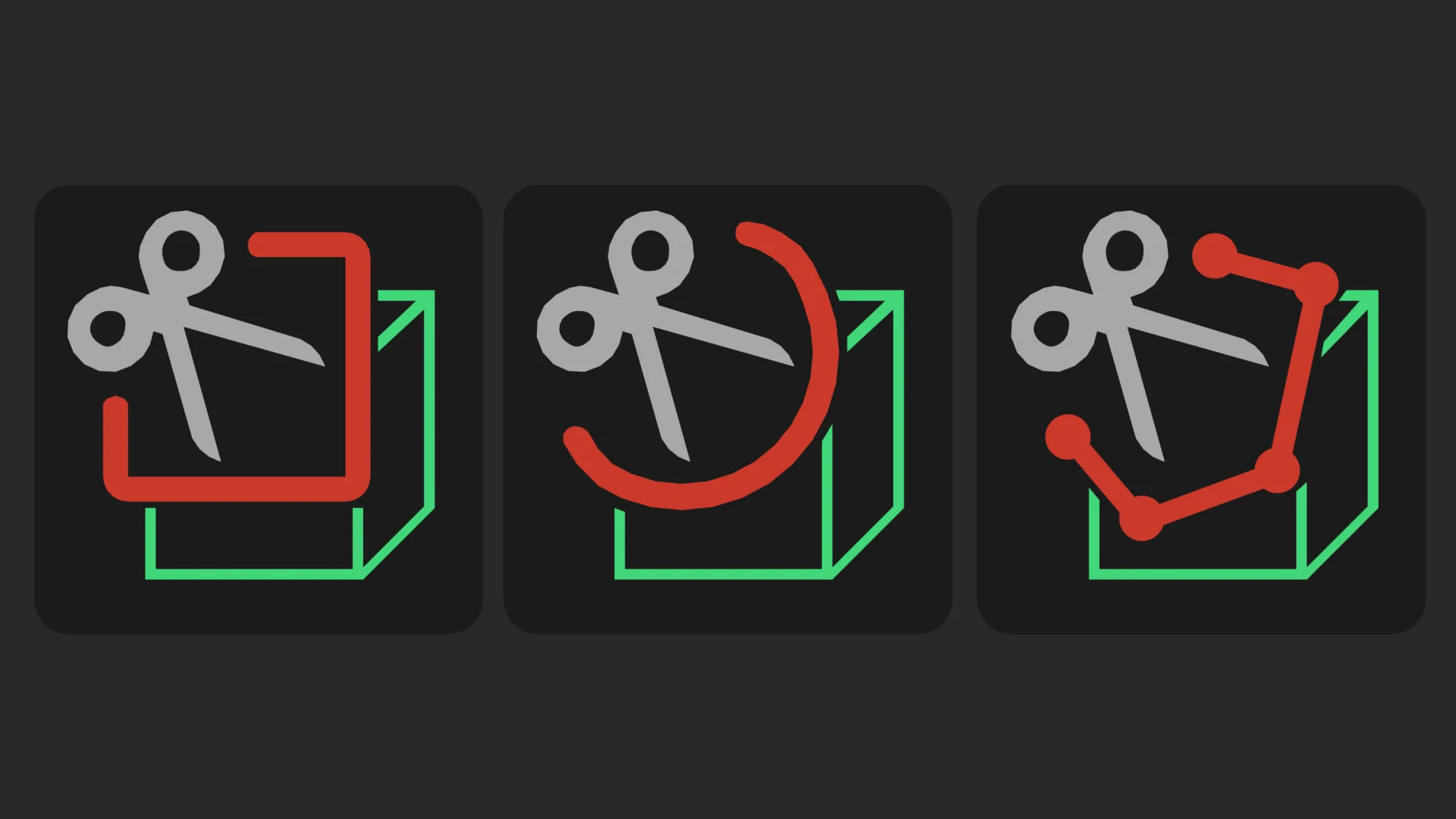
Grid Modeler is a Blender add-on for drawing shapes on an oriented grid plane to cut existing geometry or create mesh faces. Version 1.43.0 is listed for Blender 2.83 to 5.2. Its tools include Boolean Cut and Slicing, new-face creation, construction lines, shape functions, and pipes. See the Grid Modeler product listing for the developer's feature notes and version history.
How the grid workflow works
Choose a grid plane, orient it to the surface you want to work on, then draw a shape for a cut or new geometry. The plane can be oriented in different directions and rotated with the Left and Right arrow keys to make connected geometry. Absolute size mode keeps the grid size consistent across faces and objects, which can help when modeling parts that need consistent scale.
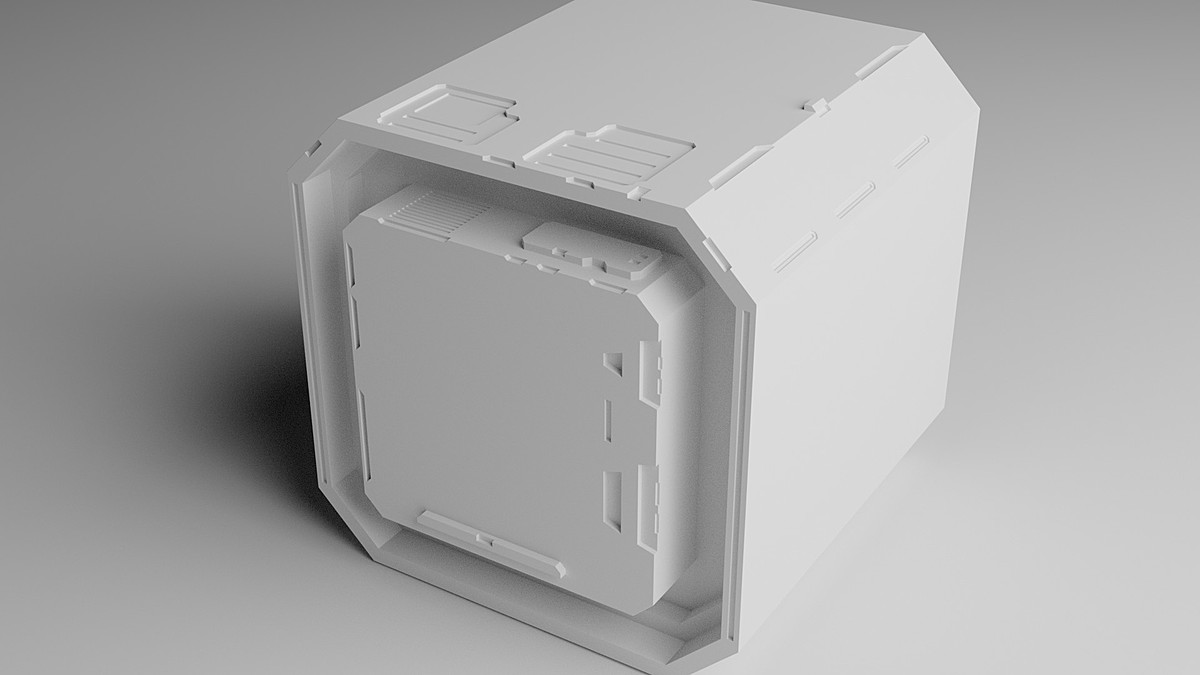
The developer describes Grid Modeler as a speed-modeling tool for static game and background objects, buildings, and hard-surface designs such as spaceships, robots, and weapons. It may also suit props such as swords, shields, and armor, where consistent scale and angles matter. The developer notes that its grid concepts may feel familiar to people who have used SketchUp or Fusion 360.
Boolean behavior and limits
Grid Modeler edits geometry directly and does not use modifiers for its Boolean operations. A Boolean Cut is destructive, and the resulting mesh is filled with a Blender n-gon. If a cut along a border misses, the developer suggests aligning the grid to the border with Ctrl + Click. If the operation cuts nothing, adjusting the offset may help prevent overlapping faces; flipped normals may also need correction.
Overlapping shapes can produce unexpected geometry in cut mode. The developer says overlapping shapes can still create all shapes in new-face mode. The add-on uses Blender's dissolve API, which may fail to fill n-gons or triangles correctly in some cases. These details matter if you need an editable modifier stack or predictable results from complex overlapping cuts.
Compatibility and installation
The listing reports support for Blender 2.83 to 5.2, with version 1.42.0 noted as an update for Blender 5.0 compatibility. The developer has tested only a standard mouse and keyboard; other devices, including Wacom tablets, 3D mice and VR gloves, are not officially supported and may not work. Check the current listing before installing if you use a different Blender release. After purchase, download the ZIP and install the archive as a whole through Blender's Edit, Preferences, Add-ons panel. The developer recommends installing the latest file; the older file is intended only for emergencies when the latest file has a critical bug.