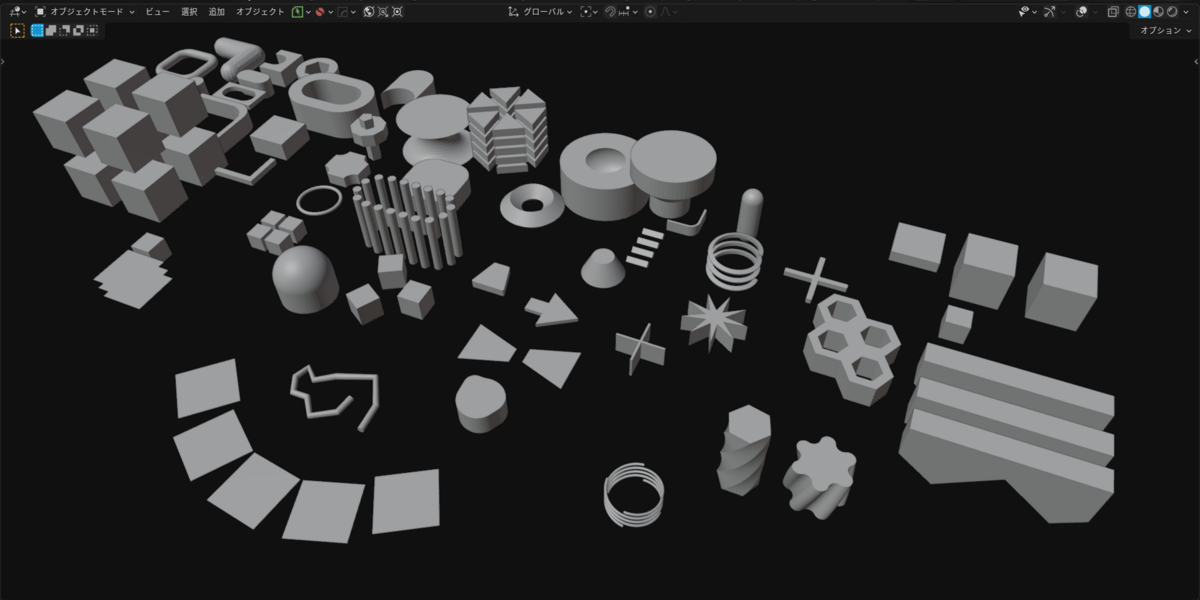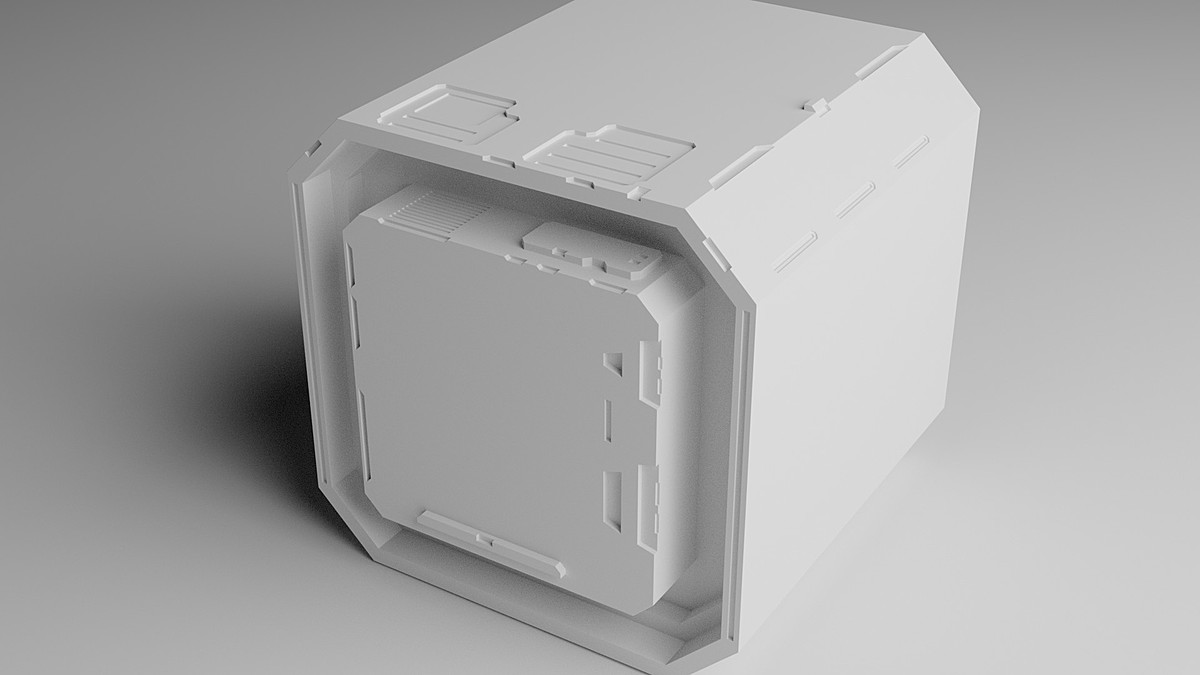
Fluent: Power Trip is the expanded version of Fluent, a non-destructive hard-surface modeling add-on for Blender. It combines Boolean modeling tools with options for adding plates, wires, pipes, grids, fabric panels and screw heads. The Superhive product listing describes the Power Trip tools, while Fluent’s documentation covers its modeling workflow.
Edit cuts as the model develops
Fluent lets you draw a shape in Blender’s 3D view and use it for a Boolean cut. You can adjust operations from the on-screen menu or later in the modifier panel, and Boolean objects stay in a dedicated collection. The wider Fluent workflow includes bevel, solidify, mirror, inset and array controls. An auto-complete option applies the modifiers when you want to convert the editable setup into a fixed mesh. This makes it possible to revisit a cutter or its modifiers as the model changes.
Add panels and mechanical details
Power Trip adds plates, pipes, wires, grids, fabric panels and screw-head placement. Pipes and wires can be placed between faces, grids can be added to Fluent cuts, and fabric panels can be added to model faces. These tools extend the Boolean workflow into surface detailing, which can help when a hard-surface prop calls for fitted inserts, cables, pipes or fasteners.
Draw and place with snapping
Fluent supports rectangle and circle drawing, random shapes and solids of revolution. Each model face can serve as a drawing plane. Directional snapping can constrain a drawing point horizontally, vertically or at a 45-degree angle when you hold Ctrl. A separate grid system helps locate face centers or other points; you can align the grid to edges and adjust its rotation, scale and resolution.
Who may find it useful
Fluent: Power Trip is for Blender artists who build hard-surface models and want editable cuts alongside dedicated surface-detail tools. The added tools suit projects that need surface detail alongside editable cuts.