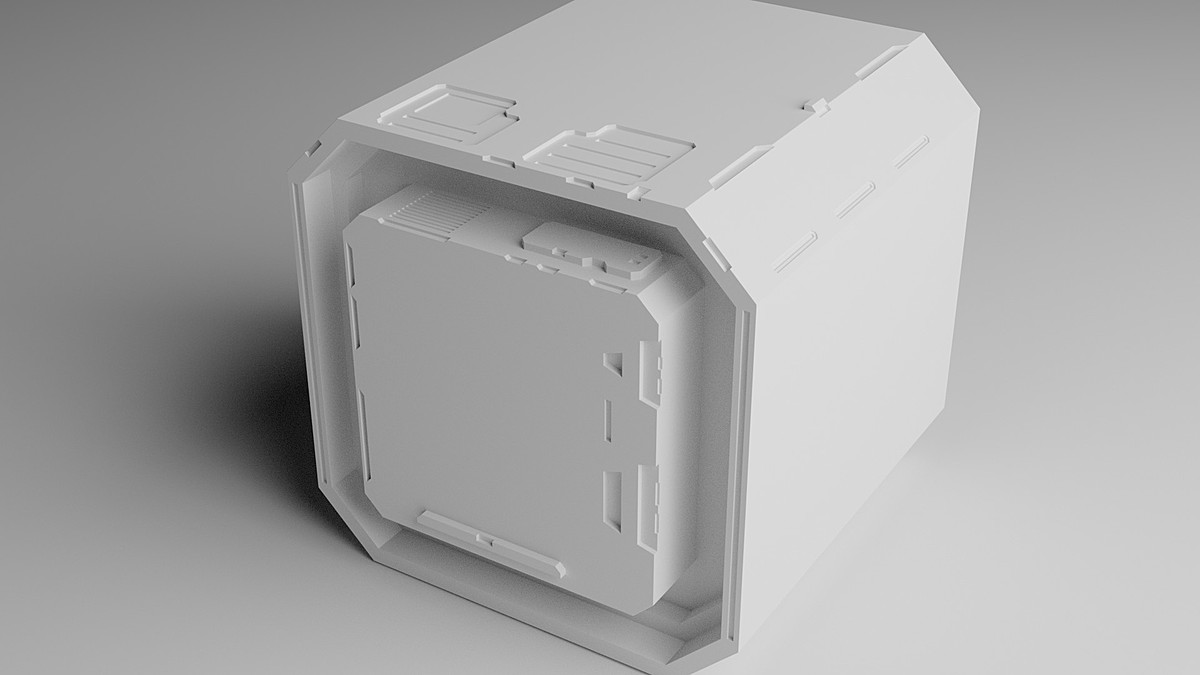
Hard Ops is a Blender add-on for hard-surface modeling. It brings Boolean cutting, modifier controls, mirroring and arrays into a menu-led workflow centered on the 3D Viewport. The seller's listing describes it as a broader modeling toolkit, with tools for Object, Edit, Sculpt and Sketch modes.
The add-on supports modifier-based non-destructive modeling alongside destructive operations. For Boolean cuts, users can choose either approach: keep modifiers available for later adjustments or apply geometry changes directly when the model calls for it.
Work with tools in the 3D Viewport
Press Q to open the Hard Ops menu. Its options change with context, and the tools are also available through pie menus, the N-panel and the Active Tool interface. Hard Ops includes hopsTool, an on-screen modifier control system with interactive dots for opening modifier adjustments.
The feature set also includes circular arrays, mirror and array gizmos, and modifier sorting. These controls help manage repeated parts, mirrored geometry and the order of operations in a modifier stack.
Modeling and viewport controls
- Boolean cutting with destructive and non-destructive options.
- Modifier-based modeling and interactive modifier controls.
- Mirror and array tools, including circular arrays and gizmos.
- Viewport adjustment and render controls accessed through menus or panels.
Hard Ops is aimed at Blender users who regularly work with booleans, bevels, mirroring or modifier stacks. Its range of tools can suit artists who want these controls close to the model in the viewport. Review the Hard Ops manual to see how its controls fit your workflow, and check the seller's current listing for compatibility and package details before installing.