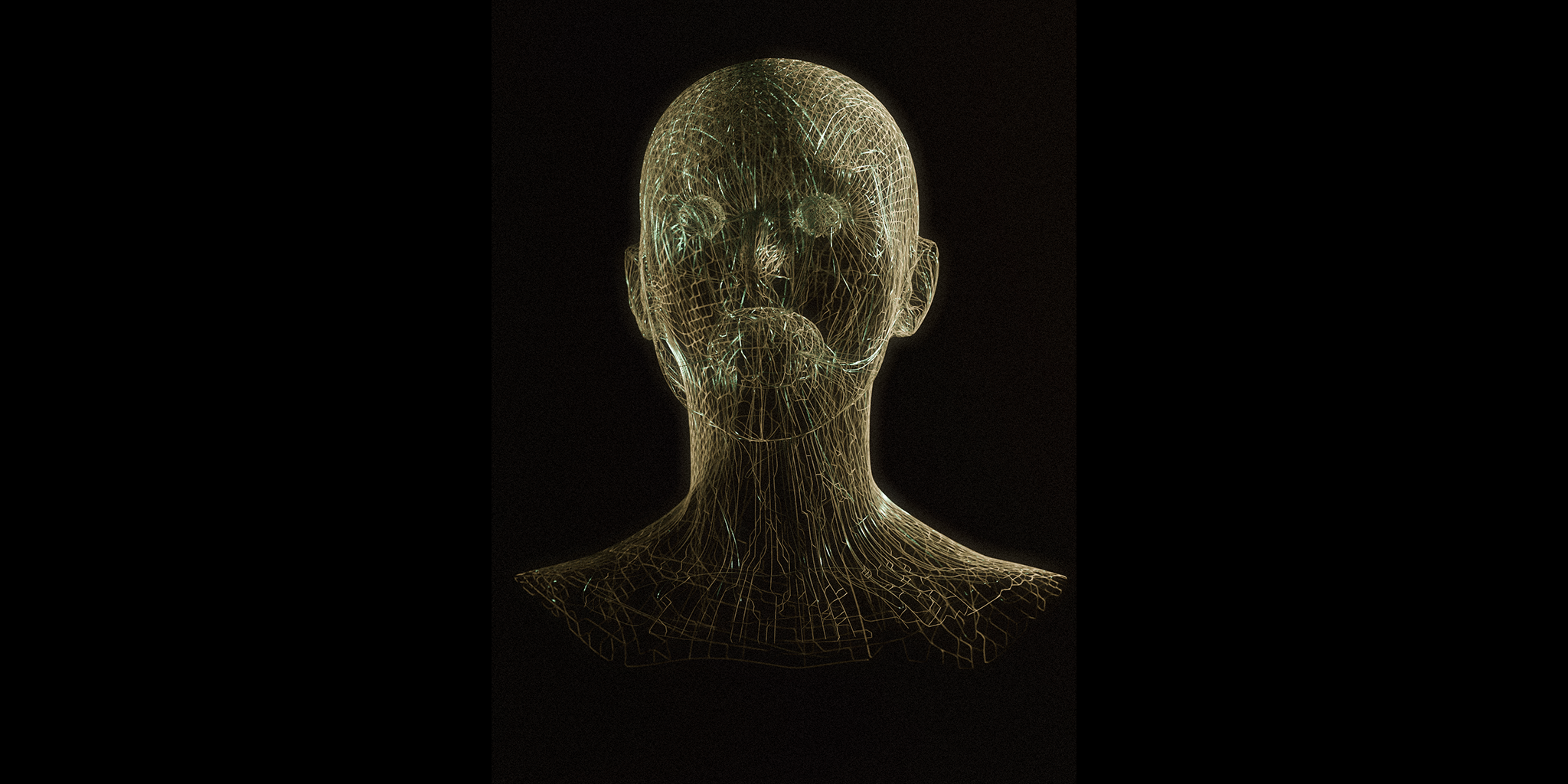
Turn 3D objects into abstract curves
Character My Curves uses Blender’s Geometry Nodes to convert 3D objects, especially characters, into abstract curve-based artwork. Its interface is integrated into Blender, and the creator describes it as a guided way to explore Geometry Nodes. See the product listing for the creator’s details.
Model compatibility and preparation
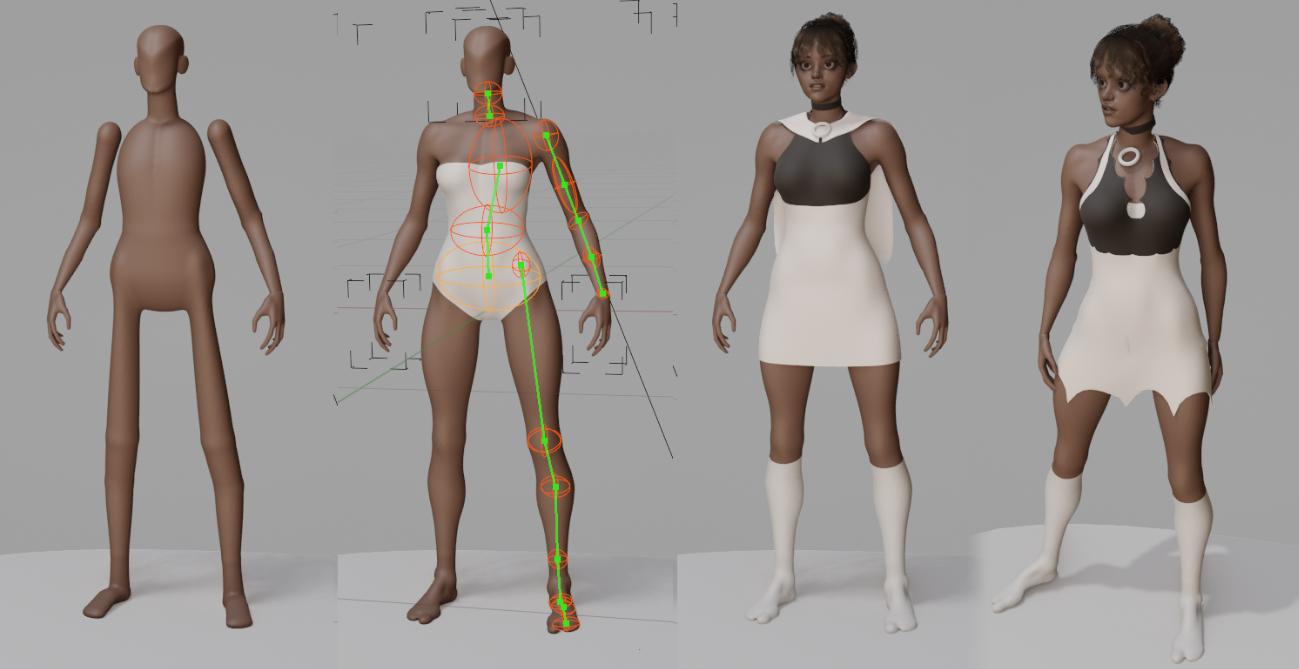
The creator recommends characters made with the free MB Lab add-on for best results. Character My Curves can also be applied to other 3D objects, though the creator does not guarantee compatibility with every character or object. The listing also reminds users to apply their transformations.
The listing names Blender 4.2, 4.1 and 3.6. If you use a different Blender version, check the product listing for compatibility details before installing.
Install the Blender add-on
- Download the add-on ZIP file.
- In Blender, open Edit > Preferences > Add-ons.
- Choose Install and select the downloaded ZIP file.
- Enable the add-on by checking the box next to its name.
Explore the Geometry Nodes background
The creator credits Amalgam3D as inspiration for the add-on’s core concept. Amalgam3D’s tutorials cover the underlying Geometry Nodes principles.