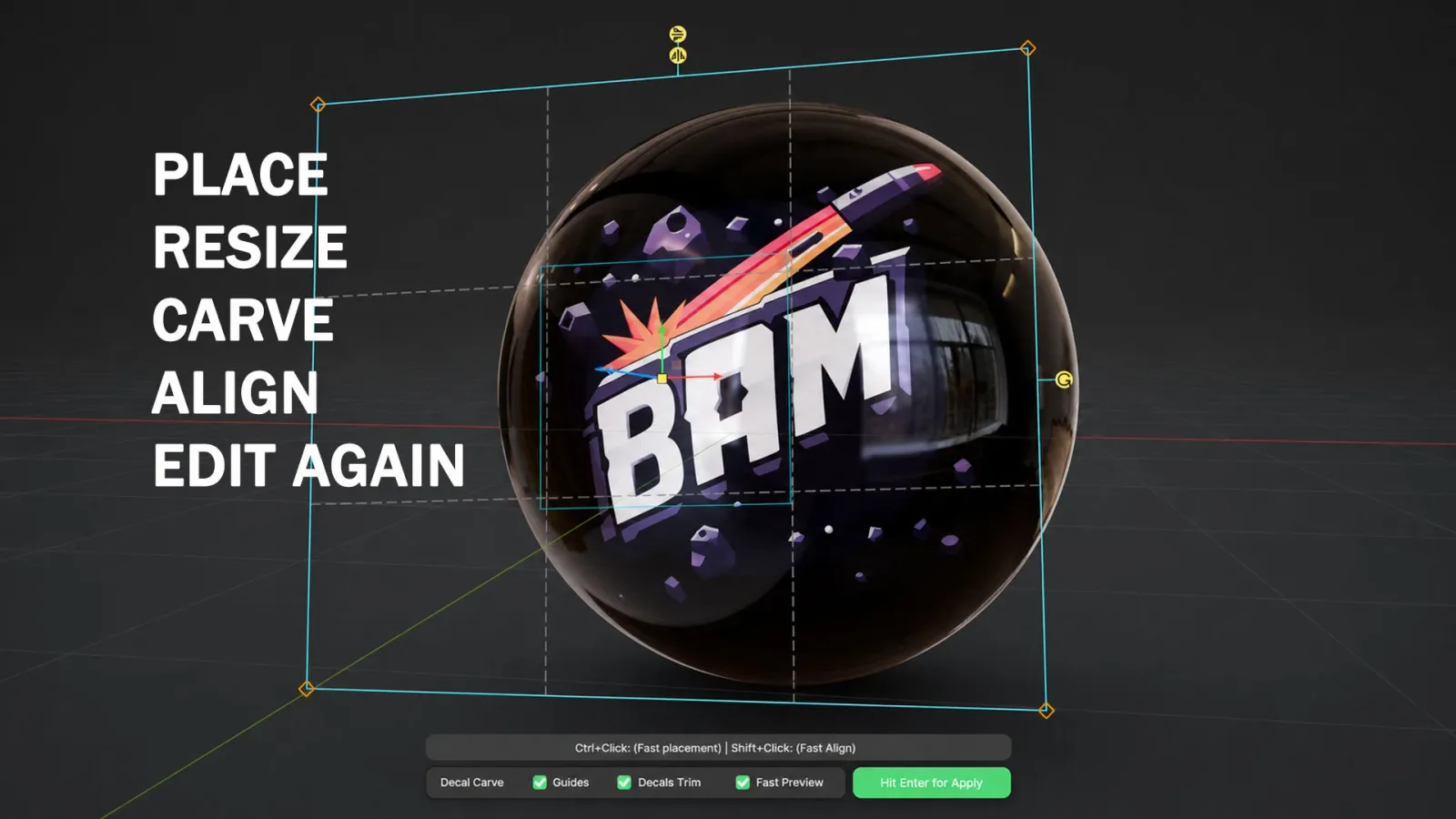
[BAM] Decalit is a Blender add-on for placing mesh decals on model surfaces. The official Blender Extensions listing describes fast placement with normal snapping and a custom interface. A feature overview describes a non-destructive Geometry Nodes workflow for curved surfaces. AlexeyHRDesign maintains the add-on.
Place and adjust decals in the viewport
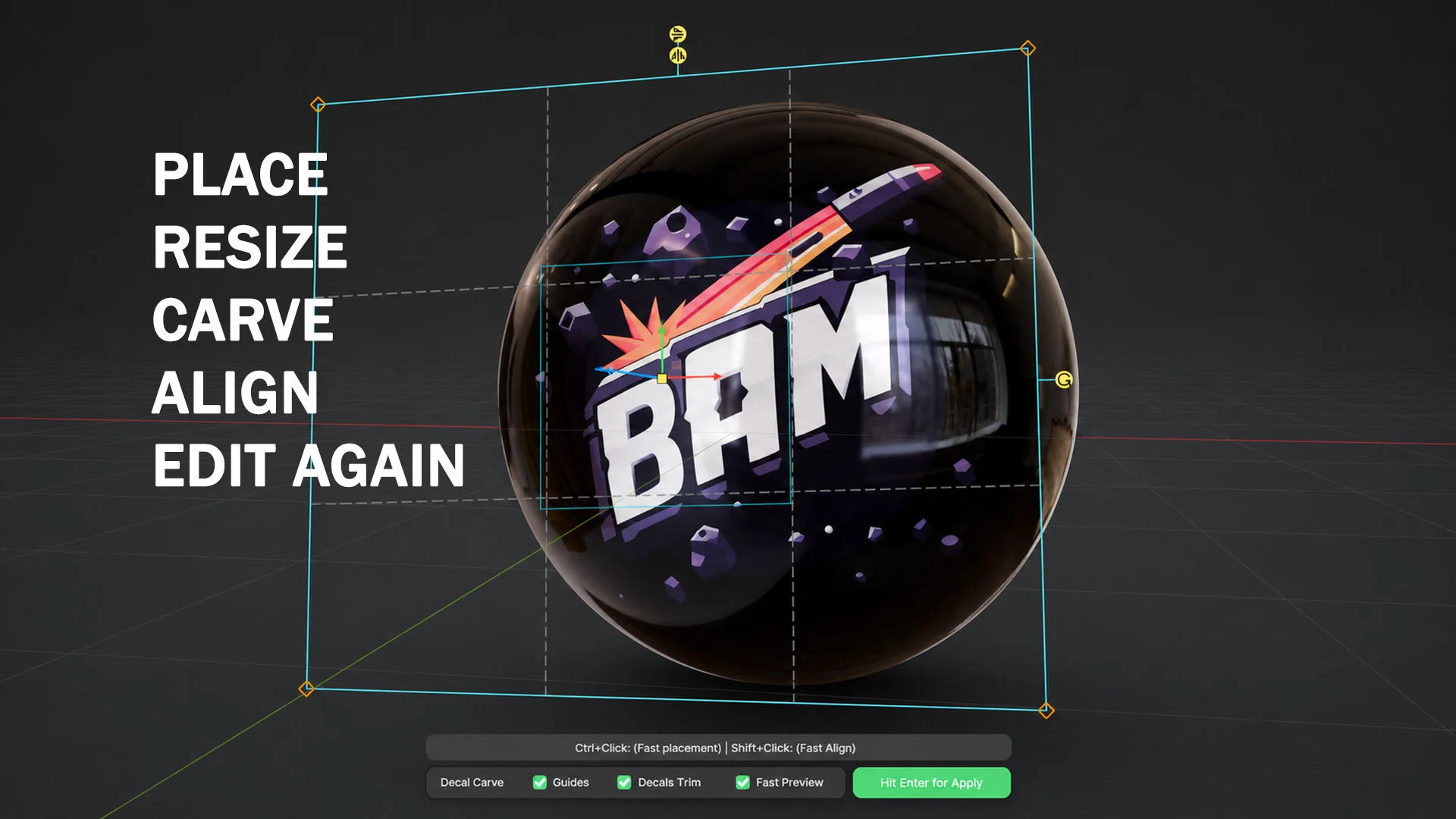
The workflow described in the feature overview starts in the 3D view: position a decal over a target surface, then adjust its scale, rotation, projection depth, offset, and subdivision. You can also change its width and height, trim or triangulate it, and move, flip, or align it. These controls keep placement and adjustment in the viewport.
Choose a projection mode
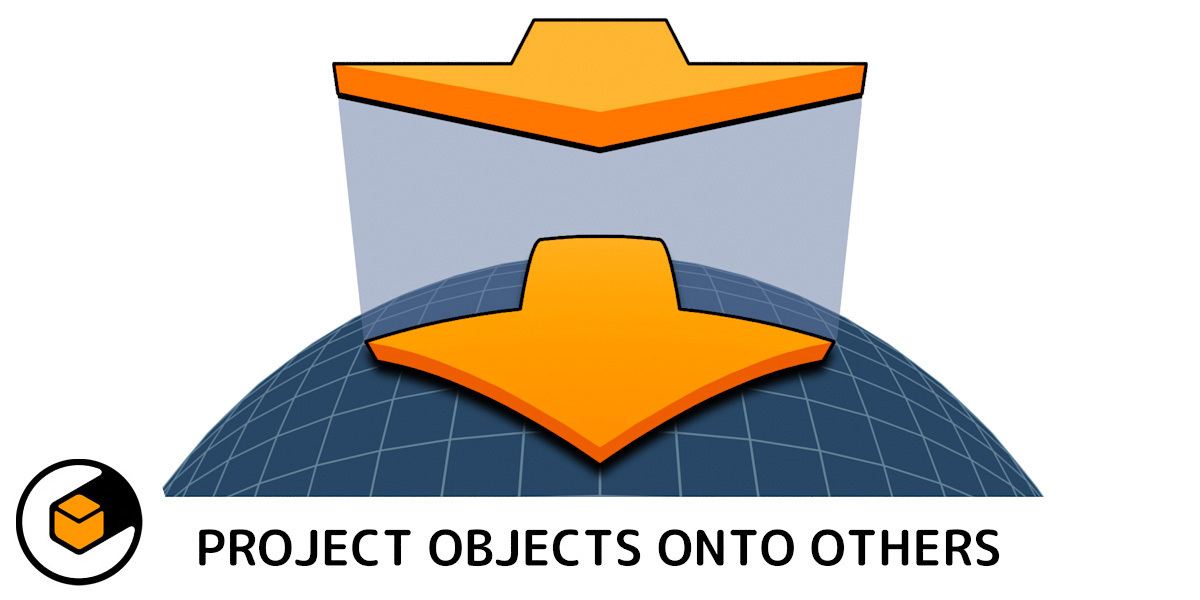
The overview lists Target Topology, Simple, and Volume Mode, which is marked beta. Target Topology uses the target mesh topology for the decal geometry. Simple projects the decal mesh with subdivision and ray projection; curved surfaces may need more subdivision. Volume Mode projects a flat contact surface while preserving raised source volume, which suits small raised details. Trying the modes on the target mesh can help identify the fit for a particular surface.
Reuse and edit decals
Decal Library stores decals from selected mesh objects and supports saved collections, preset switching, and thumbnail previews in the View3D Sidebar. Decal IT EditMode reopens existing BAM Decals for editing. Decal Carve lets you draw a polygon to remove or restore part of a projected decal.
Version and compatibility
The Blender Extensions API lists version 1.1.3 and a minimum Blender version of 5.0.0. Check the official listing for the current compatibility details before installing.