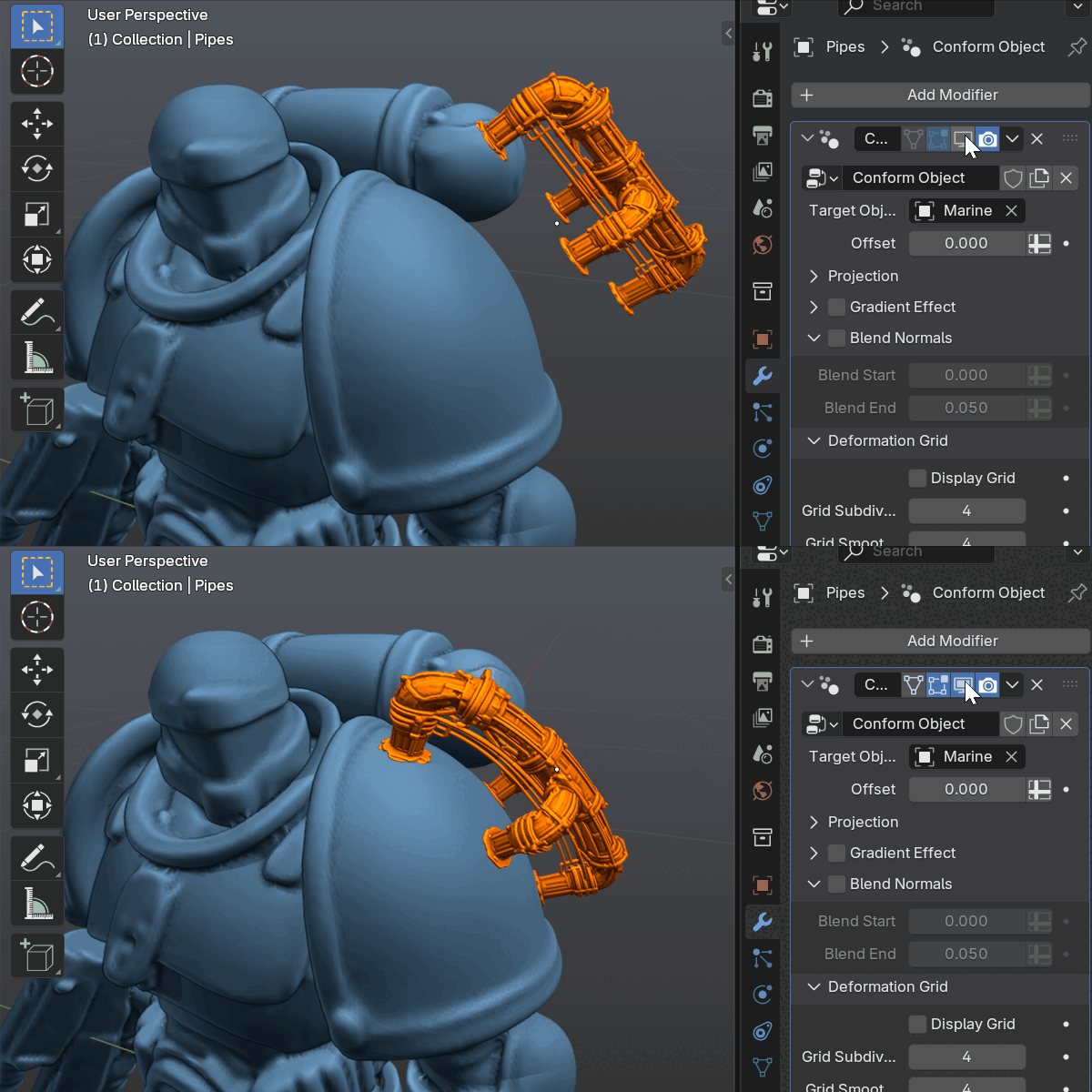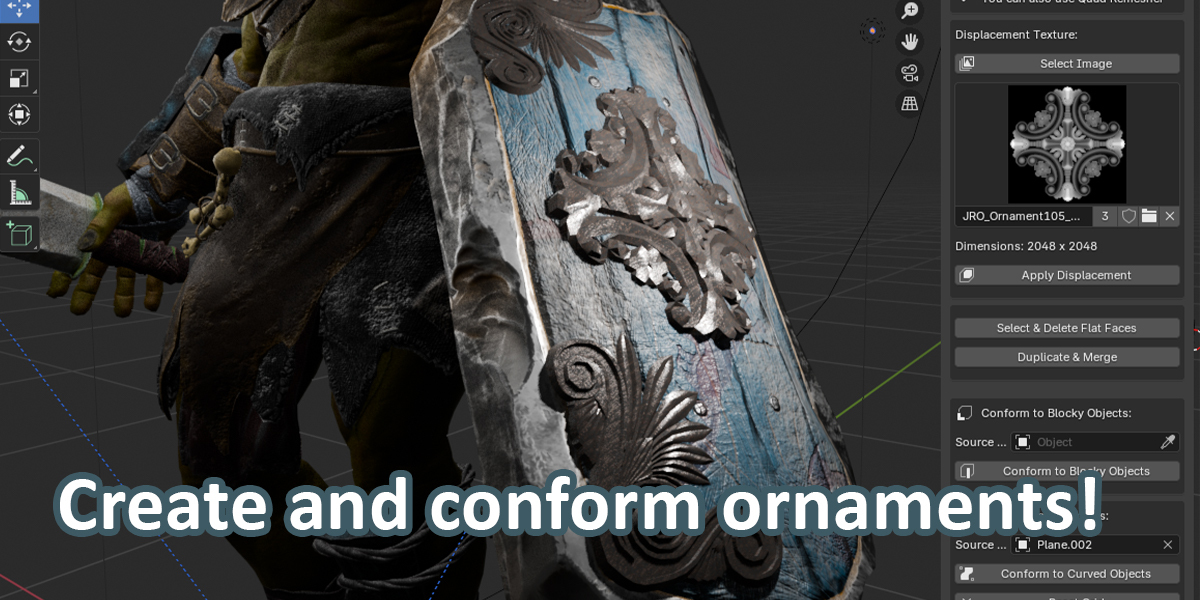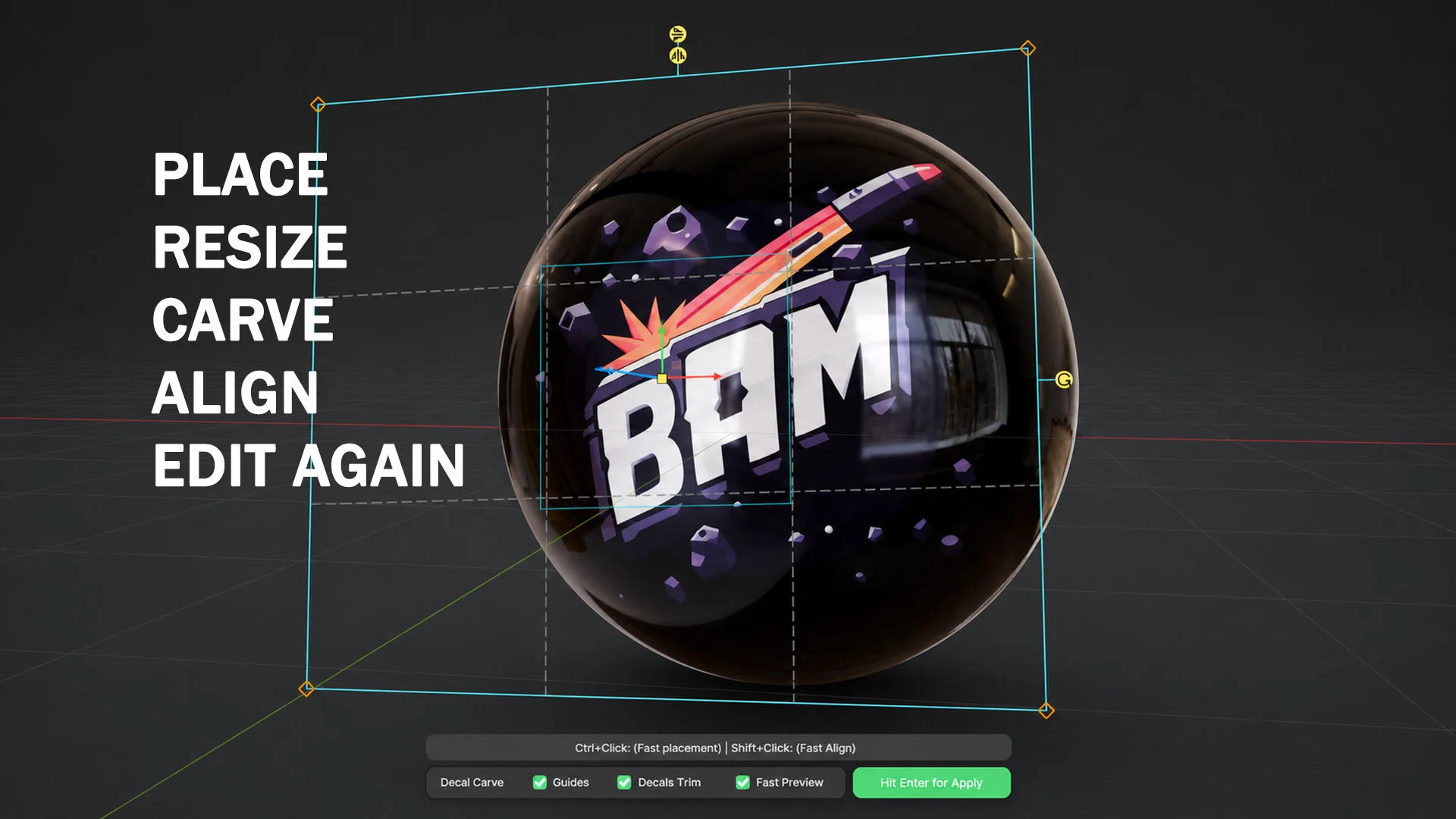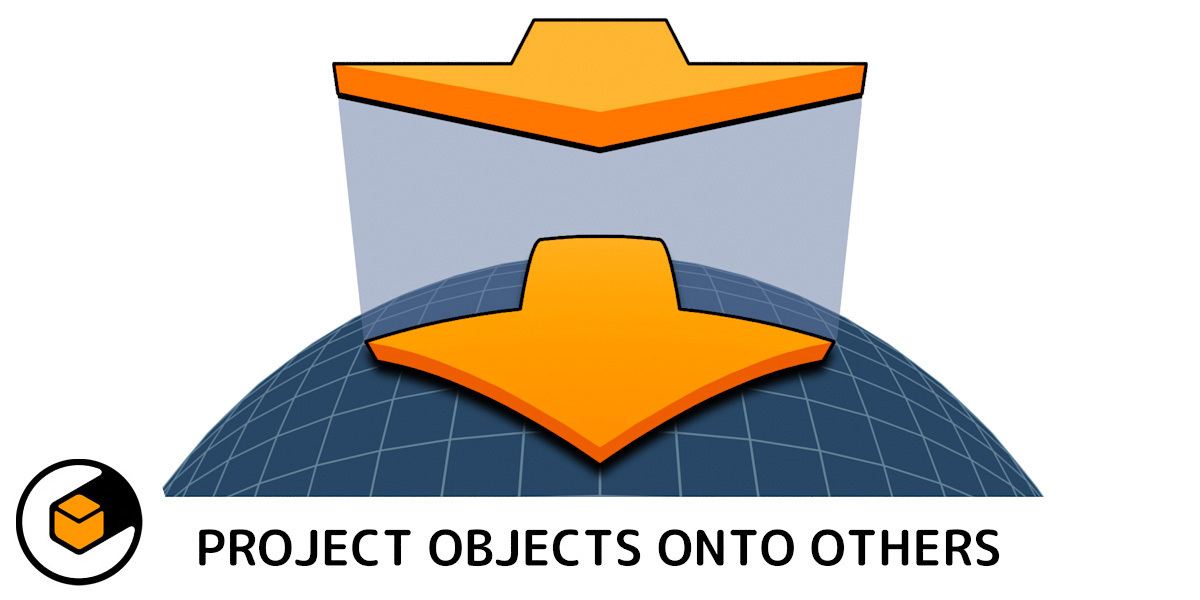
Conform Object is a Blender add-on by Mark Kingsnorth for projecting a smaller object onto a larger object's surface in one direction. It uses the source object's location and orientation to direct the projection, like a slide projector. This suits details such as badges or bolts when a straight projection fits the shape.
Shape and manage the result
A right-click menu option runs the conform operation in one go. You can choose Grid Mode or Shrinkwrap Mode, apply a gradient from the object's bottom toward its top, and transfer surface normals to blend shading. A deformation lattice can stretch an object around another surface. You can also conform multiple objects and save preferred settings as presets. The Conform Object Modifier requires Blender 4.5 or later, and its Warp Control Points let you shape results by hand.
Check the mesh and projection direction
The add-on leaves the underlying mesh unaffected and manages the modifiers involved, with undo and apply options. Results still depend on the source object's location and orientation, and on mesh topology: the mesh needs enough vertices and faces to deform well. The product listing describes the Conform Object Modifier as experimental and says it can be enabled through “Go Experimental” in the add-on preferences.
Projection is different from wrapping
Conform Object projects in one direction; it does not wrap an object around a surface. The developer says it is less useful for belts and clothing, and points to Flowify and Mesh Materializer for wrapping needs.
Compatibility and documentation
The product listing states Blender versions 2.9 through 5.2, marks the add-on as Blender Extension compatible, and lists the GPL license. Check the product listing for current compatibility and terms. The developer's documentation includes setup and troubleshooting information.