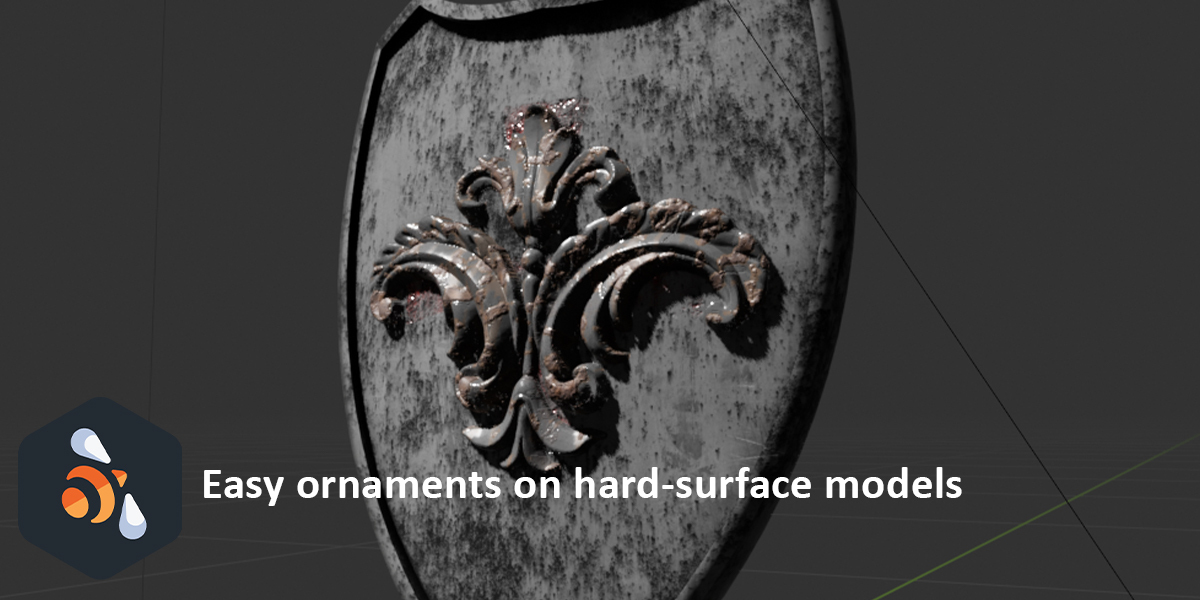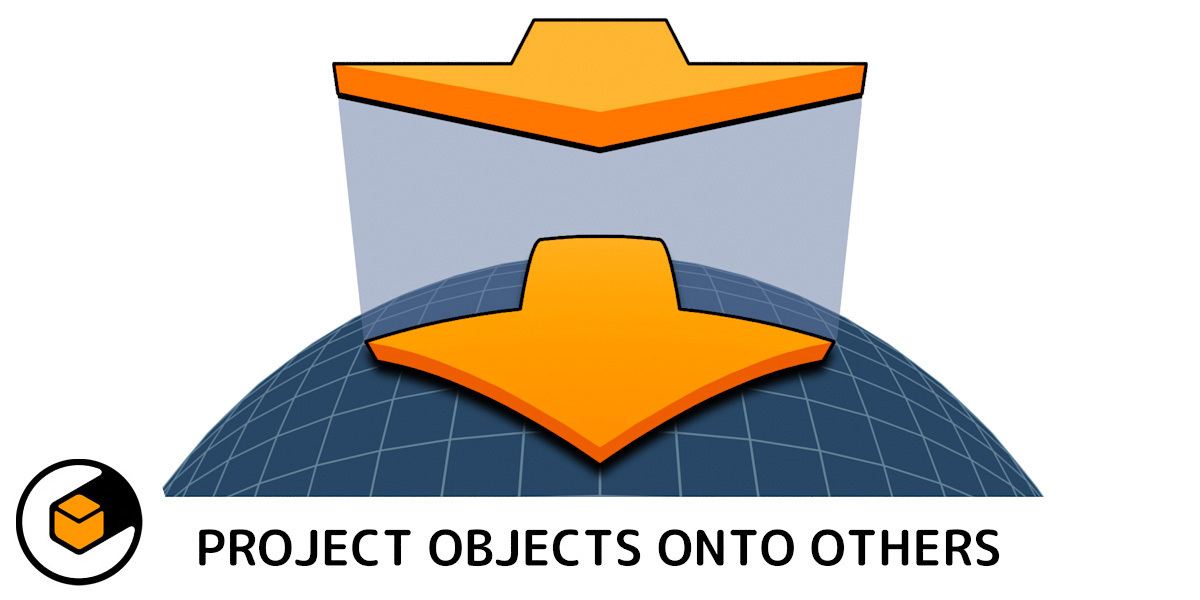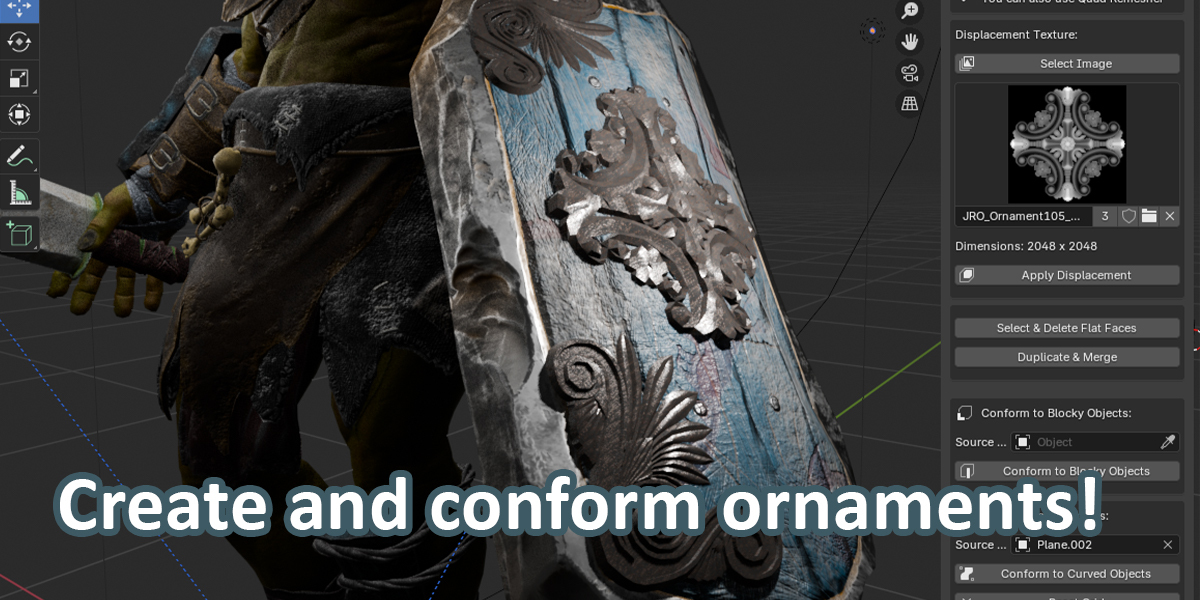
Auto Displacer And Conform is a Blender add-on by Nucleonsoft for adding ornament and other surface details to existing 3D models without damaging the original mesh. Nucleonsoft developed the add-on as an alternative to redoing details on clothing, accessories, weapons and other objects with sculpting tools.
How the workflow works
The product’s stated sequence is short: generate an ornament, then conform it to the model. Artists can use this sequence to add or change detail on an existing object. The listing does not specify the individual controls, the types of ornament input it accepts or its geometry limits.
If you are comparing it with manual sculpting, review the demo for placement around seams or sharply changing surfaces and whether the ornament can be edited after conforming. The listing does not answer these scene-specific questions.
Blender support and render engines
The Superhive listing marks Auto Displacer And Conform as Blender Extension compatible and lists Blender versions 4.3 to 4.4. Its “Render Engine Used” field names Blender-Internal, Cycles and Eevee. The available description does not explain engine-specific behavior. If you use a different Blender version or depend on a particular renderer, check the current product listing and its linked demo before installing.
License and updates
The listing labels the license Creative Commons, but the retrieved product details do not name a specific license variant. Review the linked license information to confirm the terms for your use. Nucleonsoft says purchases support continued development and future Blender compatibility, and that future updates will be free.