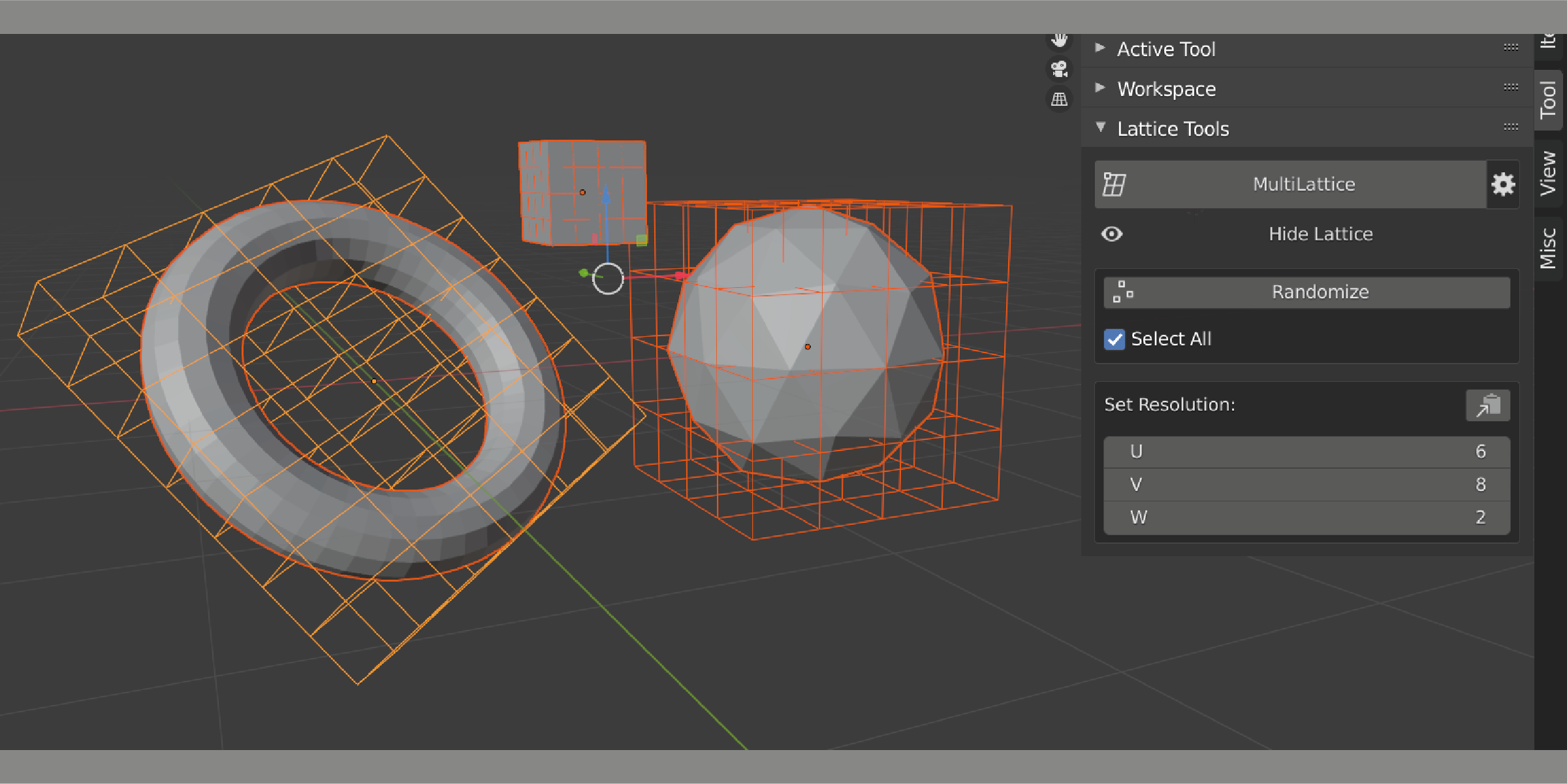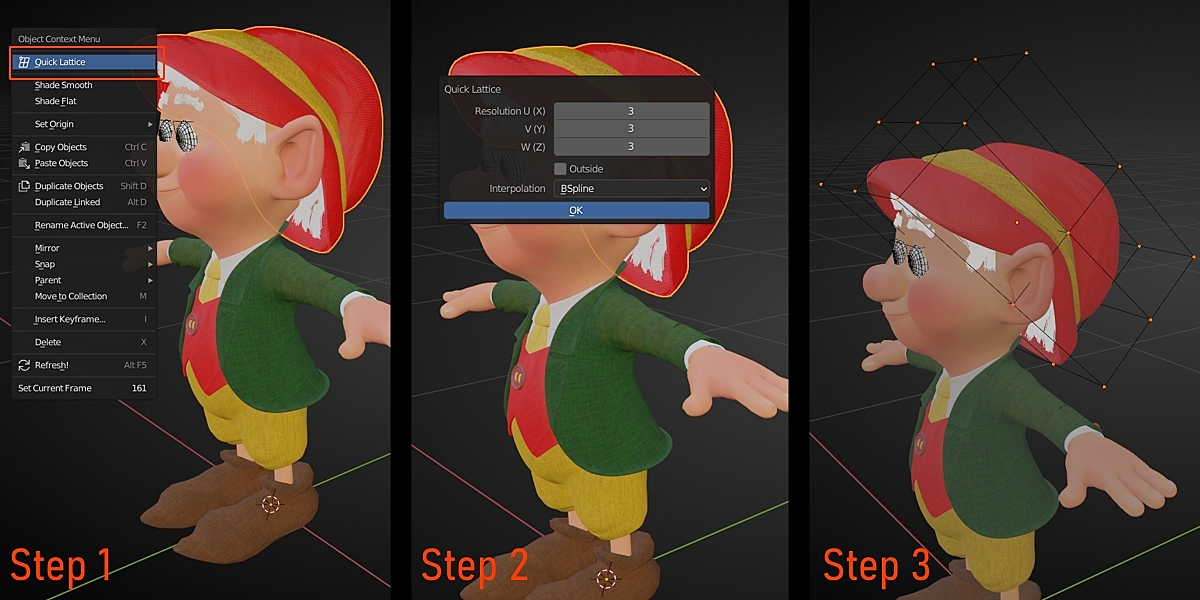
Multilattice is an add-on by Orcavia for setting up lattice deformation in Blender with one click. It fits a lattice to the dimensions and rotation of selected objects. For multiple objects, it can use one shared lattice sized to the selection's bounding box.
The add-on works in Object Mode and Edit Mode. In Edit Mode, you can create a lattice around selected vertices. A quick rotation action is available in both modes.
Find the lattice tools
Open the 3D Viewport sidebar and select the Lattice tools tab. Press N to show the sidebar if it is hidden. The controls have tooltips, and additional settings are available from the gear icon.
Keep or apply the deformation
Multilattice is designed for a non-destructive workflow. You can keep the lattice modifier editable, apply only that modifier, or apply all modifiers with one action. When applying, choose whether to delete the related lattice.
Version 1.2.3 changes
The June 2026 update places generated lattices in the same collection or collections as their target object. For group generation, the shared lattice goes into the selected target object's collection. Proportional editing is disabled by default after a lattice is generated.
Compatibility and license
The product listing identifies Multilattice as a Blender extension add-on under the GPL license and lists support for Blender 4.2 to 5.0. See the MultiLattice documentation for its interface notes and change history, or check the product listing for current details.