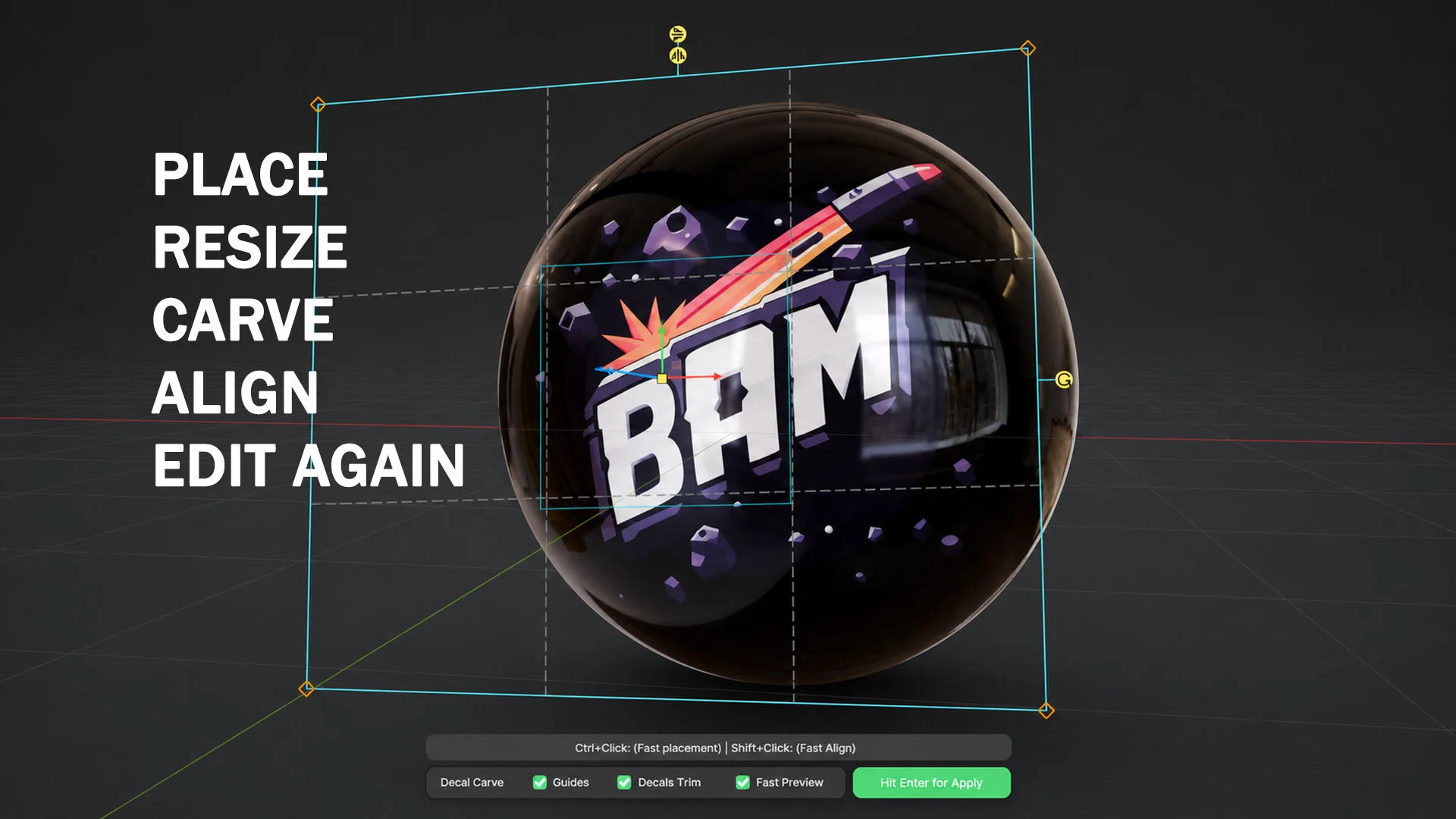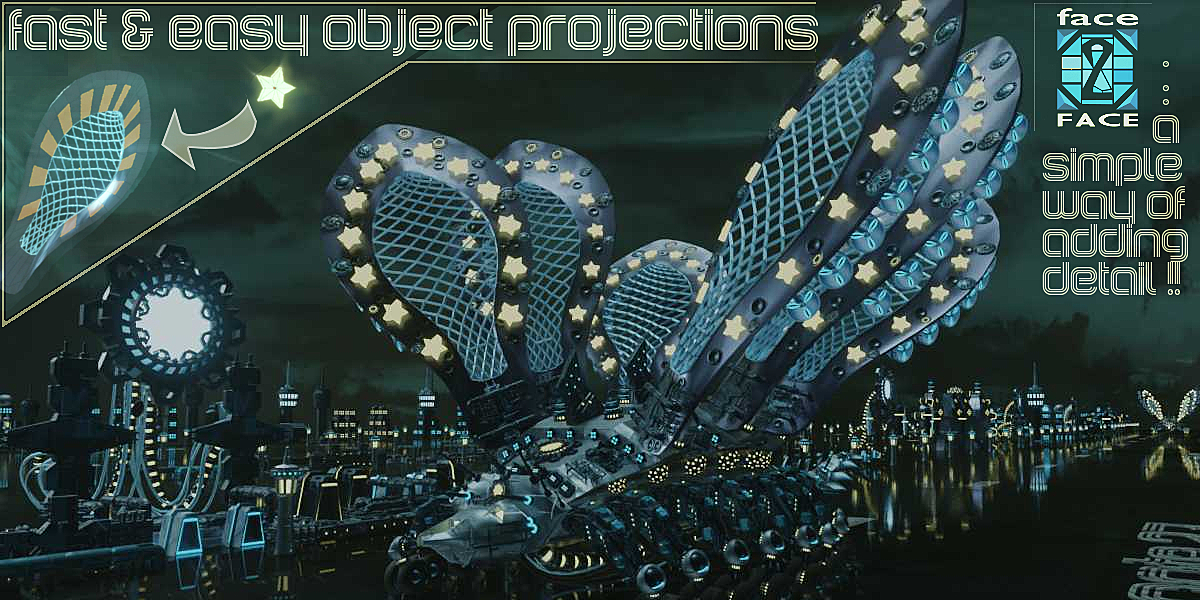
Face2Face is a Blender add-on by Neo Lekker for projecting source objects onto faces of a target object. Select one face on the source and one or more faces on the target to set the projection points. The add-on places the objects without requiring you to manage their origins or transformations. It supports multiple source objects and single or multi-target projections.
Adjust projected details together
Face2Face can alter several projected objects at the same time, which is useful when adding details across multiple faces of a model. You can adjust a projection, apply it when ready, then pick it up and change it again later. The product description presents this as a non-destructive workflow.
The add-on also assists with setting up hard-surface Boolean modifiers across several faces or objects at once, including alongside other add-ons. The product listing also mentions workflows involving the Geometry-Node modifier.
Installation and documented compatibility
The Face2Face documentation describes installing the downloaded face2FACE.zip file through Blender's Edit > Preferences > Add-ons > Install menu. To start a projection, select a face on the source object and one or more faces on the target, then press F7. Shortcut help is available in the add-on's N-panel during execution.
The product listing names Blender 2.83, 2.9, 2.91, 2.92, 2.93, and 3.0 as compatible versions, and identifies the license as GPL. It does not list later Blender versions, so check the developer's documentation before using Face2Face with a newer release.