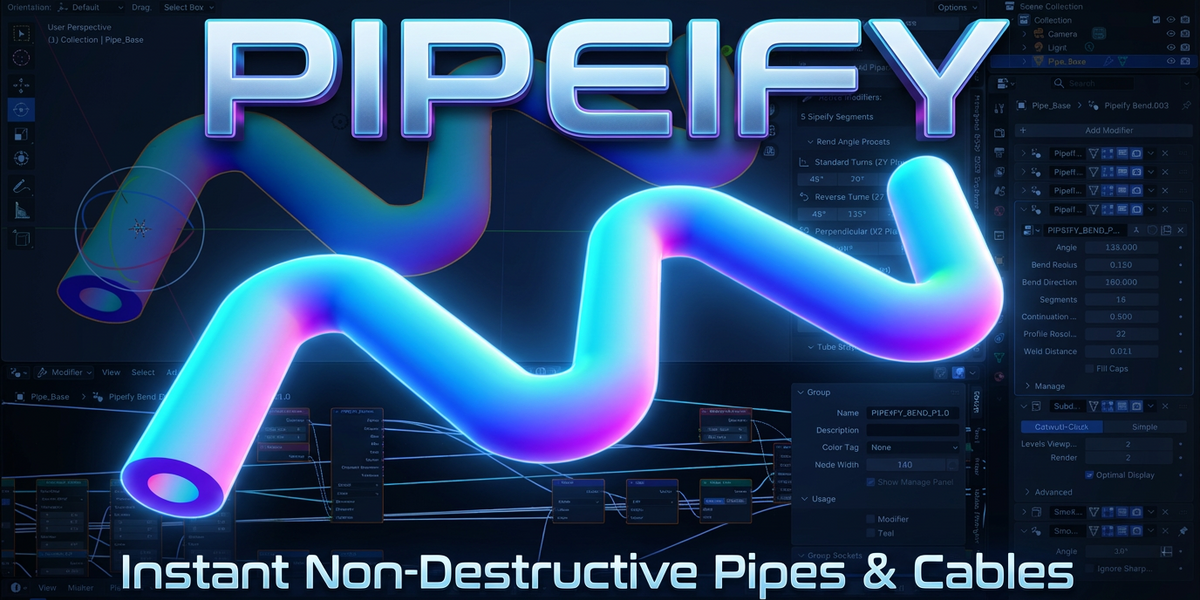
Pipeify is a Blender add-on for building pipe, tube, and cable paths from a base cylinder. It uses Geometry Nodes modifiers for bends and joints, so you can adjust settings such as radius, angle, direction, and segment count as you work. The Pipeify documentation describes the setup and modifier controls.
Build a path with stacked bends
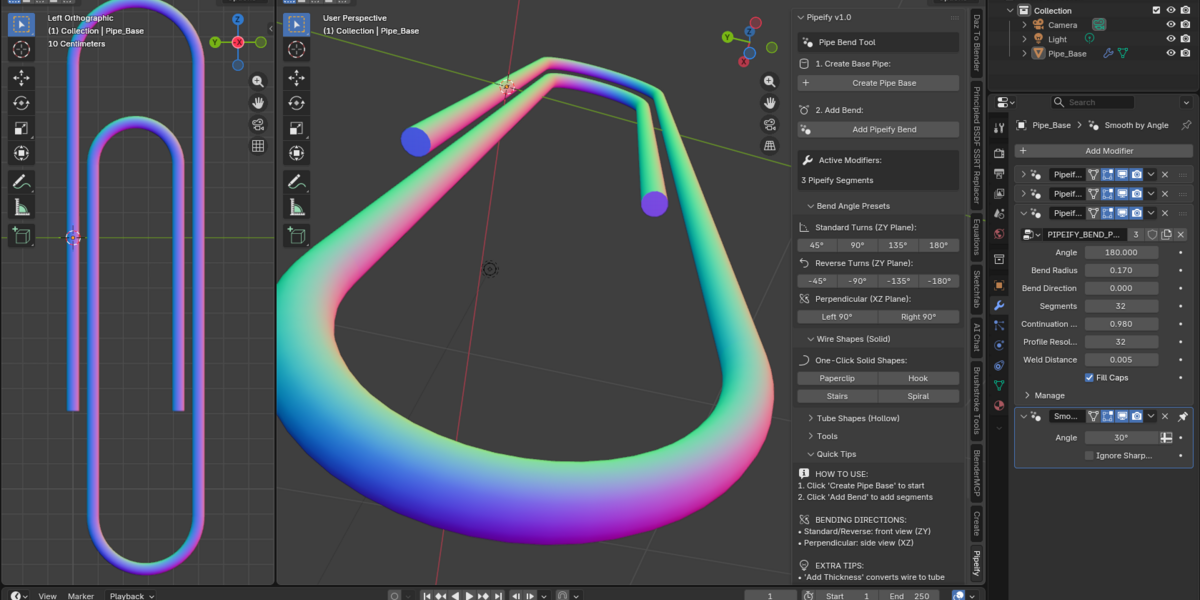
Click “Create Pipe Base” to add a cylinder with the attributes Pipeify needs. Then select it and add bend segments, choosing a preset angle of 45°, 90°, 135°, or 180°, or entering a custom angle. Each bend sits in its own Geometry Nodes modifier, so you can change its parameters later in Blender’s Modifier Properties panel.
For layouts that turn in three dimensions, Pipeify provides Standard and Reverse bends in the ZY plane, plus Left and Right perpendicular bends in the XZ plane. Add bends in sequence to extend the path. The product listing describes the available modes and tools.
Choose wire or tube shapes
Pipeify includes solid wire presets such as Paperclip, Hook, Stairs, and Spiral, along with hollow tube presets such as U-Turn, S-Bend, Zigzag, and Labyrinth. Its Add Thickness tool adds a Solidify-based modifier to turn a solid cylinder into a hollow tube. A Weld Distance setting merges vertices at joints; Profile Resolution and Segments let you adjust the cross-section and bend smoothness.
Check the mesh and Blender version
Pipeify is designed for mesh-based modeling. Its documentation recommends open cylinders without a top cap, aligned with the Z-axis, for best results. The add-on can prepare a mesh cylinder, while other shapes such as cubes or cones may be converted to circular pipe geometry.
The documentation says Blender 4.2 or newer is required, while the marketplace details list Blender 4.2–5.0. Check the product listing for the supported range before installing. To install, drag the downloaded ZIP into Blender 4.2 or newer, or use Edit → Preferences → Add-ons → Install from Disk. The Pipeify controls appear in the 3D Viewport Sidebar under the Pipeify tab; press N to open the sidebar.
Adjust bends and joints
If a bend self-intersects, the documentation recommends reducing Bend Radius or increasing Continuation Length. If segments have gaps, increase Weld Distance; the docs suggest trying 0.01–0.02. For background pipes, they suggest lowering Profile Resolution to 8–16 to reduce geometry. See the full documentation for modifier settings and troubleshooting details.