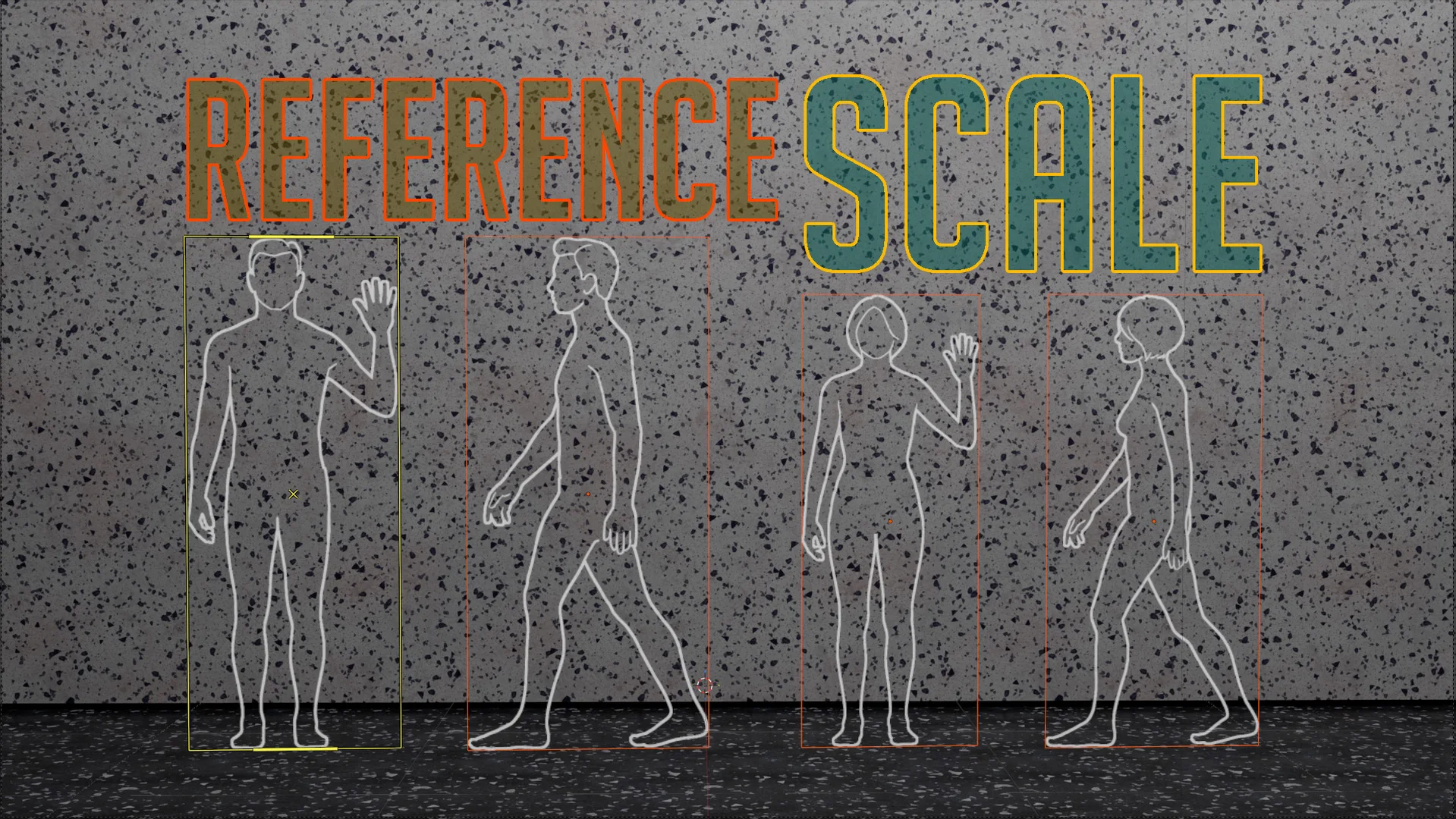
Banana For Scale is a Blender add-on by Prince Eagle that imports real-world scaled meshes into a scene. Use them as references when checking the size of your own models. The creator says the objects are not primarily intended for modeling, although you can use them that way.
Install and add a reference mesh
- Download the add-on ZIP file. In Blender, open Edit > Preferences > Add-ons > Install and select the ZIP.
- Activate the add-on, then set the location of the OBJ files in its preferences.
- In the 3D Viewport, press Shift+A, open Mesh > For Scale, and choose an object to import.
The available reference objects come from the configured directory. Add or delete .obj files there to change which objects are available from the For Scale menu.
Compatibility and license
The Superhive product listing identifies the add-on as GPL and lists Blender versions 3.0 through 3.5. The retrieved listing does not confirm compatibility with newer Blender versions. Check the creator's documentation for current setup details before installing on a version outside that range.