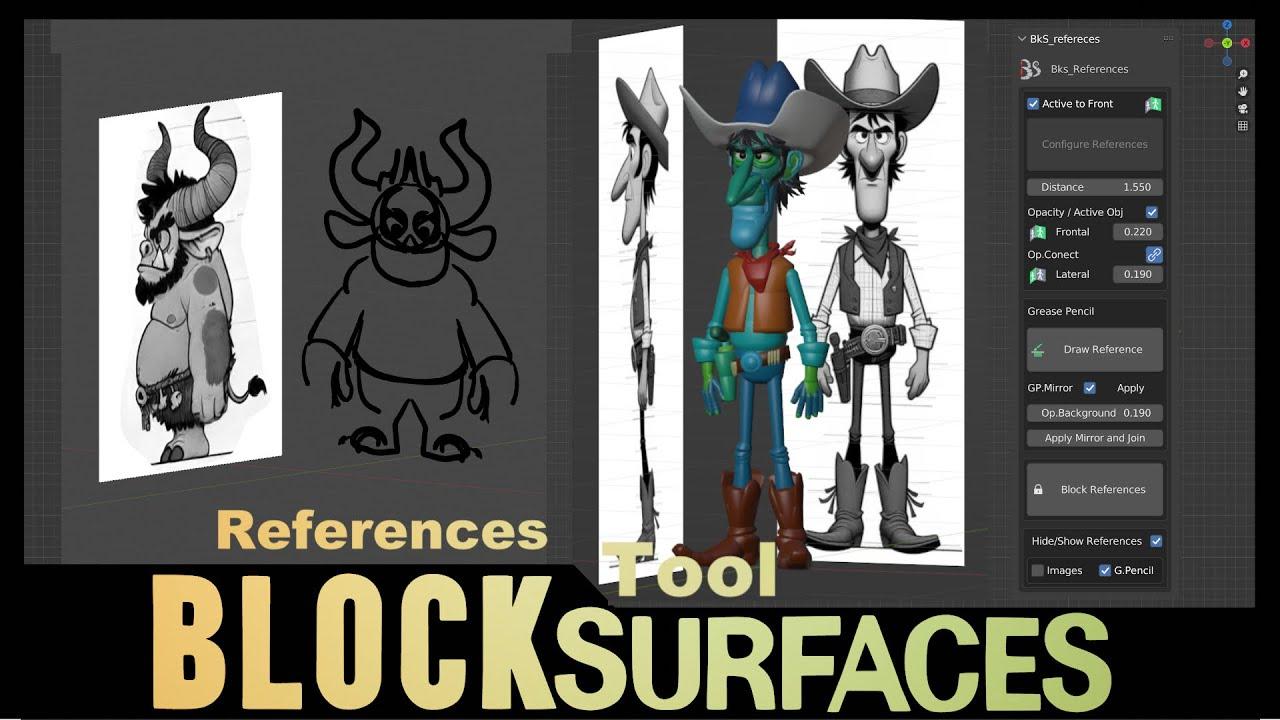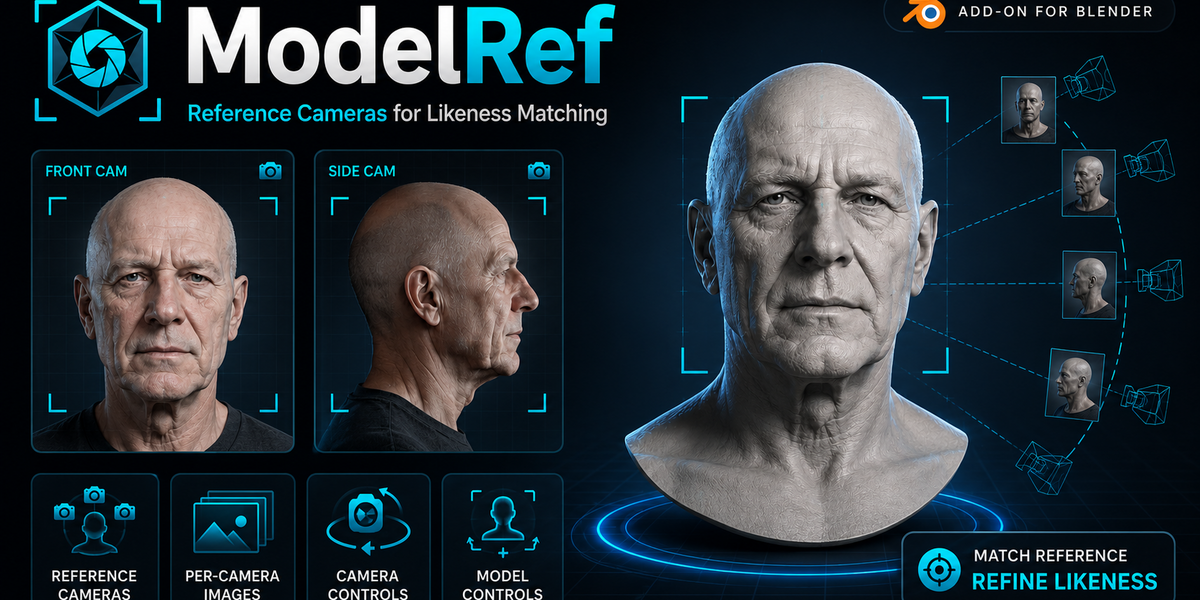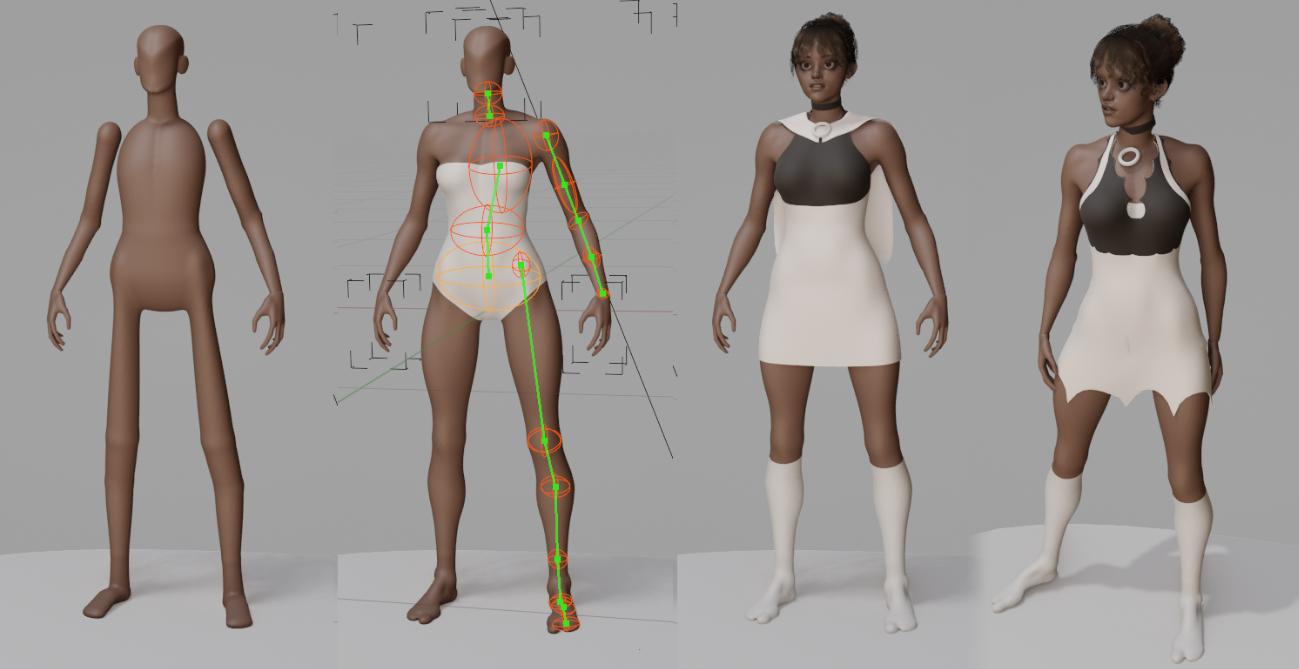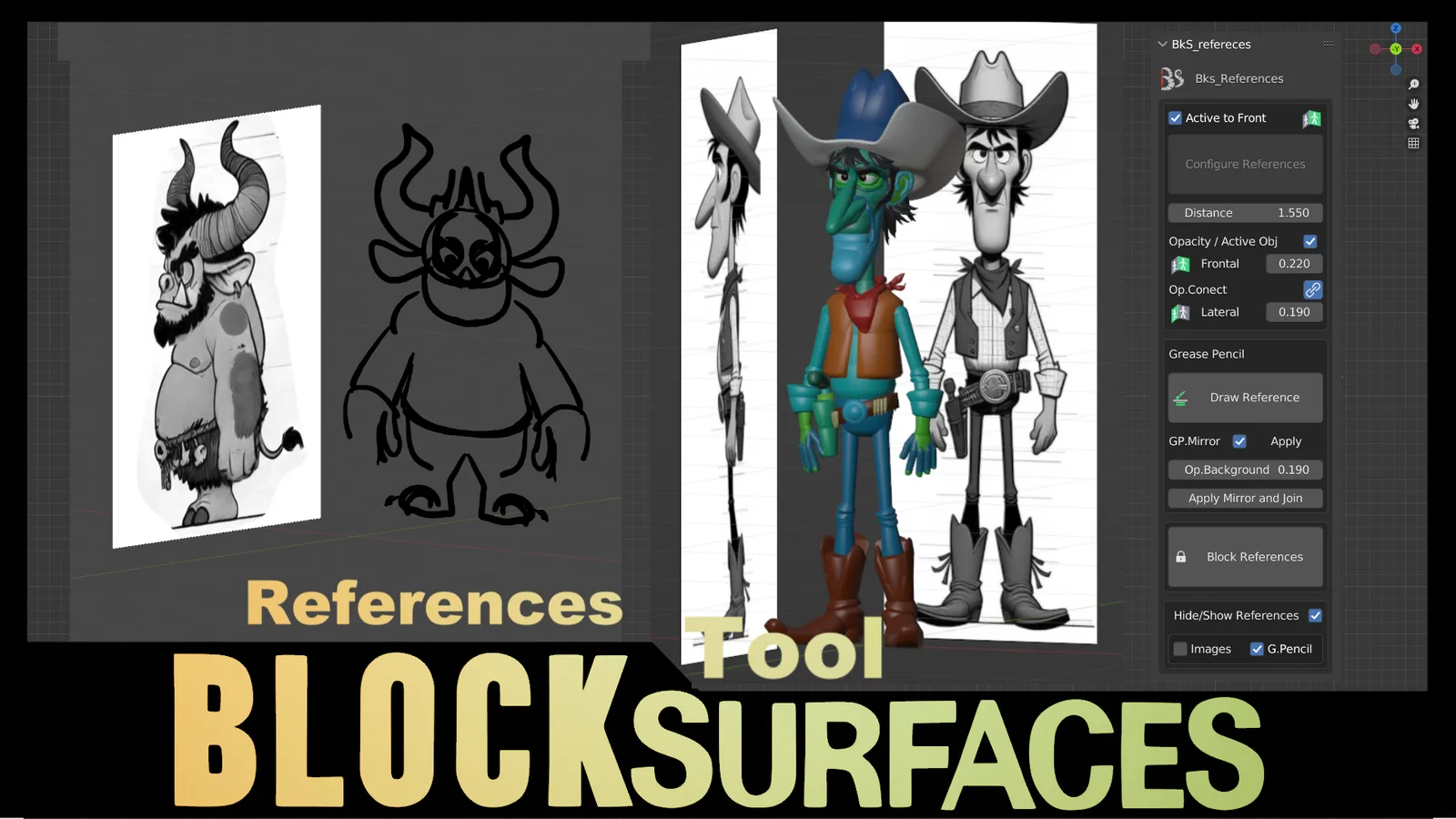
Blocksurfaces-References-Tool is a Blender add-on from AitToolsB for setting up visual references before modeling. Drag images into the 3D scene to place them as front or side references, or draw a custom reference in the 3D view with Grease Pencil.
Its options panel controls how references are assigned, positioned, displayed and protected from accidental edits. The Superhive product listing includes a video manual and example videos.
Arrange front and side references
When two images are selected, Active to Front assigns the active image to the front reference and the other to the side; with the option off, it assigns the active image to the side and the other to the front. The Distance setting adjusts the space between the references and the model’s center.
A.Obj Opacity controls the highlighted object's opacity relative to the rest; Front Opacity and Side Opacity adjust each reference separately. Op.Conect links the two reference opacity controls for simultaneous adjustment. You can also show or hide image and Grease Pencil references by type, then lock references to prevent accidental changes.
Draw and combine Grease Pencil references
Draw Reference creates a Grease Pencil object for drawing in the 3D view. Gp.Mirror applies a Mirror modifier to that object, and Apply confirms the modifier changes. Apply Mirror and Join combines a selected object with the active Grease Pencil object, applying the modifier and equalizing their opacities when needed. Op.Background sets a preset background color for the remaining references when you draw a new reference, helping make new strokes and references cleaner.
Compatibility and listing details
The Superhive listing identifies the license as GPL and lists Blender 3.6, 4.0, 4.1 and 4.2. AnyPlugins lists the add-on as free. The supplied product details do not establish compatibility with later Blender releases; check the current product listing for compatibility and terms before installing.