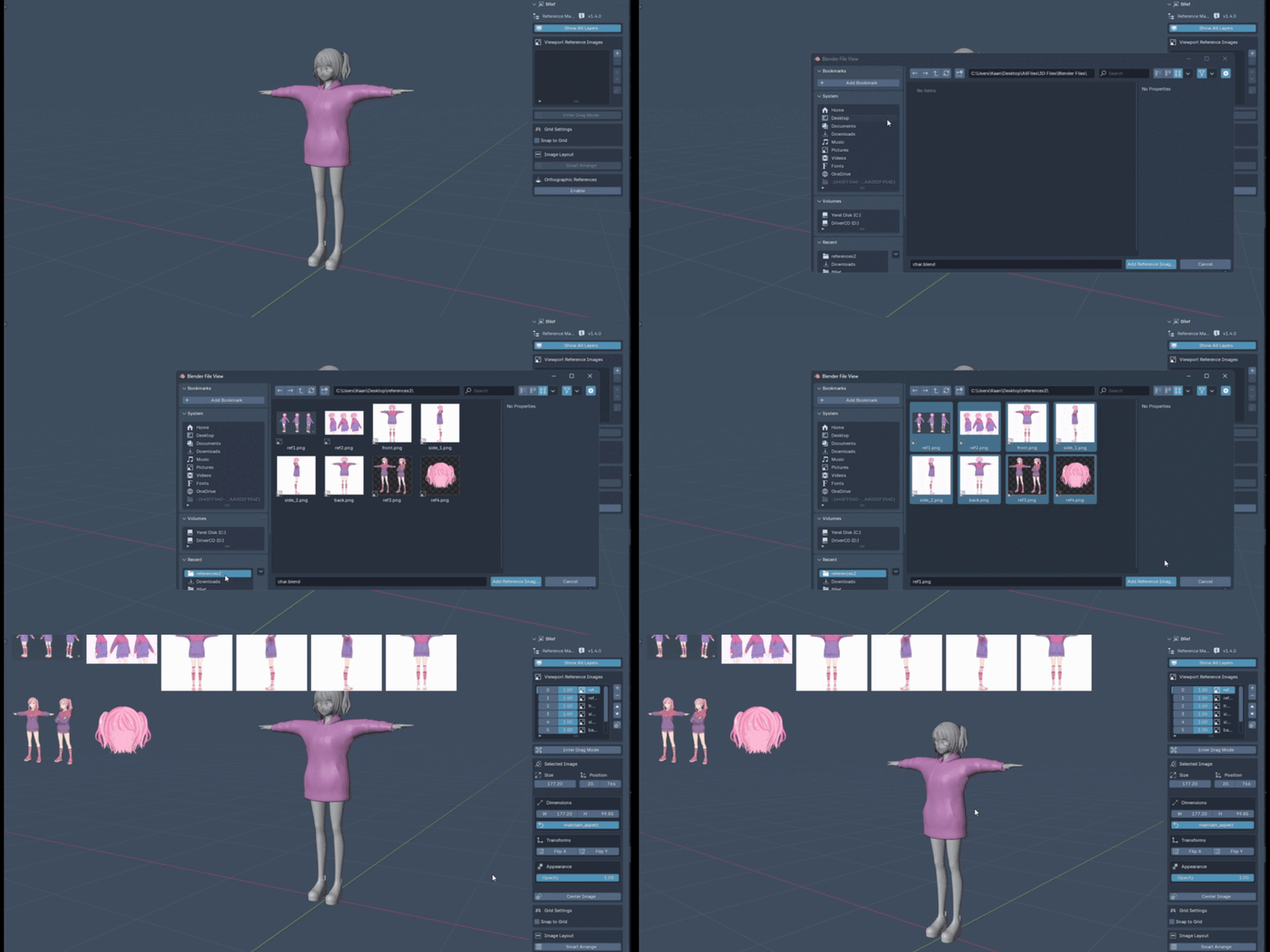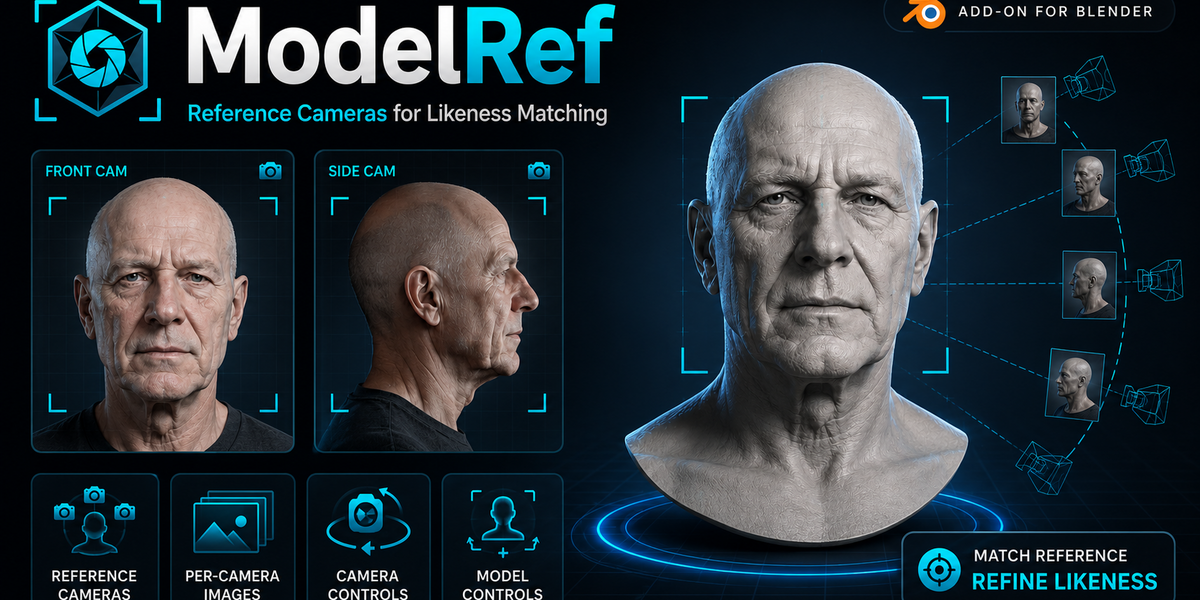
ModelRef is a Blender extension for comparing a model with reference images from dedicated cameras. Each camera can hold its own image and settings, so you can switch between front, profile, back, or custom views without managing separate image planes. It suits character artists, sculptors, likeness artists, portrait modelers, and 3D modelers working from multiple references.
How the reference camera workflow works
Create or select a ModelRef camera, load an image, then adjust its projection, focal length or orthographic scale, opacity, image scale, rotation, and X and Y offsets. Camera View zoom and pan are saved separately for each camera, so each view can keep its own framing.
Reference images appear as camera backgrounds in the viewport. They are not included in the final render. The image scale and offsets change the reference inside the camera frame; they do not scale or move the model. See the ModelRef documentation for the camera controls and workflow details.
Choosing ModelRef Lite or Pro
Lite supports up to three reference cameras. It includes per-camera images, perspective and orthographic projection, image adjustments, camera duplication and deletion, independent Camera View framing, and automatic focal-length compensation.
Pro includes Lite’s features and supports unlimited reference cameras. It adds Multi-View slots for front, back, left and right profiles, and angled views, along with camera and model controls, keyboard shortcuts, precision controls, saved baselines, composition guides, and reorderable panel sections. Multi-View cameras start at a fixed distance from the World Origin, so you may need to reposition or scale a model that is far from the origin.
Focal length and matching limits
For perspective cameras, changing focal length moves the camera along its optical axis to preserve the target’s apparent framing. Lite uses the World Origin as its target. Pro uses the center of the assigned model, or the World Origin if no model is assigned. The model itself is not moved or scaled by focal compensation.
Changing focal length still changes perspective. Very wide or long lenses can alter the apparent shape of the subject, and very low focal lengths may bring the camera close to or inside the model. ModelRef supports manual reference matching; it does not automatically align a model, detect facial landmarks, create a likeness, or modify mesh geometry.
Compatibility and installation
The product documentation lists Blender 4.2 or newer and Windows, Linux, and macOS support. Install the downloaded ZIP without extracting it: in Blender, open Edit > Preferences > Get Extensions, choose Install from Disk from the extension menu, and select the ZIP file. If Blender does not enable ModelRef automatically, enable it; then close Preferences and open a 3D View, press N to show the sidebar, and select the ModelRef tab. Lite and Pro are alternative editions; the documentation advises enabling only one at a time. Check the ModelRef product page for the current download and product details.