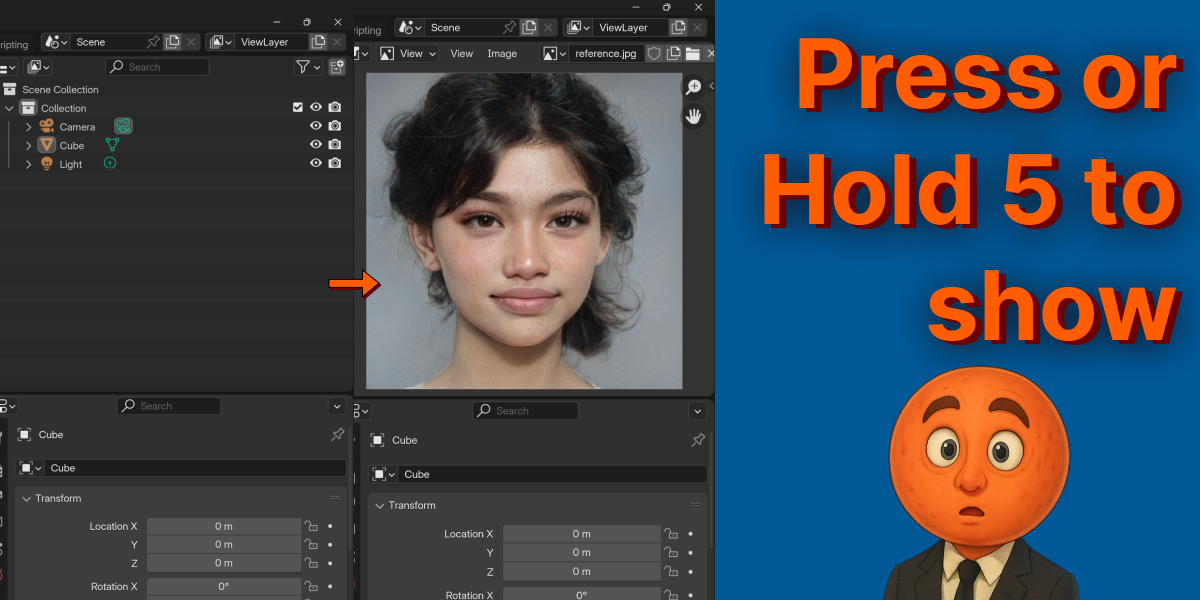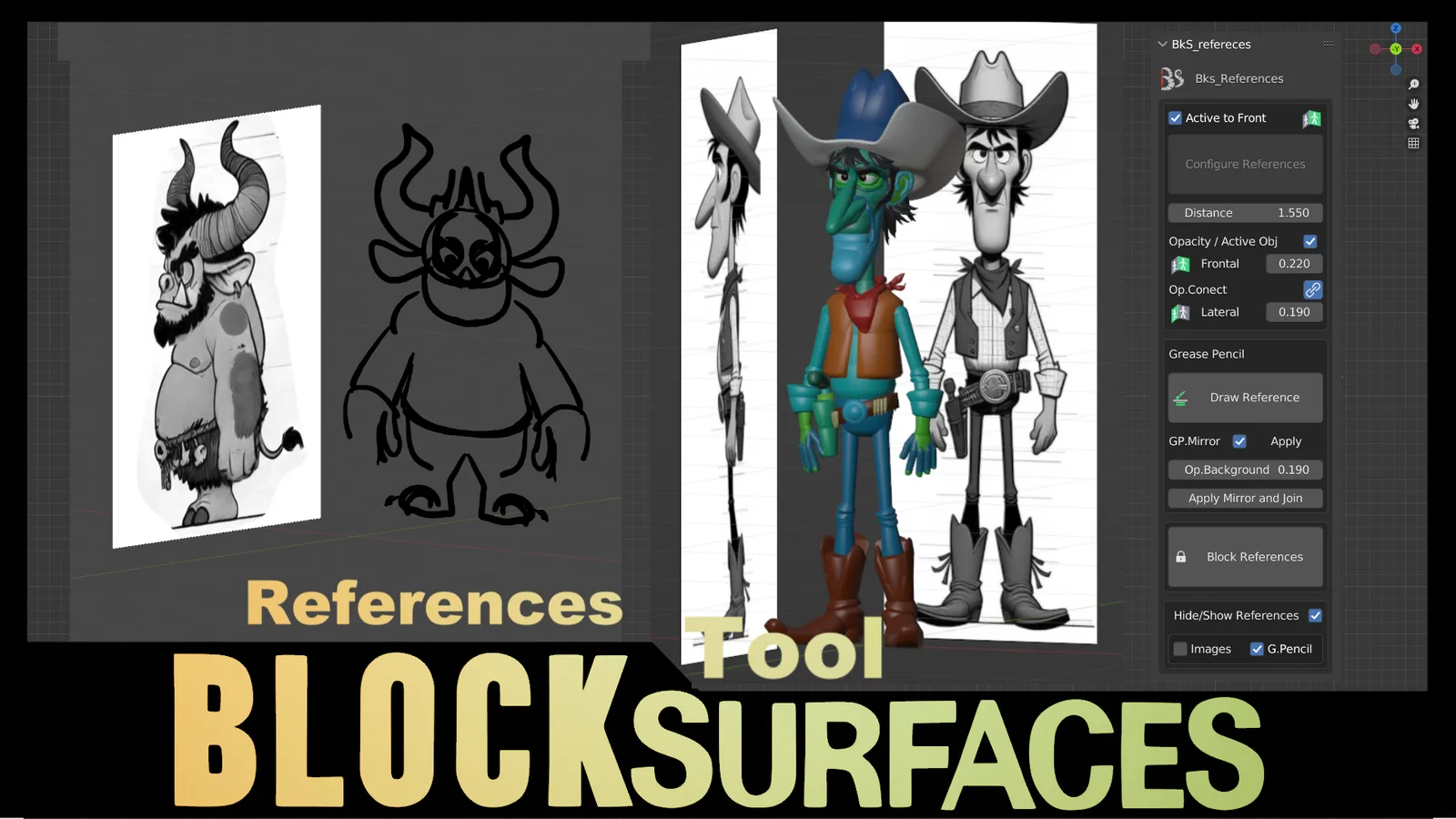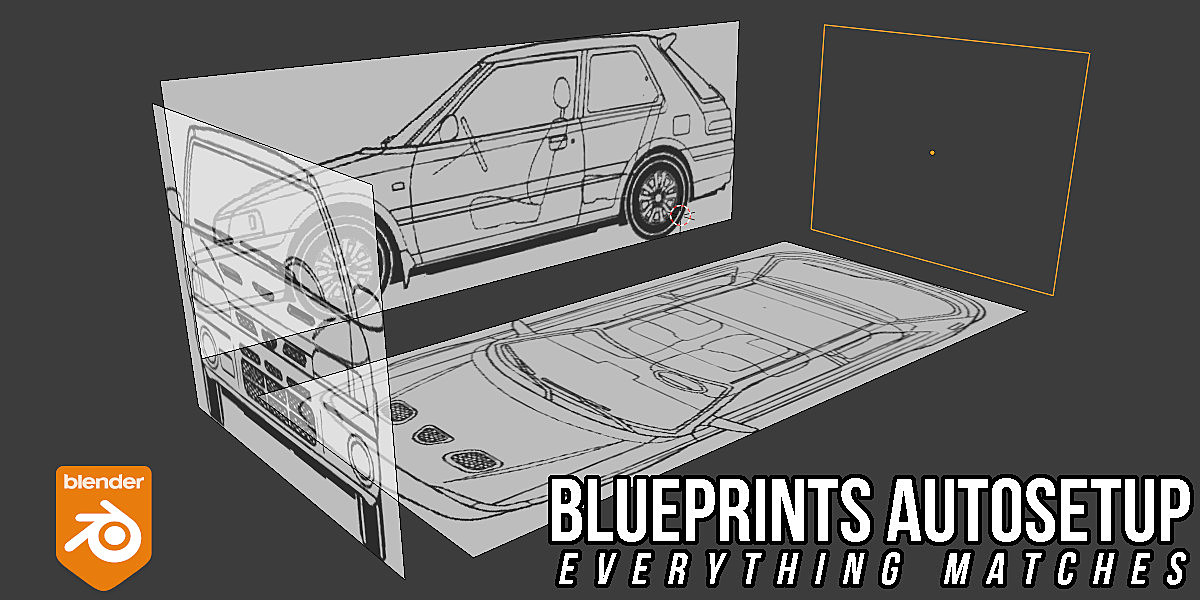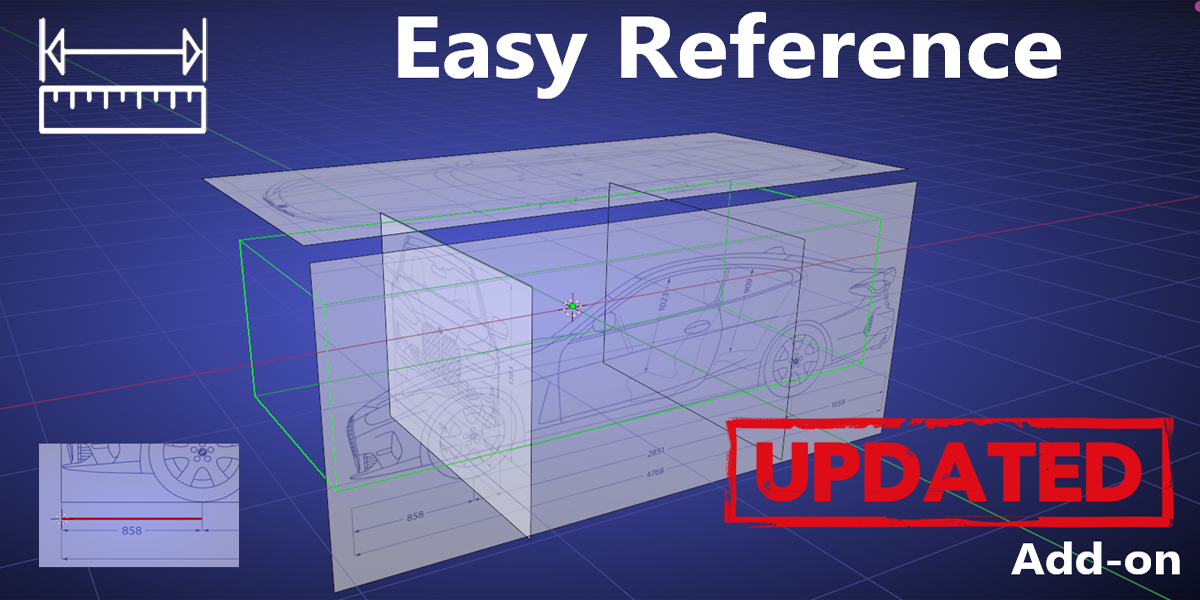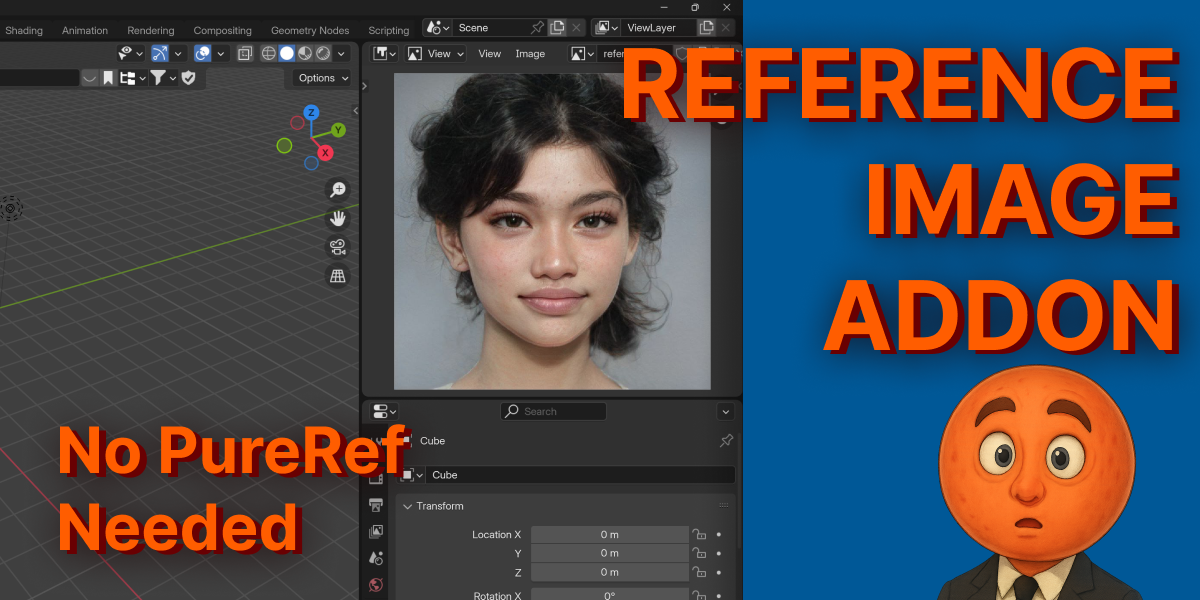
Reference Image Addon (Pureref Alternative) keeps reference images inside Blender. Its 3D View sidebar lets you load multiple images, then switch to viewing them in the Outliner. This can suit artists who compare concept sketches, orthographic views, or blueprints while modeling and want to keep that work in Blender.
Switch references with hotkeys
Load images from your computer through the sidebar panel. To view them, hold "5" to turn the Outliner into an image viewer, then use "4" and "6" to cycle through the loaded images. The add-on supports toggled or temporary viewing modes, and the Outliner area returns to its original state afterward.
Organize images in the sidebar
The panel displays image names, icons, and a list of references. You can add images or clear ones you no longer need there. The available product information does not specify whether images are packed into a Blender project or remain linked to files on disk. Check the add-on documentation if you need to move or share a project.
Compatibility and license
The Superhive product listing identifies the add-on as compatible with Blender 4.0 through 4.5 and lists a GPL license. AnyPlugins says the add-on works with Blender 4.0.0 and newer, beyond Superhive's listed range. Check the seller's current listing if you use a release outside Superhive's stated range.
Who may find it useful
This add-on is aimed at artists, designers, and modelers working on character creation, architectural visualization, or asset design. The listing describes it as a PureRef alternative, with image management and viewing controls inside Blender. It does not establish feature-for-feature parity with PureRef, so check the documentation if you rely on a specific feature.